341Overall Color Corrector Operations
Chapter 9 Color Corrector
3
Press [Copy].
This carries out the copy.
Swapping color corrector data
Refer to the procedure described in the previous item “Copying color corrector
data.” In step 3, press [Swap] instead of [Copy].
To undo copy or swap
In the Copy/Swap menu, press [Undo].
The state before carrying out the copy or swap is restored.
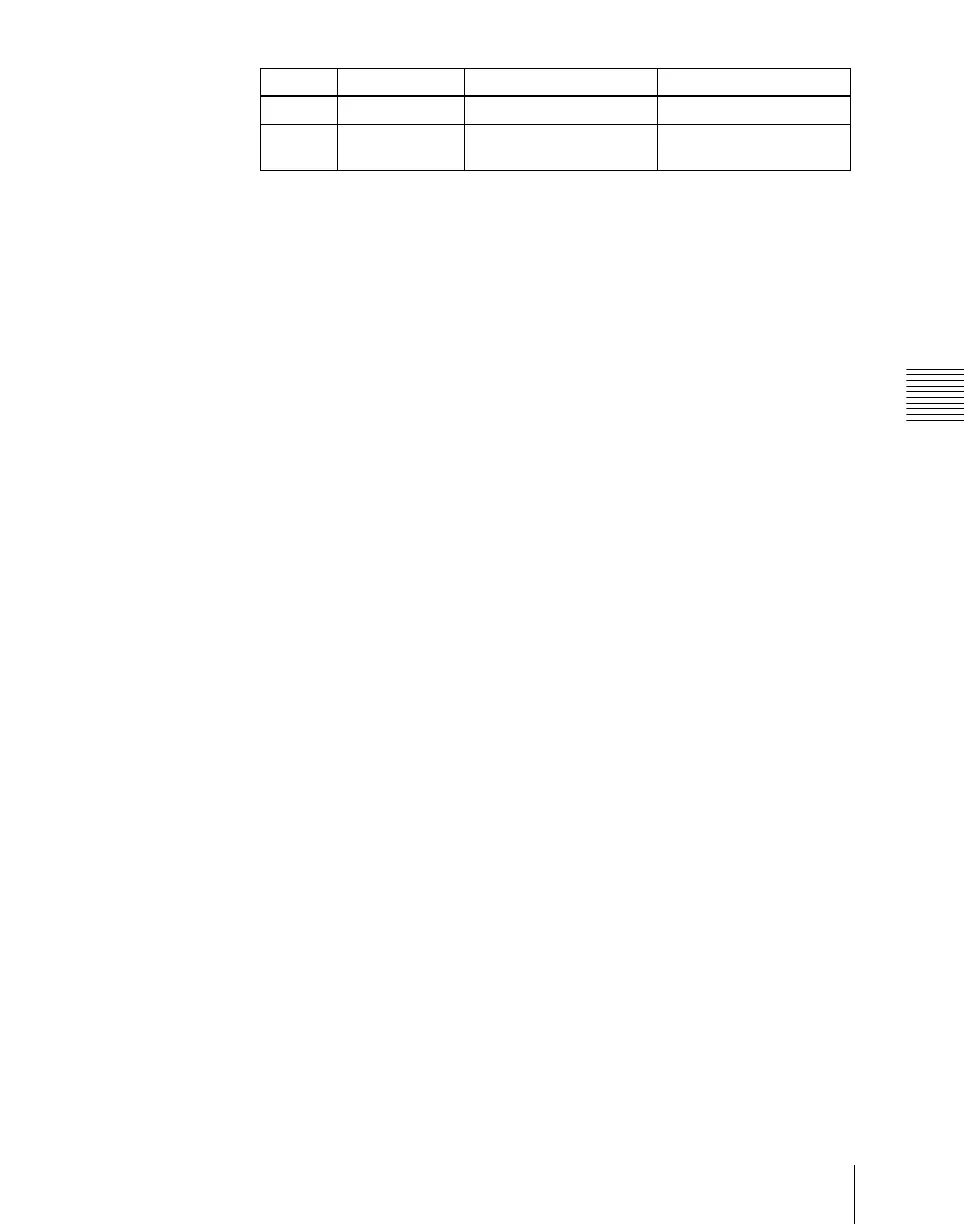
Knob Parameter Adjustment Setting values
1 Left No Select copy source data 1 or 2
2 Right No Select copy destination
data
1 or 2













 To Next Page