425Three-Dimensional Transformation Operations
Chapter 11 DME Operations
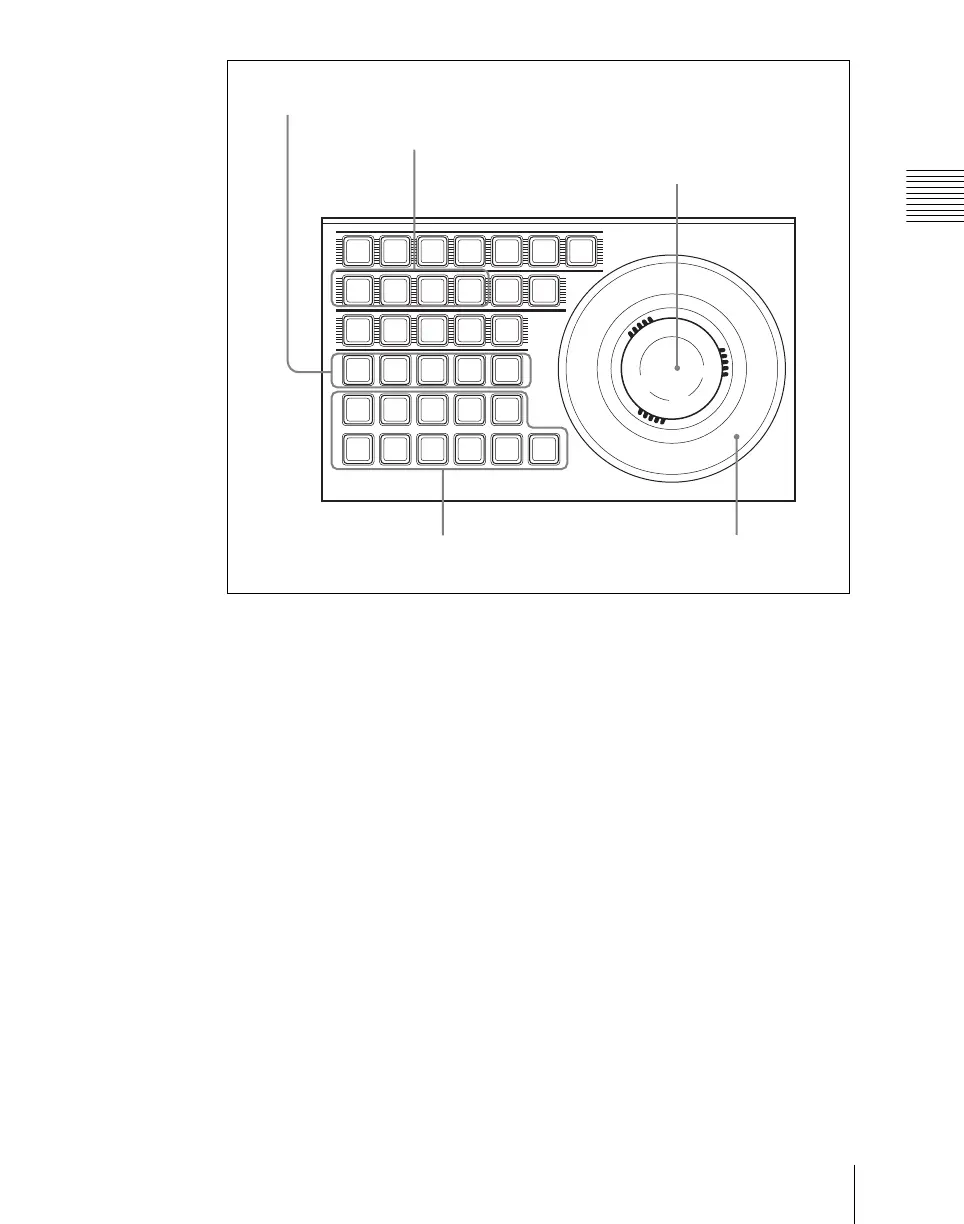
Buttons used when the three-dimensional transform operation
mode is enabled
LOCAL: Enable operations in the DME local coordinate space.
GLB (global): Enable operations in the DME global coordinate space.
The [LOCAL] and [GLB] buttons can be selected at the same time.
SRC (source): Enable operations in the DME source coordinate space.
TRGT (target): Enable operations in the DME target coordinate space.
The [SRC] and [TRGT] buttons cannot be selected at the same time. When
these buttons are held down, trackball and Z-ring operation is switched to
a finer control. (fine mode)
AXIS LOC (location): When this button is lit, the trackball moves the
rotational axis of the image in the x-axis and y-axis directions, and the Z-
ring moves the axis in the z-axis direction.
ASP PERS (aspect/perspective): When the [SRC] button is lit, pressing this
button enables the trackball to control the x-axis and y-axis directions
independently, and the Z-ring controls the x-axis and y-axis directions
together, to vary the aspect ratio. When the [SHIFT] button is held down
and this button is pressed, the trackball controls the skew of the image in
the x-axis and y-axis directions.
When the [TRGT] button is lit, pressing this button enables the trackball
DEVUSER
M/E1
DME1
DME5
MENU
SHIFT
M/E2
DME2
DME6
ASP
PERS
SUB
AXIS
LOC
MAIN
LOCAL
K1
CB1
GLB
K2
CB2
CLR
WORK
BUFR
M/E3
DME3
DME7
X
P/P
DME4
DME8
Y Z CTR
RUN
CTRL
LOC
SIZE
ASP
LOC
XYZ
LOC
ROT
POS
RSZR
SRC
K3
TRGT
K4
RSZR
CTRL
Function assignment buttons
Operating buttons
Z-ring
Region selection buttons (DME1 to 4)
Trackball













 To Next Page