Chapter 11 DME Operations
466
DME Special Effect Operations
a) The Soft parameter is valid only when [Internal] is selected in the <Flex Shadow Source>
group.
Setting the center point of the flex shadow
1
In the Flex Drop Shadow menu, press [Axis Loc], turning it on.
2
Adjust the following parameters.
The valid ranges of the parameter values depend on the aspect ratio (4:3/
16:9) selected in the system, as follows.
•4:3 mode
• 16:9 mode
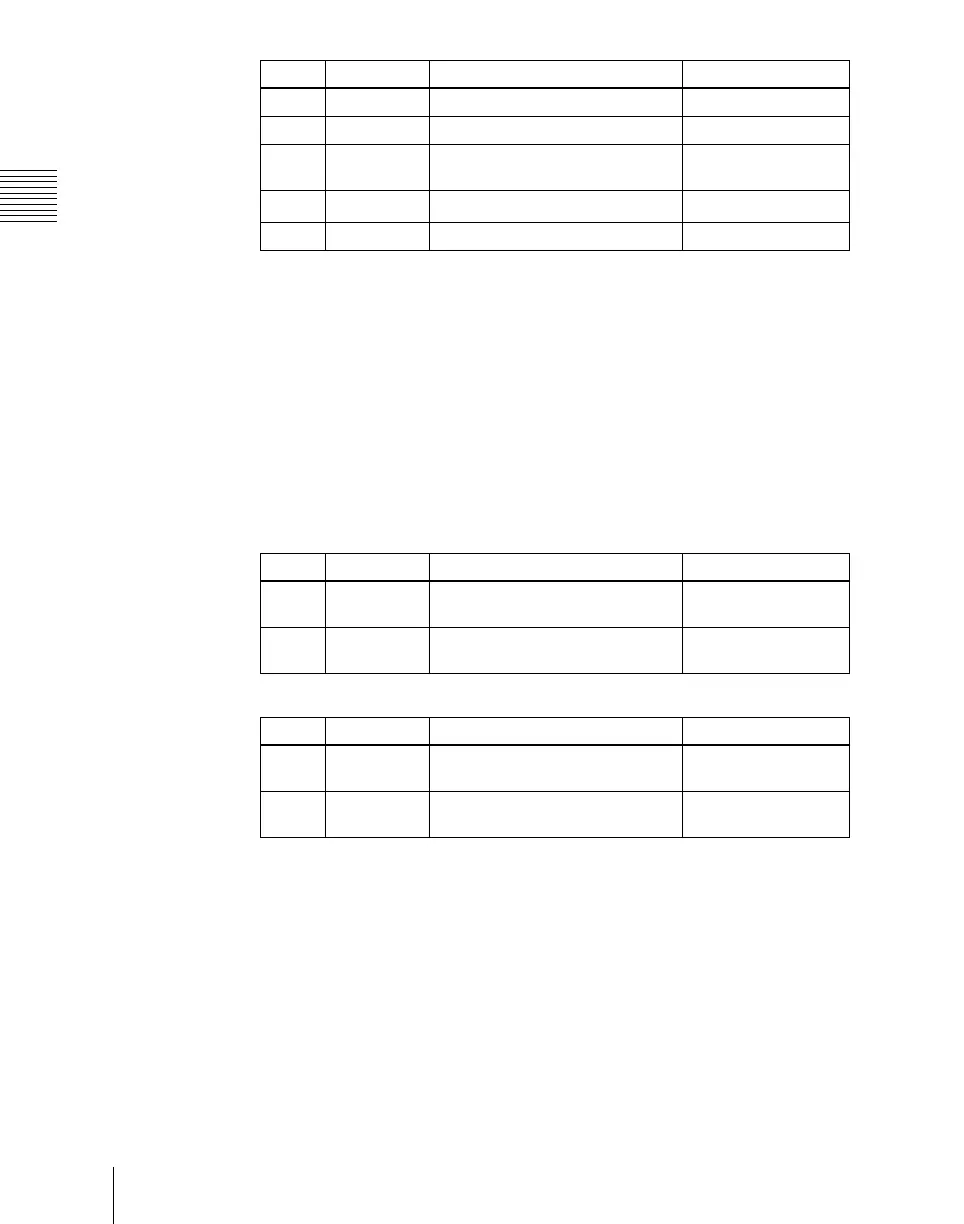
Knob Parameter Adjustment Setting values
1 Size H Enlarge or shrink horizontally 0.00 to 2.00
2 Size V Enlarge or shrink vertically 0.00 to 2.00
3 Size All Enlarge or shrink horizontally and
vertically
Value of Size H
shown
4
Soft
a)
Softness of shadow 0.00 to 100.00
5 Density Density of shadow 0.00 to 100.00
Knob Parameter Adjustment Setting values
1 Axis Loc H Move the shadow center axis
horizontally
–8.00 to +8.00
2 Axis Loc V Move the shadow center axis
vertically
–6.00 to +6.00
Knob Parameter Adjustment Setting values
1 Axis Loc H Move the shadow center axis
horizontally
–8.00 to +8.00
2 Axis Loc V Move the shadow center axis
vertically
–4.50 to +4.50













 To Next Page