Chapter 11 DME Operations
468
DME Special Effect Operations
Inverting the flex shadow
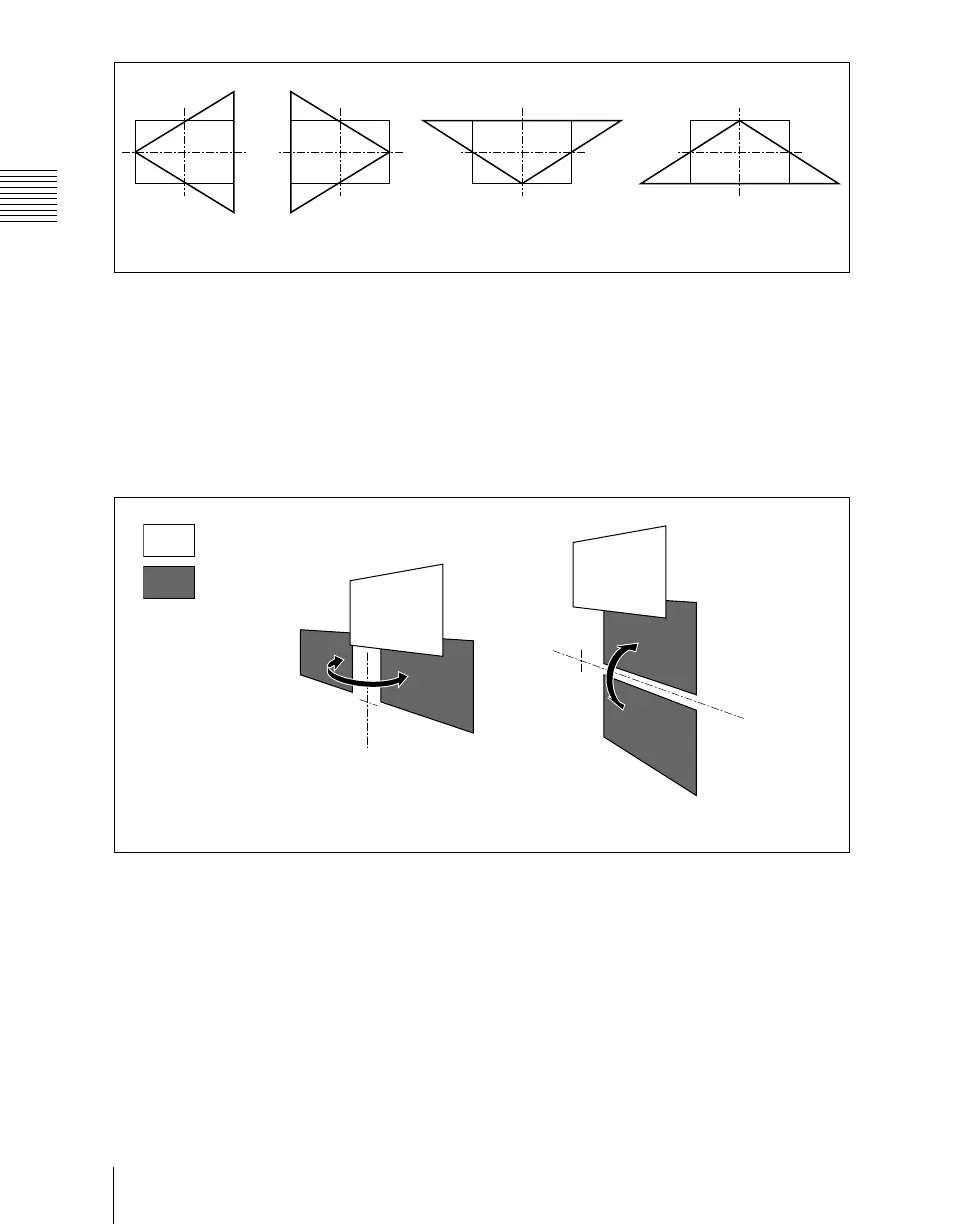
In the <Invert> group of the Flex Drop Shadow menu, select the direction to
invert the shadow.
H: Invert the shadow in the horizontal direction. The inversion is applied
around the axis of the knob 2 parameter Axis Loc V set with [Axis Loc].
V: Invert the shadow in the vertical direction. The inversion is applied around
the axis of the knob 1 parameter Axis Loc H set with [Axis Loc].
Setting a combine shadow
When there are several images, adds a flex shadow in the depth of an image or
overlays multiple flex shadows.
Perspective
H = –100
Perspective
H = +100
Perspective
V = –100
Perspective
V = +100
Picture
When H is enabled When V is enabled
Flex shadow
Before inversion
Before inversion
After inversion
After inversion













 To Next Page