Chapter 11 DME Operations
492
DME Special Effect Operations
2
In the <Mask> group, press the button for the group of the effect to which
you want to apply the mask, turning it on.
Effect Gp 1: Posterization, Solarization, Nega, Sepia, Mono, Contrast,
Mosaic, Sketch, Metal
Effect Gp 2: Defocus, Blur, Glow
Note
On the MVE-8000A, Effect Gp 1 and Effect Gp 2 cannot be turned on at
the same time.
3
Press [Position/Size].
4
Set the mask source parameters.
The valid ranges of the parameter values depend on the aspect ratio (4:3/
16:9) selected in the system, as follows.
•4:3 mode
a) This setting value is not supported on the MVE-8000A.
• 16:9 mode
a) This setting value is not supported on the MVE-8000A.
5
To invert the mask source, press [Invert], turning it on.
6
As required, set the modifiers for the mask pattern.
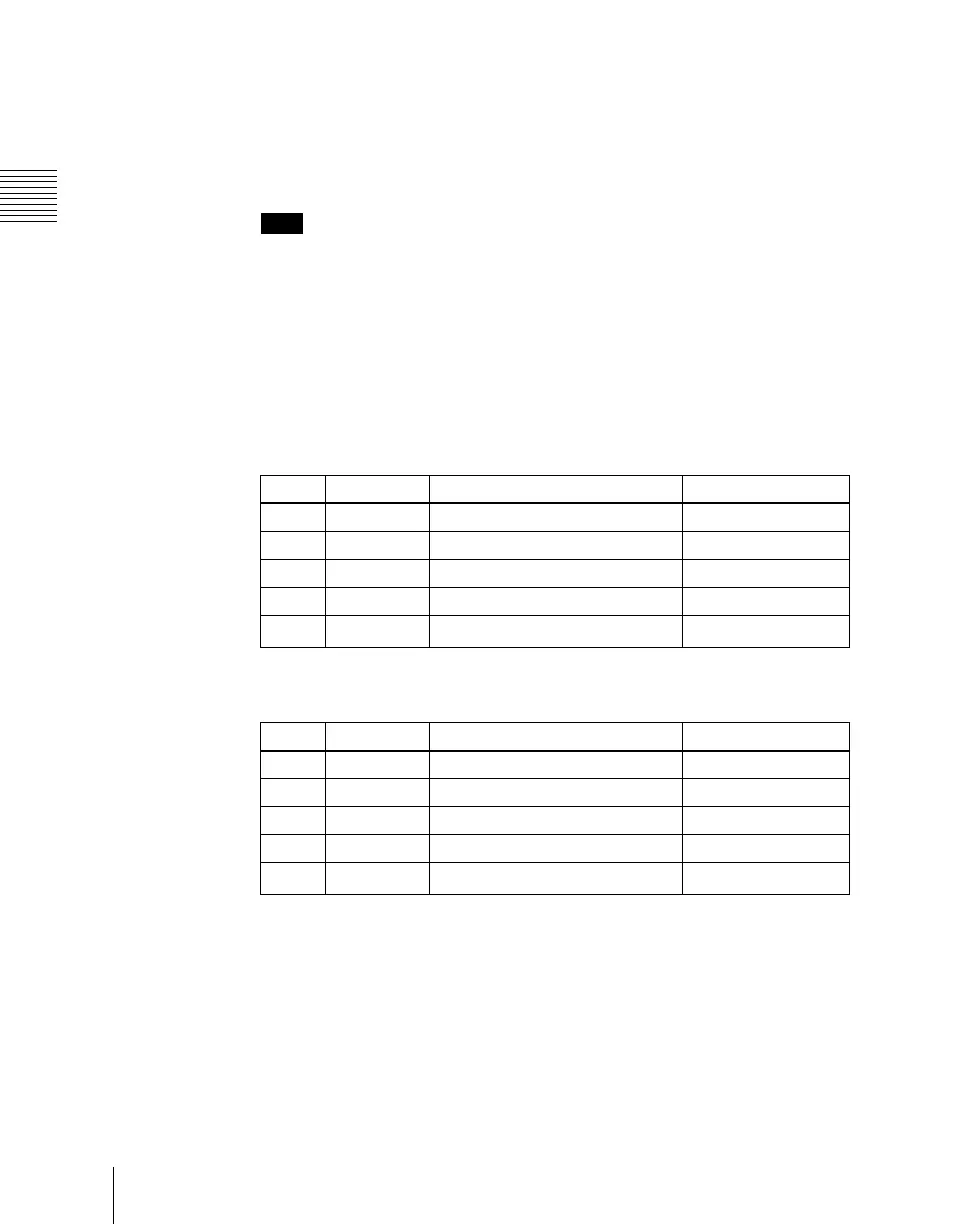
Knob Parameter Adjustment Setting values
1 H Horizontal position –8.00 to +8.00
2 V Vertical position –6.00 to +6.00
3 Size Size of mask 0.00 to 100.00
4 Soft Softness of mask 0.00 to 100.00
5 Pattern Pattern number
21, 24, 304
a)
Knob Parameter Adjustment Setting values
1 H Horizontal position –8.00 to +8.00
2 V Vertical position –4.50 to +4.50
3 Size Size of mask 0.00 to 100.00
4 Soft Softness of mask 0.00 to 100.00
5 Pattern Pattern number
21, 24, 304
a)





 To Next Page