495DME Special Effect Operations
Chapter 11 DME Operations
Applying the Hard Freeze effect
1
In the <Freeze Timing> group, select the signal freeze timing.
Frame: Freeze one frame of signal.
Field 1: Freeze the first field of signal.
2
In the <Freeze> group, press [Hard Freeze], turning it on.
The Hard Freeze is executed, displaying a still image.
Applying the Time Strobe effect
1
In the <Freeze Timing> group, select the signal freeze timing.
Frame: Freeze one frame of signal.
Field 1: Freeze the first field of signal.
2
In the <Freeze> group, press [Time Strobe], turning it on.
The Time Strobe freeze is enabled. You can adjust the freeze interval and
the ratio of live video inserted between freeze images.
3
Set the parameters.
Applying the Film effect
1
In the <Freeze> group, press [Film], turning it on.
The Film freeze is enabled. You can adjust the ratio of frame advance.
2
Set the parameter.
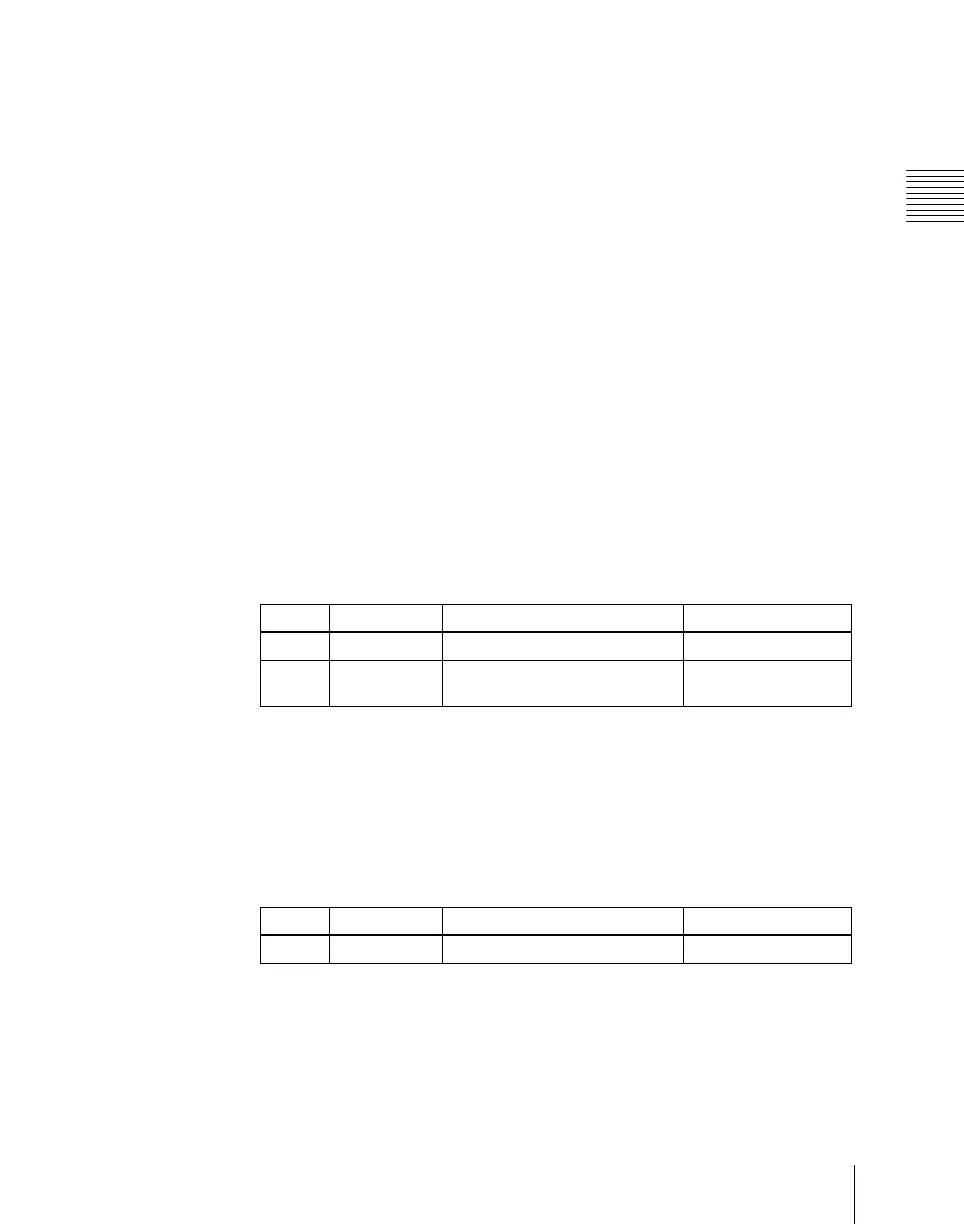
Knob Parameter Adjustment Setting values
1 Duration Freeze interval 1 to 255 (frames)
2 Live Ratio of live video inserted
between freeze images
0.00 to 100.00
Knob Parameter Adjustment Setting values
1 Film Ratio of frame advance 0.00 to 100.00













 To Next Page