Chapter 11 DME Operations
506
DME Special Effect Operations
2
Set the following parameters.
• When Radial or Shape mode is selected
• When Angular mode is selected
• When Both mode is selected
To reverse the ripple range
When modulation mode is Radial, Both, or Shape: Press [Range Rev R],
turning it on.
When modulation mode is Both or Angular: Press [Range Rev A], turning
it on.
Other settings
You can turn [Lock], [Form], [Random], and [Range Envelope] on to do the
following.
• Stop the waves
• Select the wave shape
• Randomize the waveform
• Smooth the range envelope when the wave range is limited
For Lock, Form, Random, and Range Envelope functions, see “Wave settings”
(page 496).
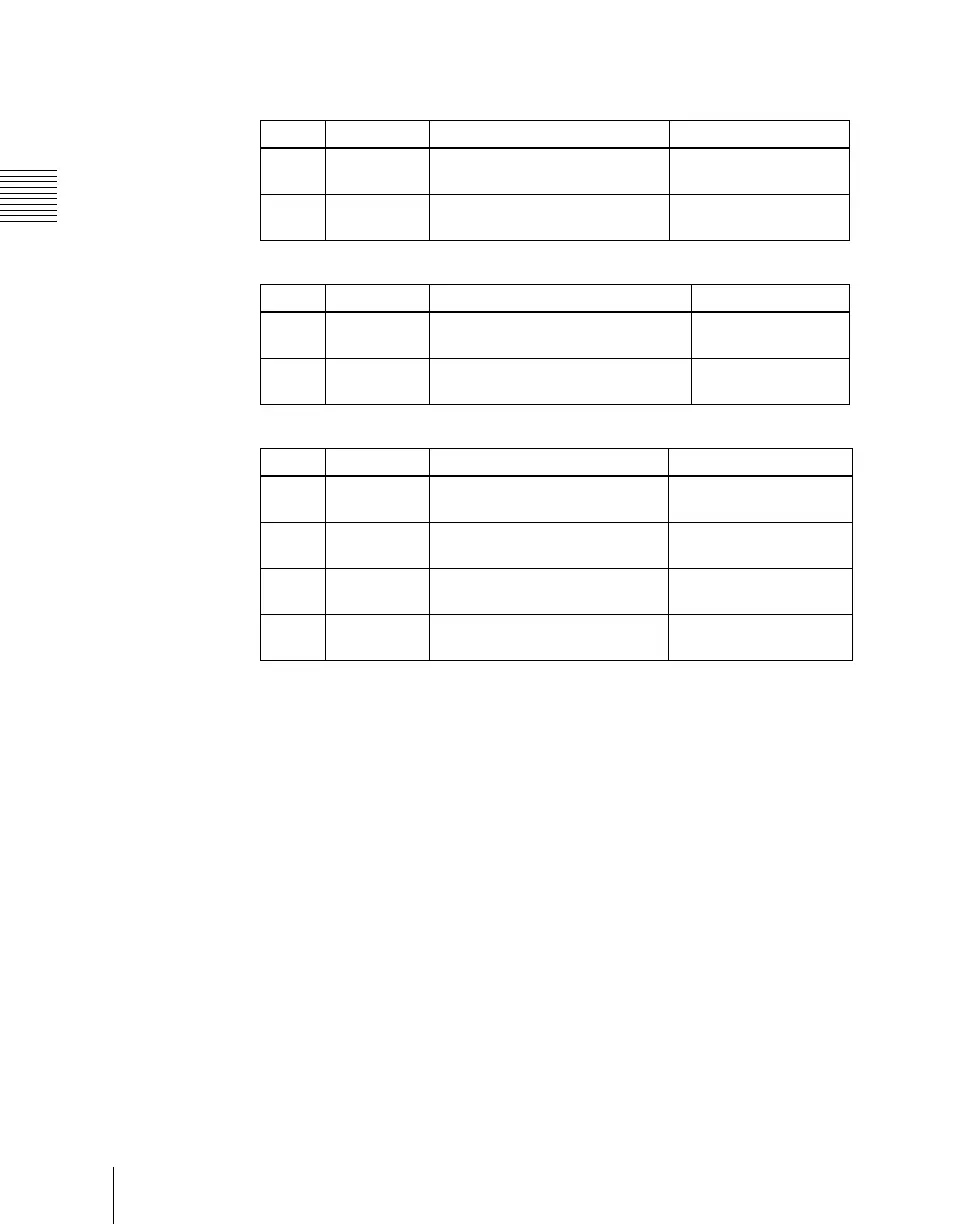
Knob Parameter Adjustment Setting values
1 Size R Amount of ripple modulation
along radius
0.00 to 100.00
2 Offset R Center of modulation range
along radius
–8.000 to +8.000
Knob Parameter Adjustment Setting values
1 Size A Amount of ripple modulation along
periphery
0.00 to 100.00
2 Offset A Center of modulation range along
periphery
–8.000 to +8.000
Knob Parameter Adjustment Setting values
1 Size R Amount of ripple modulation
along radius
0.00 to 100.00
2 Offset R Center of modulation range
along radius
–8.000 to +8.000
3 Size A Amount of ripple modulation
along periphery
0.00 to 100.00
4 Offset A Center of modulation range
along periphery
–8.000 to +8.000












 To Next Page