607Control of VTRs, Extended VTRs, and Disk Recorders
Chapter 12 External Devices
– Partial operating limitation:
a) Failure to operate when variable speed is set to minus value. However, operates when the
file B action is set to Start, and then variable speed is set to minus after file B starts playing.
– Play does not switch from file A to file B:
If play continues to show video of file A without switching to file B, a Stop
action is required in file A in order to switch to file B.
VTR/disk recorder/Extended VTR timeline editing
This section describes how to set an action at a keyframe point, and how to edit
the timeline.
For details of the operations for keyframe creation and editing, see “Creating
and Editing Keyframes” (page 646).
To set an action in the menu
1
In the Device menu, press VF3 ‘DDR/VTR’ and HF2 ‘Timeline.’
The Device >DDR/VTR >Timeline menu appears.
The status area shows two lists. The upper list shows the device number,
register number, keyframe number, and action type (start point, stop point,
and variable speed) set for the keyframe.
The lower list is used for setting the action for the device selected above,
and shows the port name, current file, current time, status information,
start point, stop point, variable speed, and file name (for a disk recorder or
Extended VTR).
2
Using any of the following methods, select the device for which you want
to set the action.
• Press directly on the list in the status area.
• Press the arrow keys to scroll the reverse video cursor.
• Turn the knob.
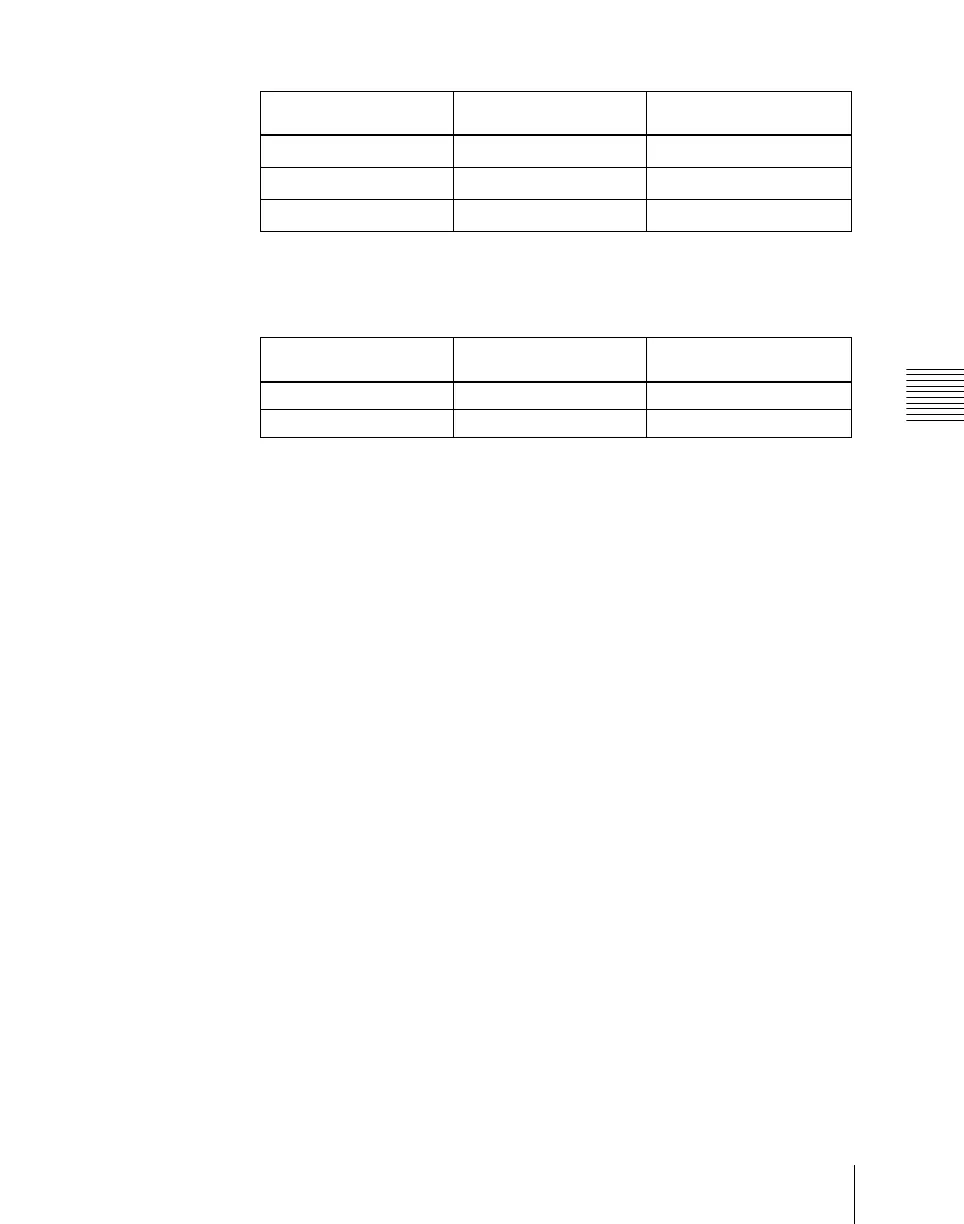
KF1 action setting Operating status of file
A
KF2 action setting
Start Playing
Variable Speed set
a)
Variable Speed set Playing at variable speed
Variable Speed set
a)
Cueup Cueup
Variable Speed set
a)
KF1 action setting Operating status of file
A
KF2 action setting
Variable Speed set Playing at variable speed Start
Cueup Cueup Start





 To Next Page