Chapter 13 Keyframe Effects
624
Keyframes
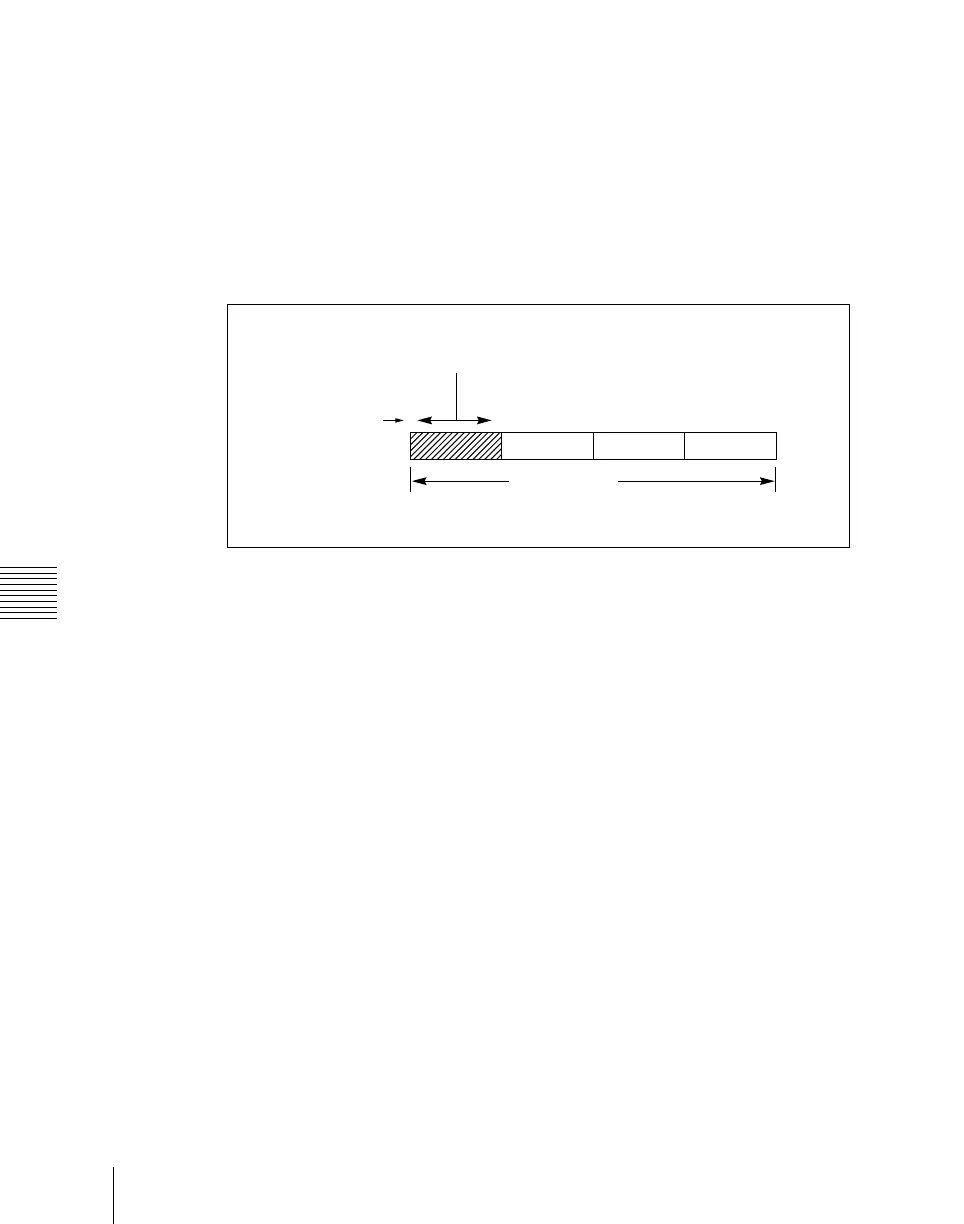
Keyframe duration: This is the time from the keyframe to the next keyframe.
You can set this time in the keyframe control block. (See “Setting the
Keyframe Duration” (page 659).)
In constant duration mode (see page 623), it is not possible to change the
keyframe duration setting.
Effect duration: This is the total execution time of the effect, from the first
keyframe to the last. You can set this time in the keyframe control block.
(See “Setting the Effect Duration” (page 660).)
When you change the effect duration, the keyframe duration for each
keyframe in the effect is automatically recalculated proportionally.
Schematic view of keyframe duration and effect duration
The effect duration may also be changed by inserting or deleting keyframes.
Changes in the effect duration caused by inserting a keyframe
• When the effect is stopped on a keyframe, inserting a keyframe increases the
effect duration by the duration of the inserted keyframe.
• When the effect is stopped between two keyframes, inserting a keyframe
does not change the effect duration.
12345
Keyframe duration
Keyframe number
Effect duration













 To Next Page