643Specifying the Region and Edit Points
Chapter 13 Keyframe Effects
2
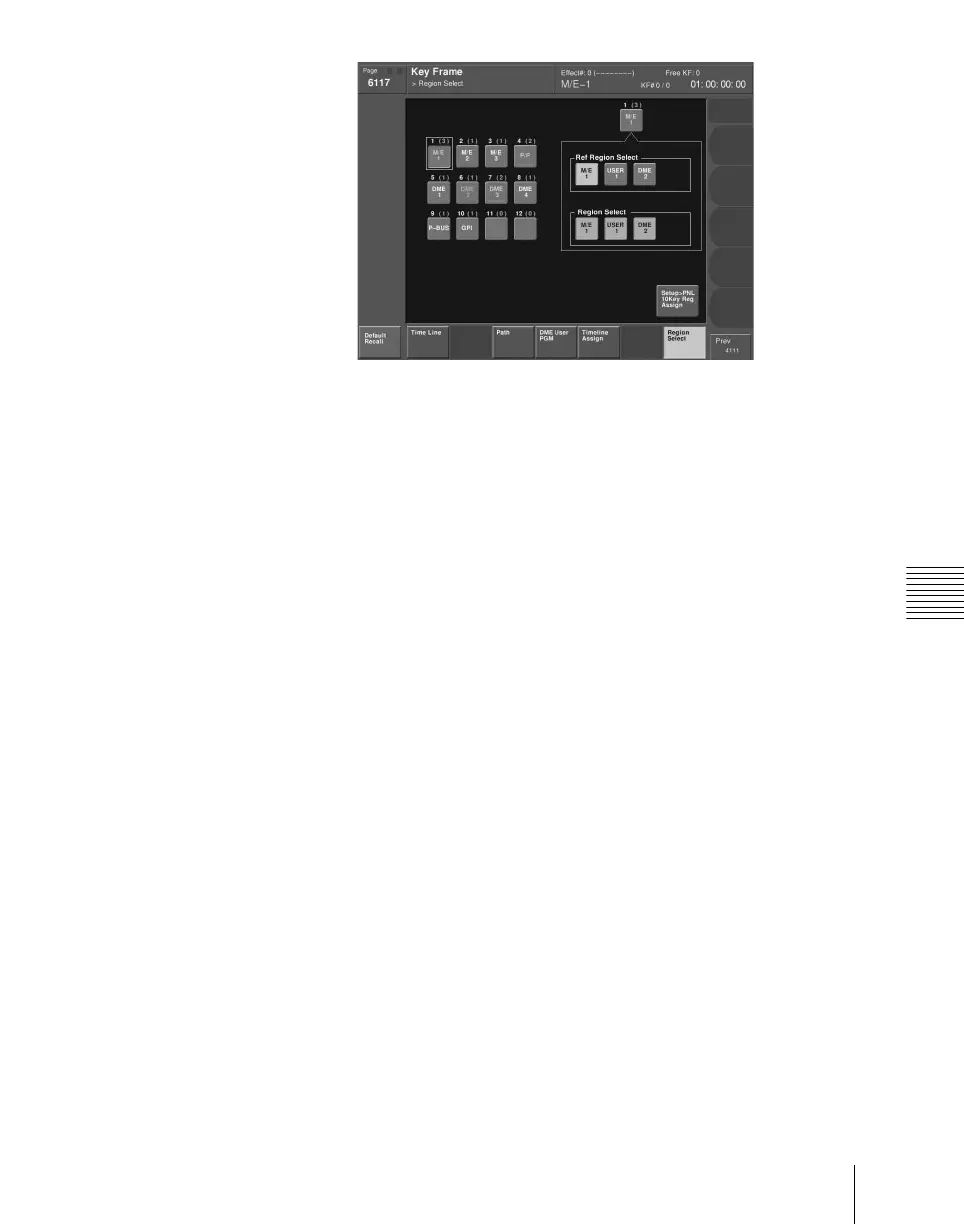
Press a button indication on the left of the status area, to select the button
you want to assign.
The regions currently assigned to the button you pressed appear on the
right side of the status area.
3
In the <Region Select> group, press the button for the region you want to
select, turning it on.
4
In the <Ref Region Select> group, press the button indication you want to
make the reference region.
The button you pressed lights green.













 To Next Page