663Path Setting
Chapter 13 Keyframe Effects
Changing the path type for Curve
1
In the Path menu, press [M/E-1].
The M/E-1 menu appears.
2
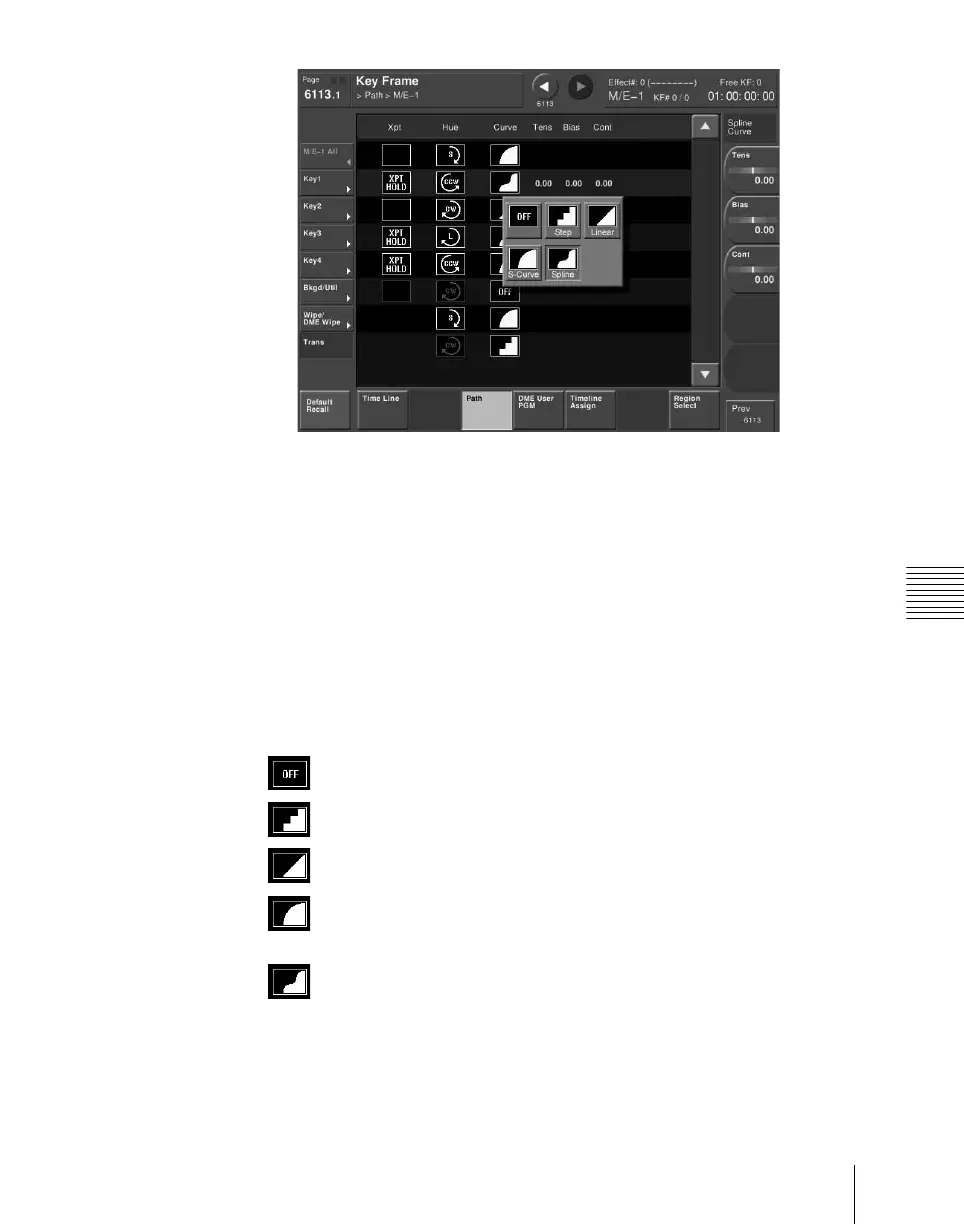
Press the Curve path type indication for the Key1 item that you want to
change.
A path selection window appears.
3
Press the indication for the desired path type, to select it.
OFF: Executing the effect causes no change.
Step: There is no interpolation between keyframes, so that the
effect parameters are updated each time a keyframe is passed.
Linear: Linear interpolation between keyframes, resulting in
constant speed movement.
S-Curve: The rate of change accelerates and decelerates before and
after a keyframe, so that the rate of change is maximum midway
between two keyframes.
Spline: The effect follows a smooth curved path from each
keyframe to the next.
The status area reflects the selected path type.













 To Next Page