Chapter 13 Keyframe Effects
680
Register Operations in the Menus
• The Copy/Merge menu appears.
• The left side of the status area shows a list for the register coming
afterward when merged. The right side shows a list for the register
coming before when merged.
2
Press the region display in the upper part of the list, and in the selection
window select the region. Selecting multiple regions is also possible.
To select all regions, press [ALL].
3
Press [OK].
The selected region name appears in the upper part of the list.
4
Using any of the following methods, select the register.
• Press directly on the list in the status area.
• Press the arrow keys to scroll the reverse video cursor.
• Turn the knobs.
5
Press [Merge].
This carries out the merge.
Deleting data from effect registers
1
In the Effect menu, press VF2 ‘Effect 1-99’ and HF6 ‘Delete.’
The Delete menu appears.
2
Press the region display in the upper part of the list to display a selection
window, then select the region in the selection window. Selecting multiple
regions is also possible.
To select all regions, press [ALL].
3
Press [OK].
The selected region name appears in the upper part of the list.
4
Using any of the following methods, select the desired registers.
• Press directly on the list in the status area.
• Press the arrow keys to scroll the reverse video cursor.
• Turn the knobs.
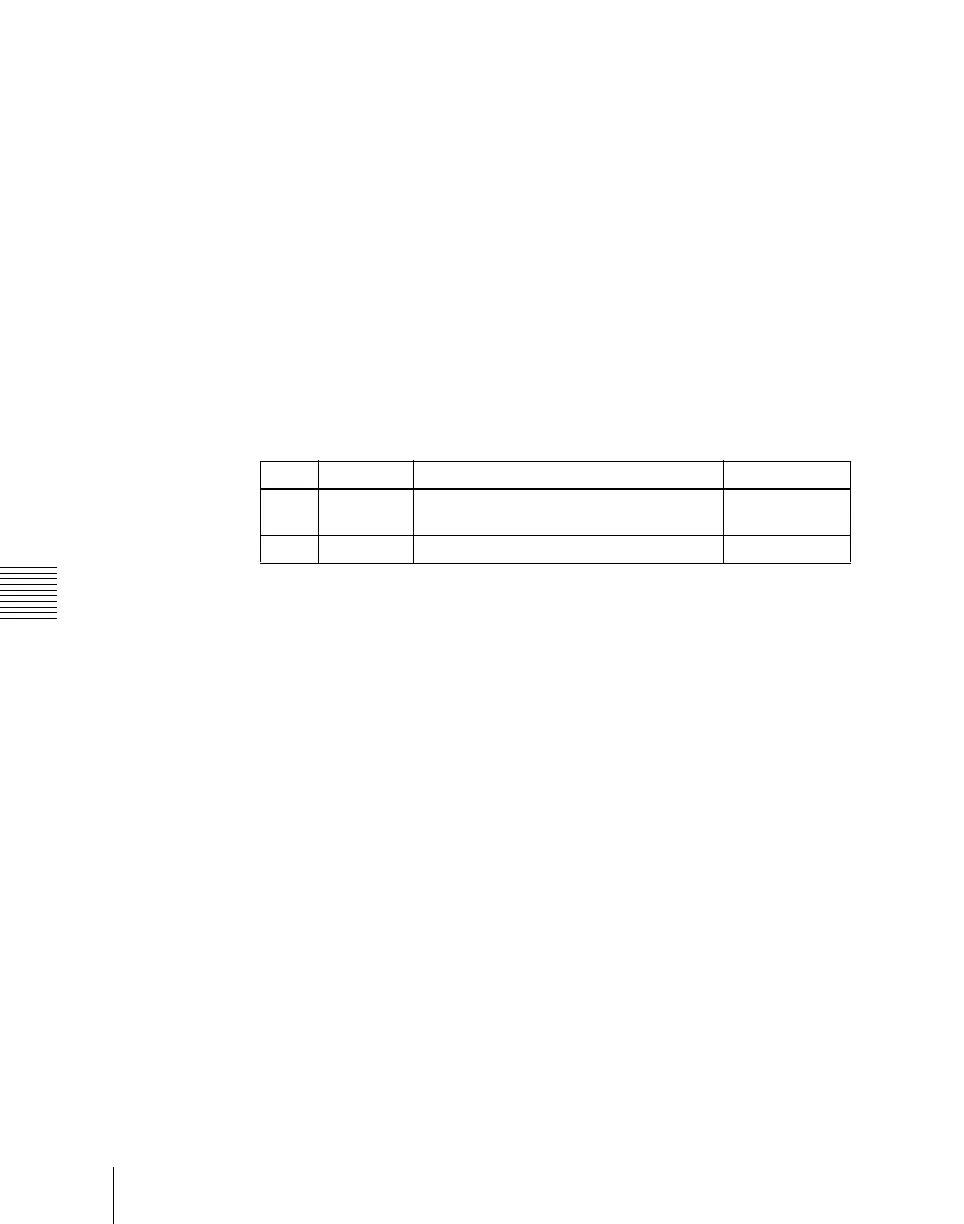
Knob Parameter Adjustment Setting values
1 From Reg The register coming afterwards when
merged
1 to 99
2 To Reg The register coming before when merged 1 to 99












 To Next Page