683Register Operations in the Menus
Chapter 13 Keyframe Effects
2
Press [Lock].
The register is locked, and the background of the register indication
appears in red.
To release the lock
Press [Lock] once more, turning the contents of the frame to amber.
Copying the contents of a register
(This applies to all regions.)
In the Effect >Status menu, use the following procedure.
1
Using any of the following methods, select the copy source register.
• Press directly on the corresponding register indication in the status area.
• Turn the knob.
2
In the <Copy> group, press [From __ ].
3
Select the copy destination register.
4
In the <Copy> group, press [To __ ].
This executes the copy.
Deleting the contents of a register
(This applies to all regions.)
In the Effect >Status menu, use the following procedure.
1
Using any of the following methods, select the register you want to delete.
• Press directly on the corresponding register indication in the status area.
• Turn the knob.
2
Press [Delete].
This deletes the data from the register.
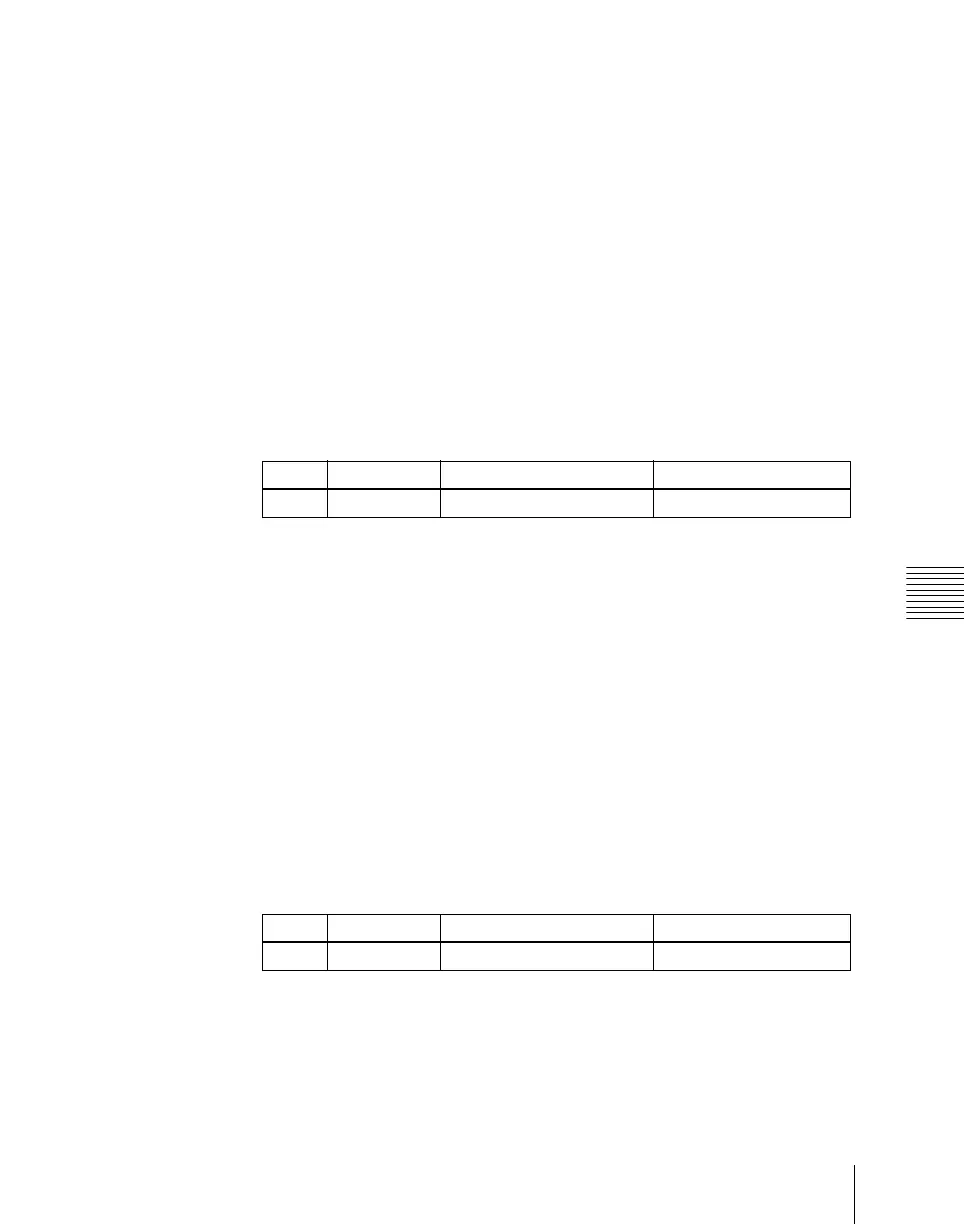
Knob Parameter Adjustment Setting values
1 Register Register selection 1 to 99
Knob Parameter Adjustment Setting values
1 Register Register selection 1 to 99













 To Next Page