697Snapshot Operations in the Menus
Chapter 14 Snapshots
A window appears for selecting the router level.
4
Press the level for which you want to set the cross-point hold, turning it on,
and press [OK]. To select all levels, press [ALL].
5
Press [On].
This enables cross-point hold on the selected bus or buses.
To switch cross-point hold off, press [Off].
To apply the effect dissolve attribute
1
Press [Effect Dissolve], turning it on.
2
Turn the knob to set the effect dissolve duration.
To set the duration for a dissolve set as a temporary attribute
effect
To set the duration for a dissolve set as a temporary attribute effect in the
numeric keypad control block, turn the knob.
To apply the auto transition attribute
Press [Auto Transition], turning it on.
To apply the GPI output attribute
1
Press [GPI Output], turning it on.
2
Turn the knob to set the port number.
To apply the clip event attribute
Note
The following operating procedure can be used only for the frame memory
channels assigned to a user region.
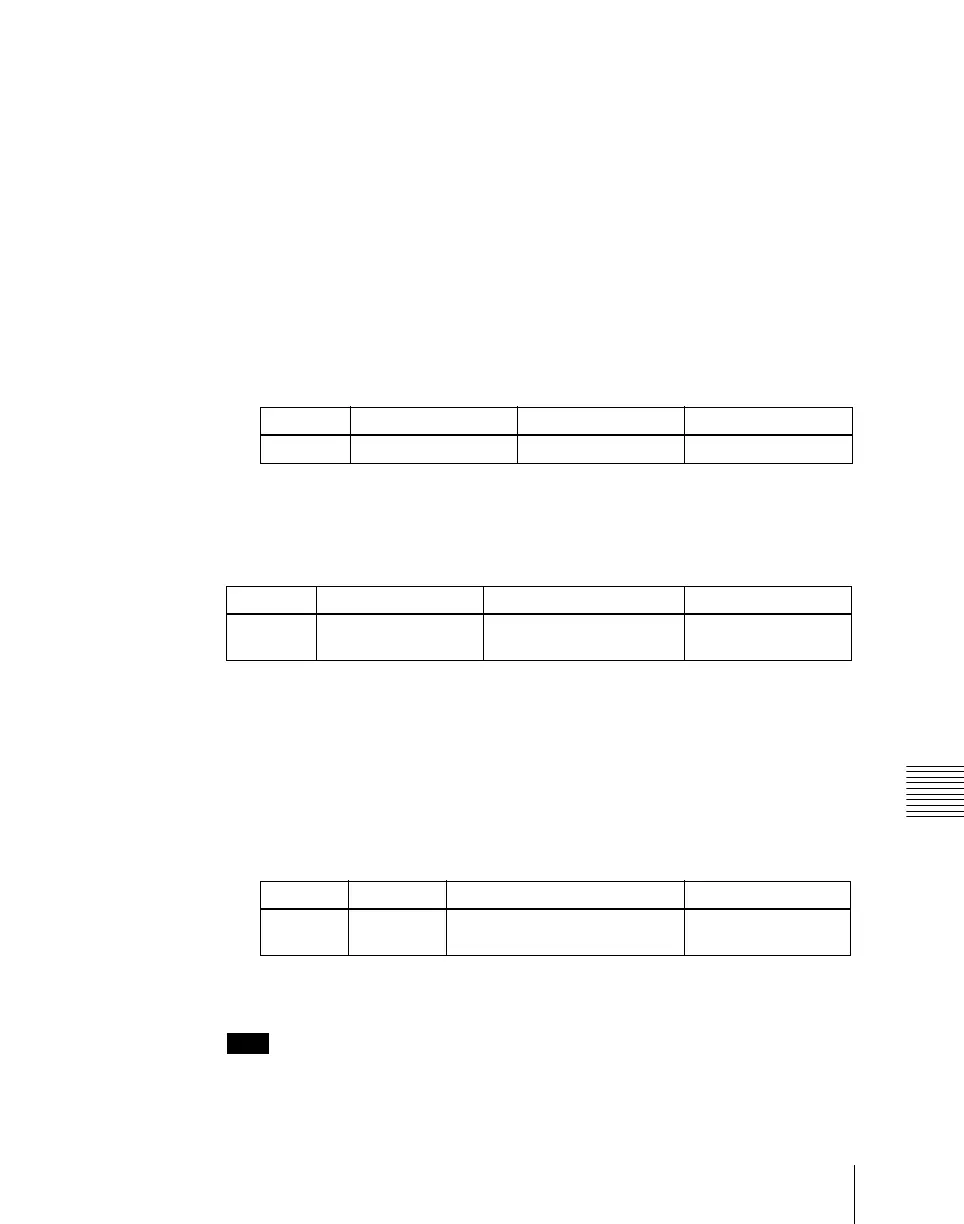
Knob Parameter Adjustment Setting values
3 Eff Diss Duration Dissolve duration 0 to 999 (frames)
Knob Parameter Adjustment Setting values
5 Temp Dur Temporary attribute
dissolve duration
0 to 999 (frames)
Knob Parameter Adjustment Setting values
4 GPI Out
Port
GPI output port number 1 to 8













 To Next Page