Chapter 18 System Setup (System)
866
System Maintenance (Maintenance Menu)
3
Enter the old password, and press [Enter].
If the password is correct, a keyboard window labeled “New Password”
appears.
4
Enter the new password, and press [Enter].
5
Enter the new password once more, for confirmation.
This sets the new password.
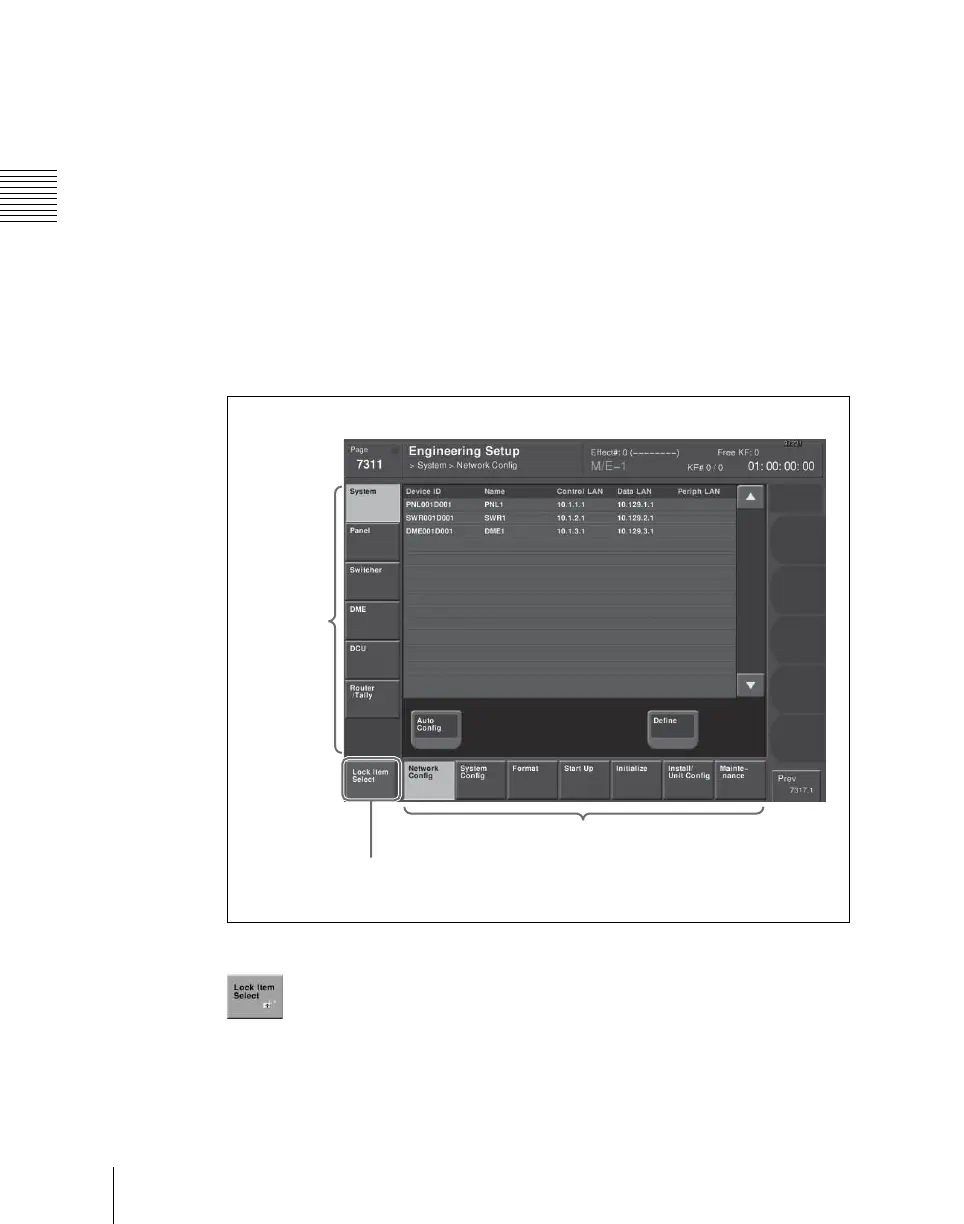
Selecting an opened setup menu for locking
With the menu you want to lock open, press [Lock Item Select] button at the
lower left.
The [Lock Item Select] button turns red, and a padlock icon appears.
This selection is reflected in the lock candidate list in the Setup Operation Lock
menu.
VF button
Lock Item Select button
HF button













 To Next Page