Chapter 19 Control Panel Setup (Panel)
924
Interfacing With External Devices (Device Interface Menu)
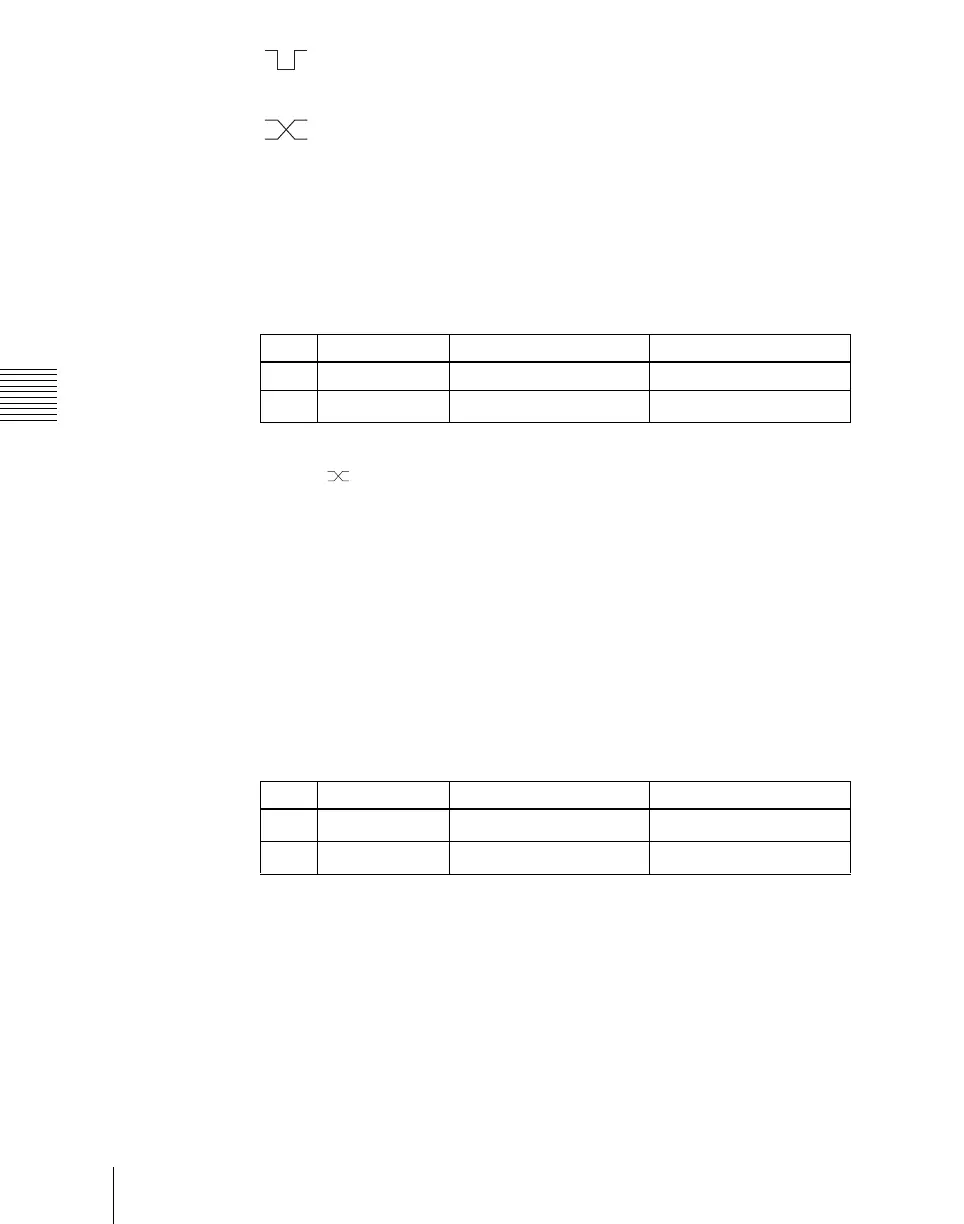
(Falling Edge): The trigger causes the relay contacts to be shorted
or drives the output low, and holds this state for the specified
pulse width.
(Any Edge): Each time the trigger occurs, the relay contacts are
alternately closed or opened, or the output is switched between
high and low.
Status: Depending on the status, the relay contacts are closed or opened,
or the output is switched between high and low.
No Operation: The trigger has no effect on the relay state or output level.
4
Turning the knobs, select the pulse width and timing to be set.
a) 1: Field 1, 2: Field 2, 3: Any
When “ ” is selected as the trigger polarity, there is no Pulse Width
setting. When “Status” is selected, there is no Pulse Width or Timing
setting.
5
In the <Source> group, select the action block.
M/E-1 to M/E-3 and P/P: Set an action for the M/E or PGM/PST bank.
Common: Set an action for error status.
6
Using any of the following methods, select the action to be set.
• Press directly on the list in the status area.
• Press the arrow keys to scroll the reverse video cursor.
• Turn the knobs.
a) • Action list when the trigger type is other than “Status”
When Source is M/E-1, M/E-2, or M/E-3: Key1 SS ? Recall, Key2 SS ? Recall, Key3
SS ? Recall, Key4 SS ? Recall, No Action
When Source is P/P: DSK1 SS ? Recall, DSK2 SS ? Recall, DSK3 SS ? Recall, DSK
4 SS ? Recall, No Action
When Source is Common: KF Run, No Action
• Action list when the trigger type is “Status”
When Source is M/E-1, M/E-2, or M/E-3: Key1 SS ? Recall, Key2 SS ? Recall, Key3
SS ? Recall, Key4 SS ? Recall
Key1 On, Key2 On, Key3 On, Key4 On, No Action
Knob Parameter Adjustment Setting values
3 Pulse Width Pulse width 1 to 60 (fields)
4 Timing Output timing
1 to 3
a)
Knob Parameter Adjustment Setting values
2 Action Action selection
1 and upwards
a)
5 Reg No Register number
1 to 4
b)













 To Next Page