IMPORTANT!
·
Do not use excessive force or speed when pushing the carriage across the card.
·
Do not move the carriage back across the card. Leave the carriage at the ending position while
removing the card from the sealer.
4.
Remove the sealed car
d from the sealer by grasping the sides of the card and lifting it o.
Use the thumb slot in the middle of the sealer to access the card.
5.
Examine the card for proper sealing.
Note: When properly sealed, the indentations from the sealer carriage align with the main
channels of the card.
If the indentations do not align or if the foil is damaged, do not use the card.
6.
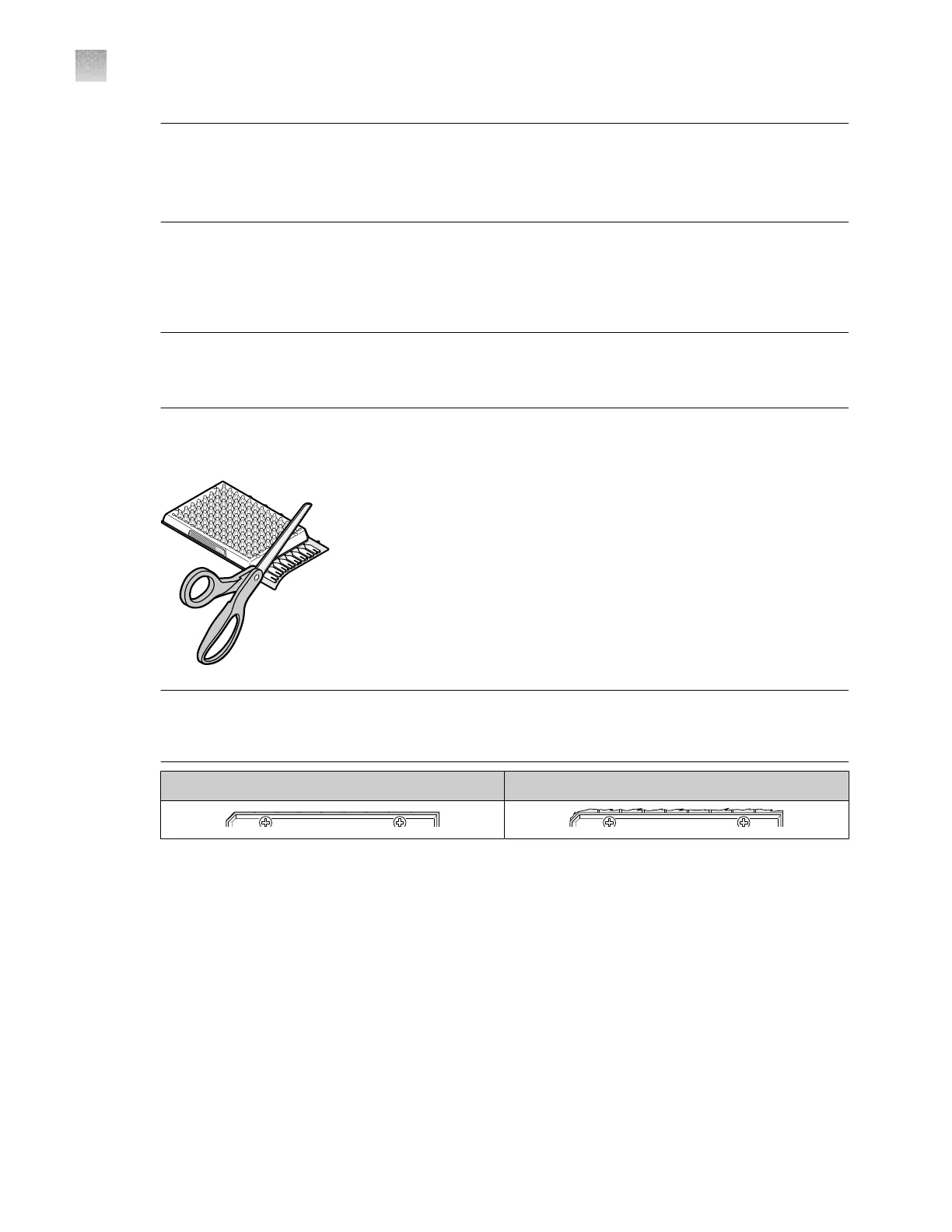
Use scissors t
o trim the fill reservoir strip from the card. Use the edge of the card carrier as a
guide.
IMPORTANT! Complet
ely remove the fill reservoir strip. Any remaining plastic that extends
beyond the card edge can prevent the card from seating properly on the sample block and can
aect amplification.
Correct trim Incorrect trim
The card is now ready to run on the instrument.
(Optional) S
tore the sealed card, protected from light, at 2−8°C. The length of time the card can be
stored depends on the master mix. See the user guide for the assay or the master mix.
Appendix C Detailed pr
ocedures for preparation of a TaqMan
™
Array Card
Seal the card
C
208
QuantStudio
™
6 Pro Real-Time PCR System and QuantStudio
™
7 Pro Real-Time PCR System User Guide












 To Next Page