25
Smart Linear 8-Cell Changer
360 Evolution 200 Series User Guide Thermo Scientific
Related Topics
Calibrating the Cell Changer
Cell Changer Settings
Measuring Samples with the Cell Changer
Displaying the Cell Changer Status Monitor
Operation
Cell Changer Settings
In the selected application, use Settings > Accessories > Cell Changer to display the available
settings for a cell changer. The Cell Changer features appear only when a cell changer
accessory is installed.
Related Topics
Calibrating the Cell Changer
Initializing the Cell Changer
Measuring Samples with the Cell Changer
Displaying the Cell Changer Status Monitor
Operation
Feature Description
Accessory name Shows the type and serial number read from the installed sample
changer.
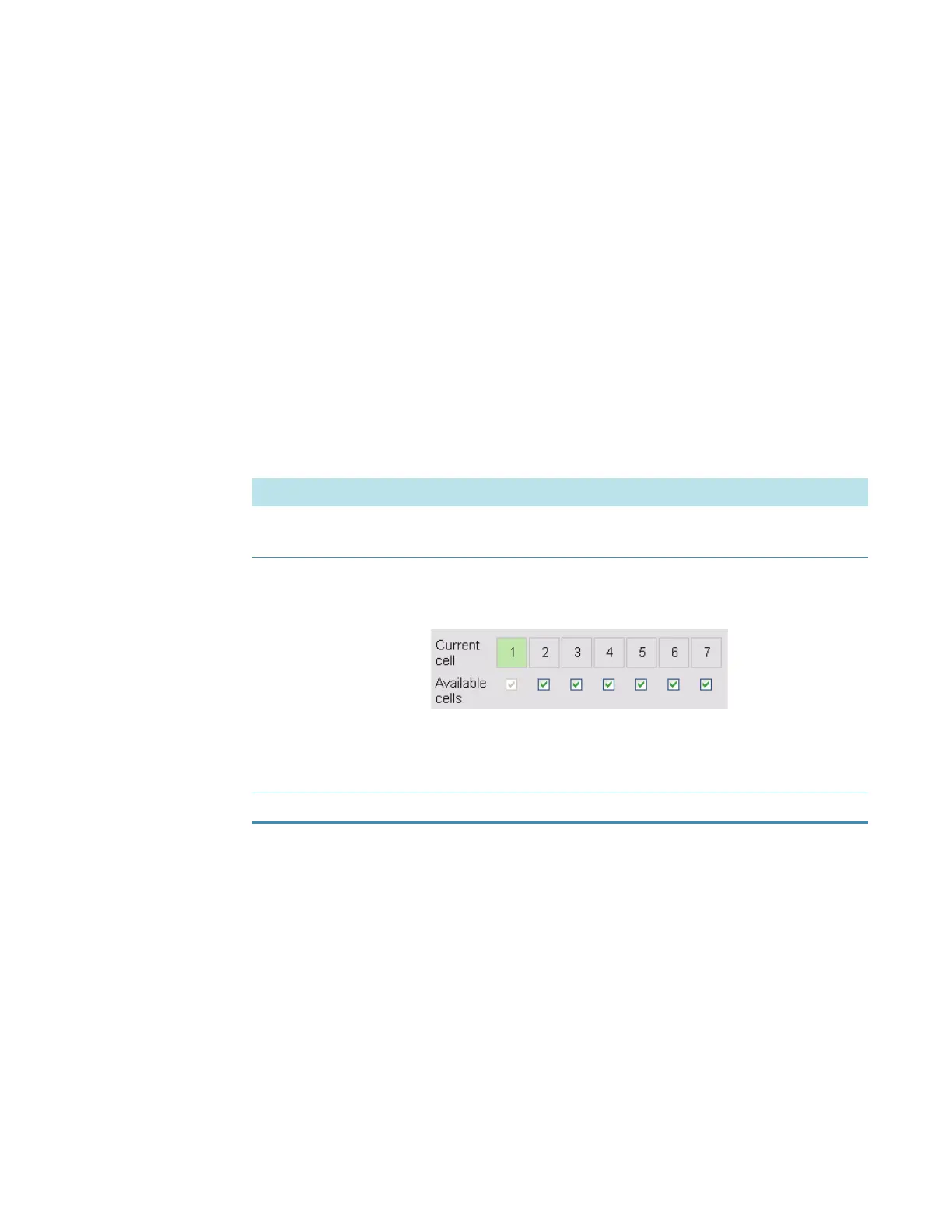
Current cell
Available cells
The numbered boxes match the cells in the changer head. The
green box indicates the cell positioned for measurement. To
manually position a cell in the light beam, click its numbered box.
The check boxes indicate cells enabled for use in the current
template or active workbook. To disable or enable a cell, click its
associated check box. Note that cell one is always enabled.
Reset Initializes the cell changer and moves cell one into the light beam.









 To Next Page