330 ZXP Series 9 Card Printer Service Manual P1086708-001
Replacement Procedures for the Printer
Procedures: Mag Encoder
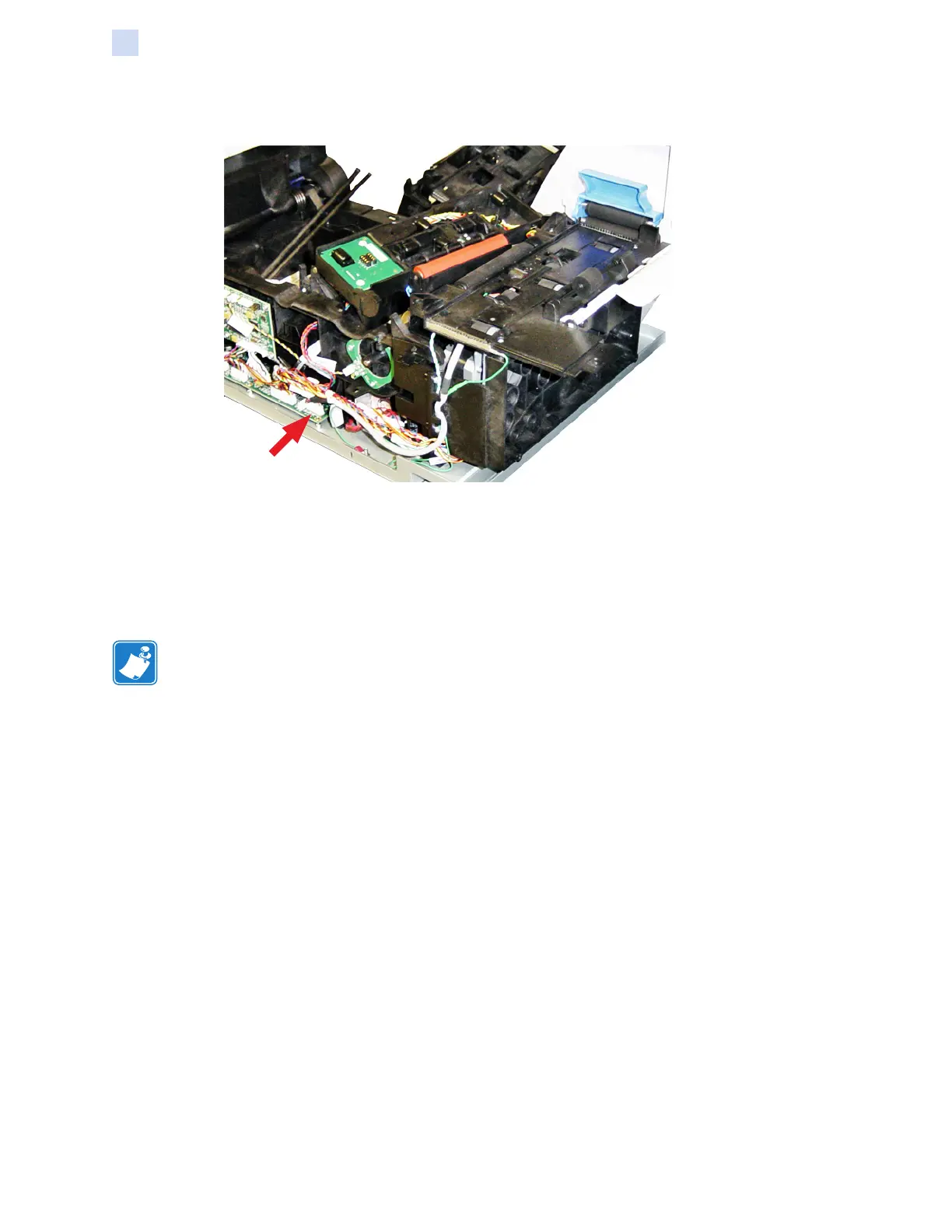
Step 6. Connect mag encoder cable plug P30 to the main PCBA (arrow below).
Test and Adjustment
After replacing the mag encoder, you will need to perform the ZMotif Service Partner Tool Mag
Calibration, and Mag Write Test procedures.
You will need ve (5) PCV HiCo Mag Cards for this procedure.
Note • The ZMotif Service Partner Tool only works through a USB connection to the printer.
Step 1. Ensure that the printer is fully functional (i.e., ready, with the print ribbon and the
transfer ribbon (InTM) installed).
Step 2. Launch the ZMotif Service Partner Tool.


 To Next Page
 Loading...