P1086708-001 ZXP Series 9 Card Printer Service Manual 209
ZXP Toolbox
Tools & Utilities
transfer roller – Closes the transfer rollers.
printhead – Rotates the cams and brings the printhead to the engaged position.
y Disengage – Activates the associated motor to stop contact/open/disengage the associated
assembly. This is used in conjunction with the engage function.
contact – Moves the contact pad back to the rest position.
transfer roller – Opens the transfer rollers.
printhead – Rotates the cams to disengage the printhead.
y Clutch – Activates the transfer lm takeup clutch.
Run – Starts the selected procedure.
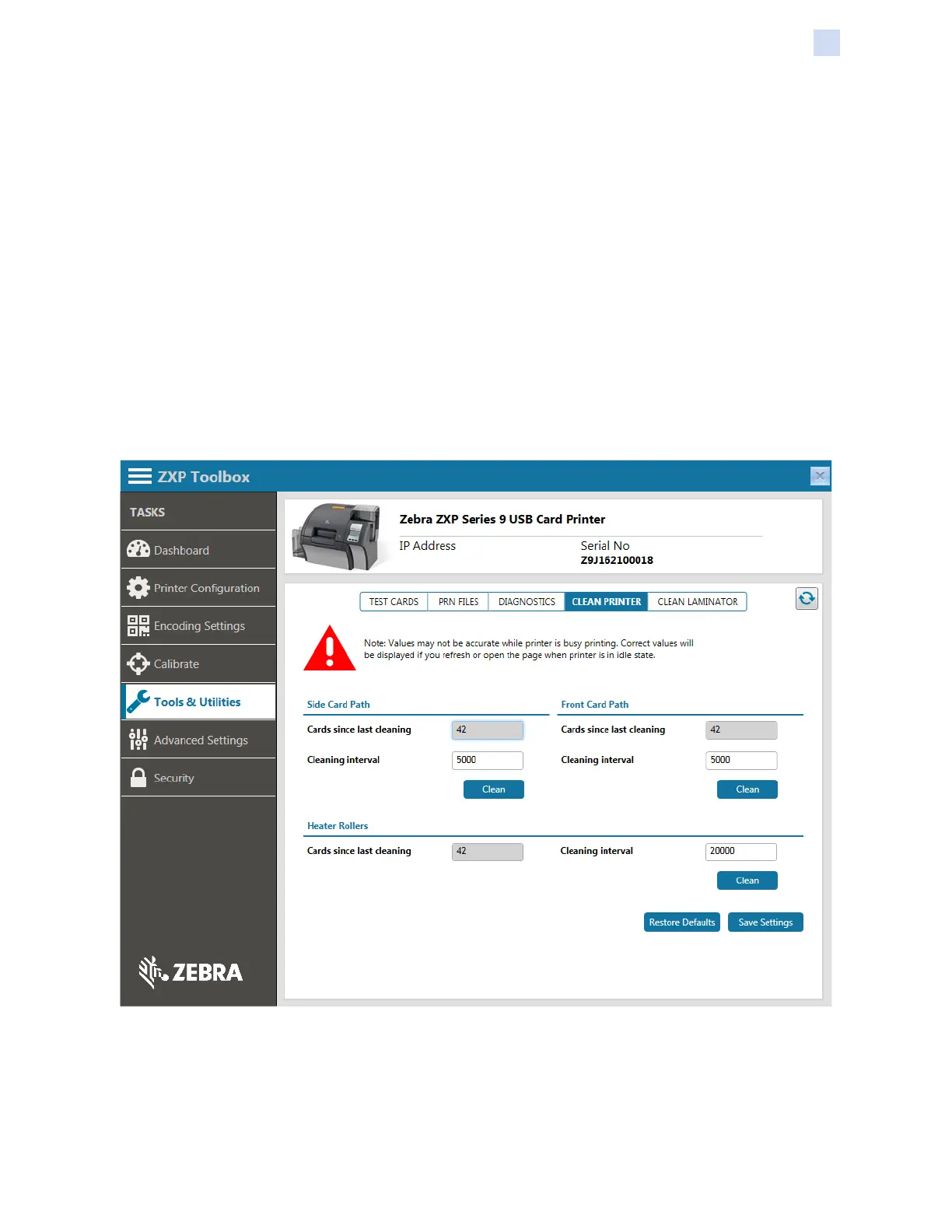
Clean Printer
The Clean Printer screen enables cleaning the printer via the Toolbox.
Side Card Path
Cards since last cleaning – Displays the number of cards printed since the side card path was last
cleaned.
Cleaning interval – Enables changing the number of cards interval between cleanings.


 To Next Page
 Loading...