crius_II_en_00, Edition 06/2010
104 CONFIDENTIAL AIXTRON - Dokumentation
Installation System Manual
Unpacking and internal transport CRIUS II
4
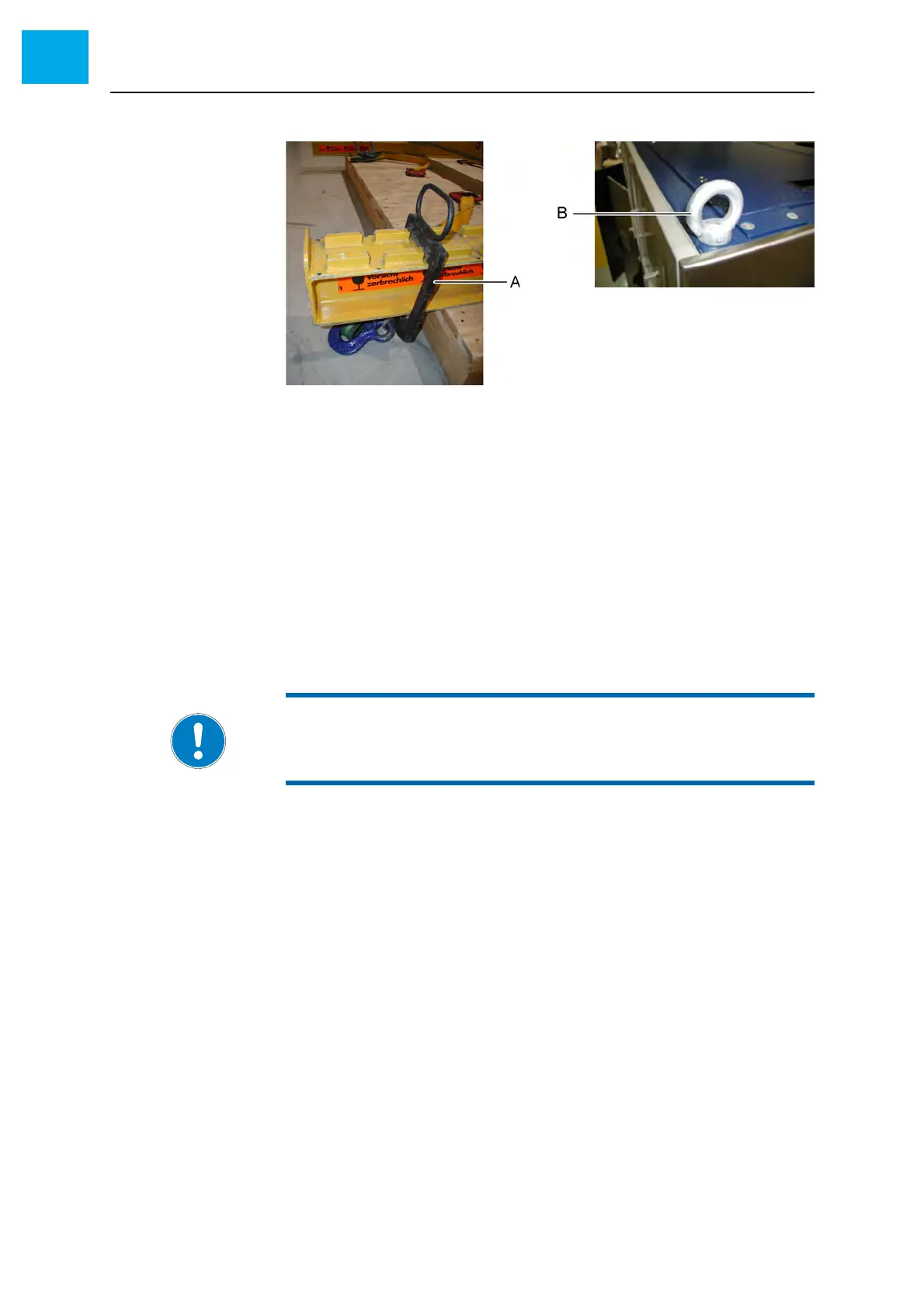
Fig. 4-3 Transport of the cabinets
A Adjustable load hooks on the H-beam
B Transport lug on the cabinet frame
Proceed as follows to transport the system by means of a crane:
1 Attach the H-beam to the crane using suitable belts
2 Lift the H-beam with the crane up to the required height
3 Set the load hooks to positions which fit the transport lug positions of the
cabinet to be transported
4 Attach the four transport belts of the H-beam to the transport lugs on the
cabinet frame
5 Carefully lift the cabinet
6 Carefully transport the cabinet to the required position by means of the
crane
NOTE:
Make sure that the force applied at the transport lugs is perpendicular to
the frame. Adjust the positions of the load hooks, if necessary.



 To Next Page