AIXTRON - Dokumentation CONFIDENTIAL 153
6
crius_II_en_00, Edition 06/2010
System Manual Maintenance
CRIUS II Low power supply
6.8 Low power supply
6.8.1 Checking the low power supply
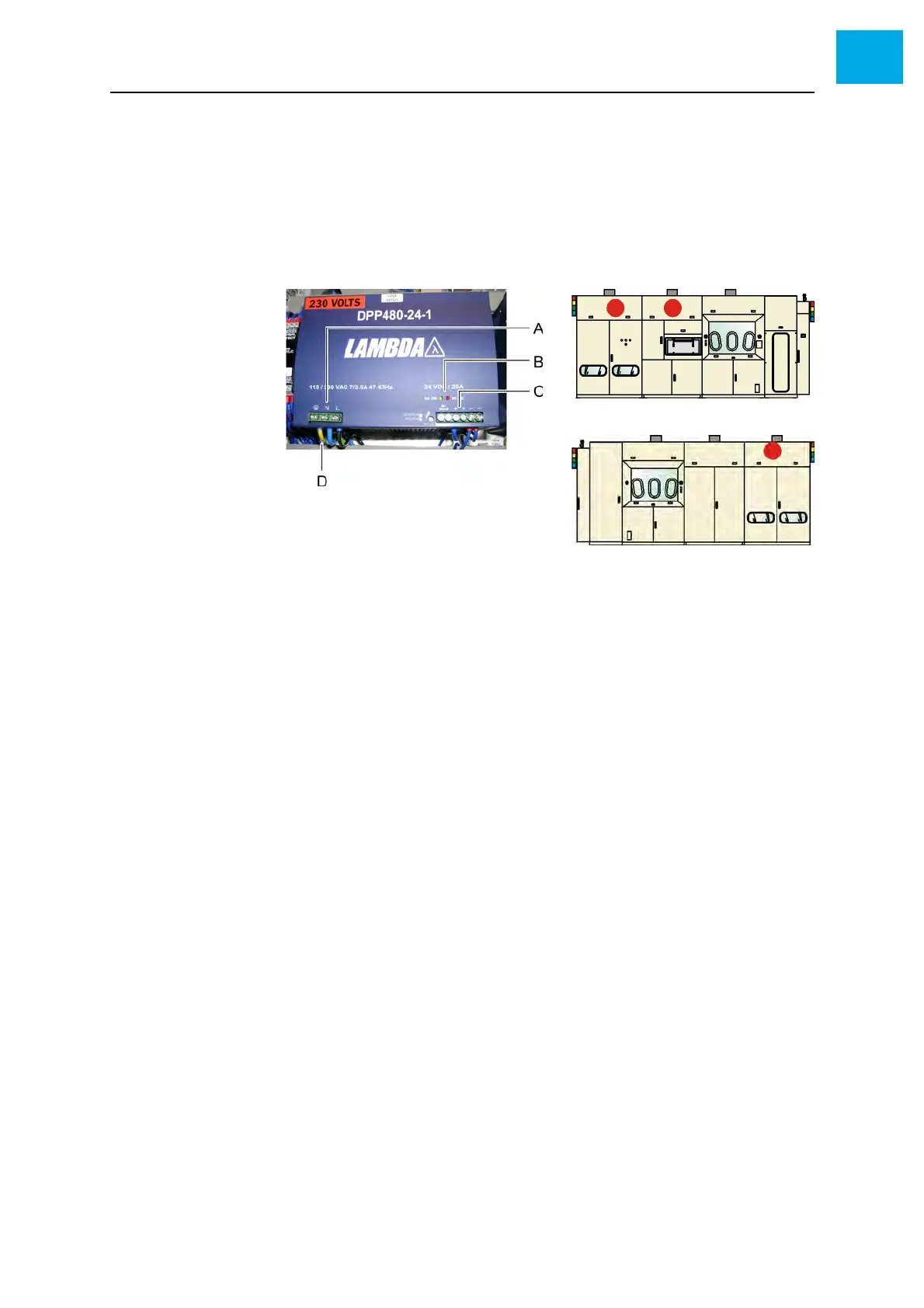
Fig. 6-11, 153 shows a low power supply.
Fig. 6-11 Low power supply (example)
AInlet
BLED display
C Output
D Grounding
1 Open the corresponding doors
2 Check the LED display at the low power supply
• Normally the green LED is illuminated
3 Check the voltage by means of a voltmeter
4 If necessary, set the voltage to 24 V. See OEM manual for the power
supply.
5 Check the grounding by means of a ground meter



 To Next Page