AIXTRON - Dokumentation CONFIDENTIAL 157
6
crius_II_en_00, Edition 06/2010
System Manual Maintenance
CRIUS II Glove box
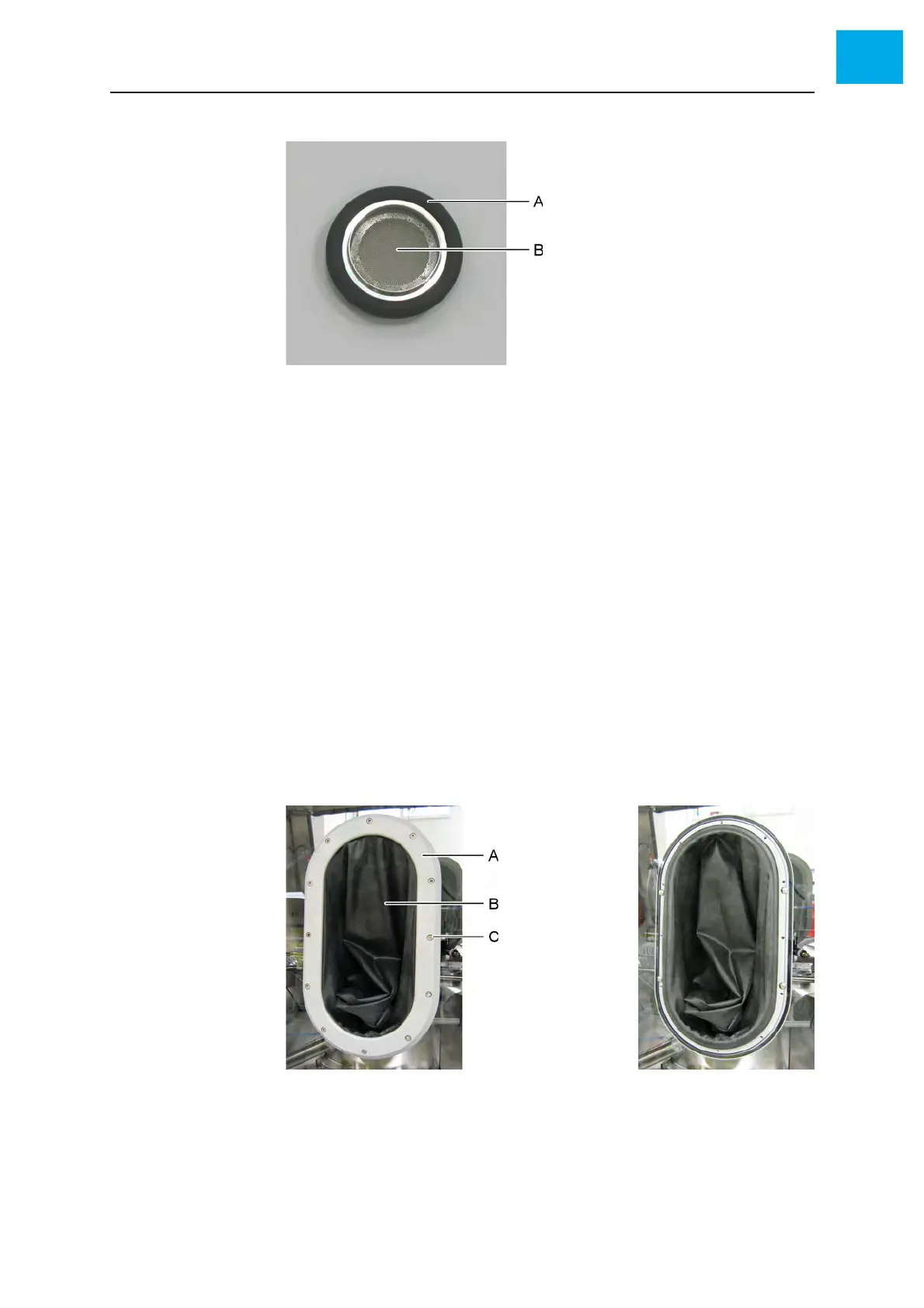
Fig. 6-17 Filter (vacuum side)
AO-ring
B Filter grid
5 Install the filter
• Pay attention to the orientation! The filter grid must be located on the
vacuum side. See Fig. 6-17, 157.
6.9.4 Checking the gloves
1 Pull the gloves out of the glove box
2 Check the gloves for tears. Especially check critical parts like kinks!
6.9.5 Checking the O-rings of the gloves
1 Screw out the 12 Allen screws at the glove frame
2 Remove the frame
Fig. 6-18 Glove (right: frame removed)
AFrame
BGlove
C Allen screw
3 Remove the glove



 To Next Page