crius_II_en_00, Edition 06/2010
170 CONFIDENTIAL AIXTRON - Dokumentation
Maintenance System Manual
Pneumatic system CRIUS II
6
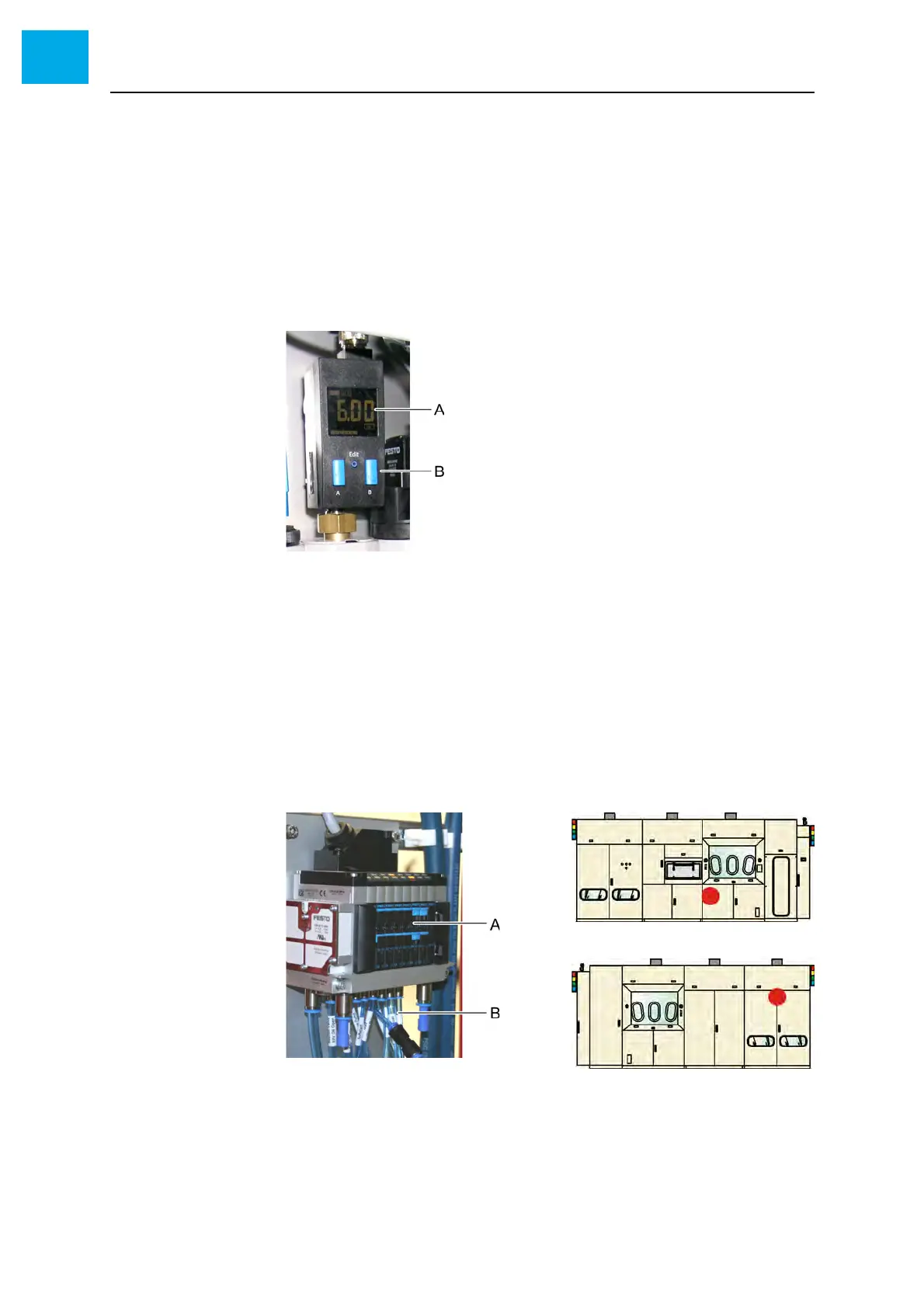
6.12.3 Checking the pressure sensor
The pressure sensor causes an alarm if the working pressure decreases
below the set limit.
1 Check the pressure limit value at the pressure sensor
• The pressure limit must be set to 4 bar
2 If necessary, adjust the pressure limit.
See OEM manual.
Fig. 6-32 Pressure sensor
A Pressure display
B Operating elements
6.12.4 Checking the EPV valves
1 Activate the EPV valve to be checked in AIXACT
• The valves are labeled!
2 Check the activated EPV valve at the corresponding valve cluster
• The LED at the activated valve must emit light
Fig. 6-33 Valve cluster
A EPV valves
B Pneumatic hoses



 To Next Page