crius_II_en_00, Edition 06/2010
128 CONFIDENTIAL AIXTRON - Dokumentation
Operation System Manual
Preparing for a process CRIUS II
5
5.8.2 Loading substrates
Proceed as follows to load substrates:
Loading substrates
into the load lock
1 Release the outer lock chamber door by means of the control panel
2 Pull down the handle at the outer lock chamber door and open the door
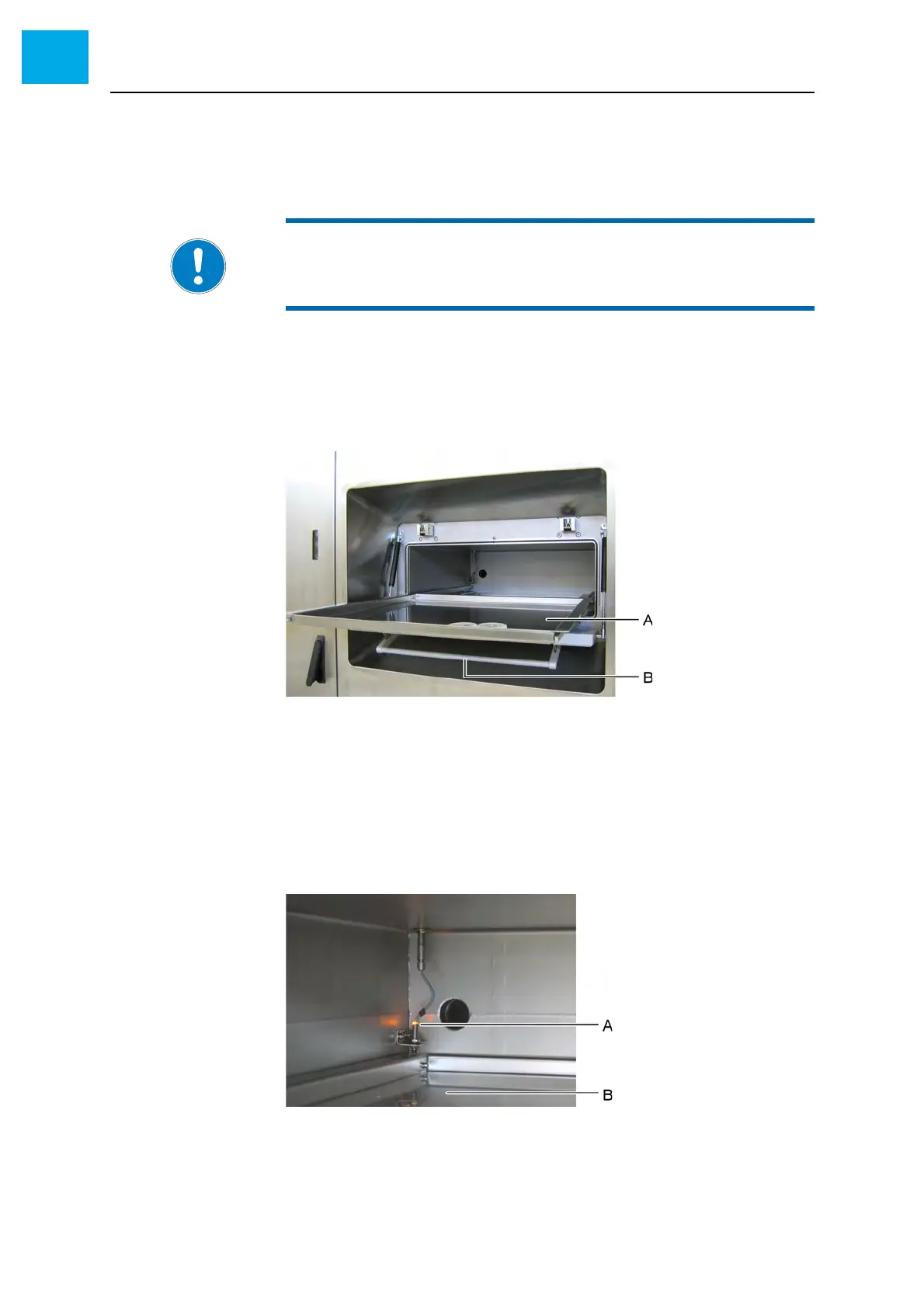
3 Pull out the drawer
Fig. 5-29 Outer lock chamber door
ADrawer
B Handle
4 Put the substrates into the drawer
5 Push the drawer back into the lock chamber
• A sensor lights up as soon as the drawer is fully back in the lock
chamber. Otherwise the outer lock chamber door cannot be closed.
Fig. 5-30 Sensor for the drawer
A Sensor
BDrawer
6 Close the outer lock chamber door
NOTE:
Detailed information on the control panel for the glove box can be found
in the OEM manual by MBRAUN.



 To Next Page