crius_II_en_00, Edition 06/2010
180 CONFIDENTIAL AIXTRON - Dokumentation
Maintenance System Manual
Cooling water system CRIUS II
6
Removing the filter 6 If the back washing procedure does not clean the filter properly, dis-
mount the filter
7 Thoroughly clean the filter with a brush and water or replace it if neces-
sary
6.14.3 Checking the water flows
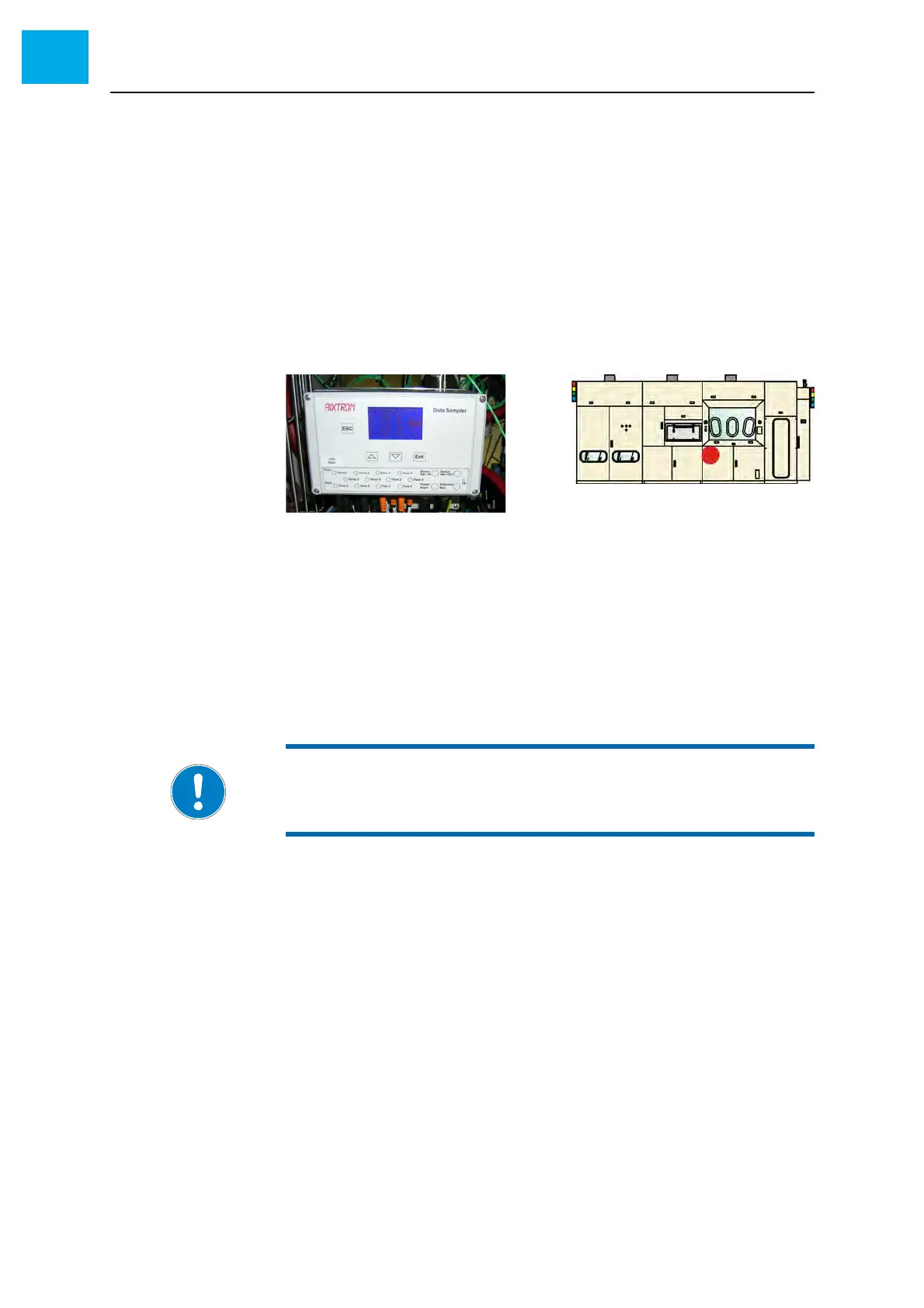
The flow values can be checked at the Data Sampler.
1 Open the reactor cabinet to access the Data Sampler
Fig. 6-40 Data Sampler
Checking the Data
Sampler configu-
ration
2 Check the configuration of the Data Sampler
• All required channels must be activated
Checking the flows 3 Read the flow values in AIXACT or at the Data Sampler
4 Compare the actual flow values with the set values
5 If necessary, correct the flow by means of the corresponding manual
valve
• The valves are labeled
NOTE:
For assignment of the flows refer to the provided water schematic.



 To Next Page