AIXTRON - Dokumentation CONFIDENTIAL 165
6
crius_II_en_00, Edition 06/2010
System Manual Maintenance
CRIUS II Vacuum system
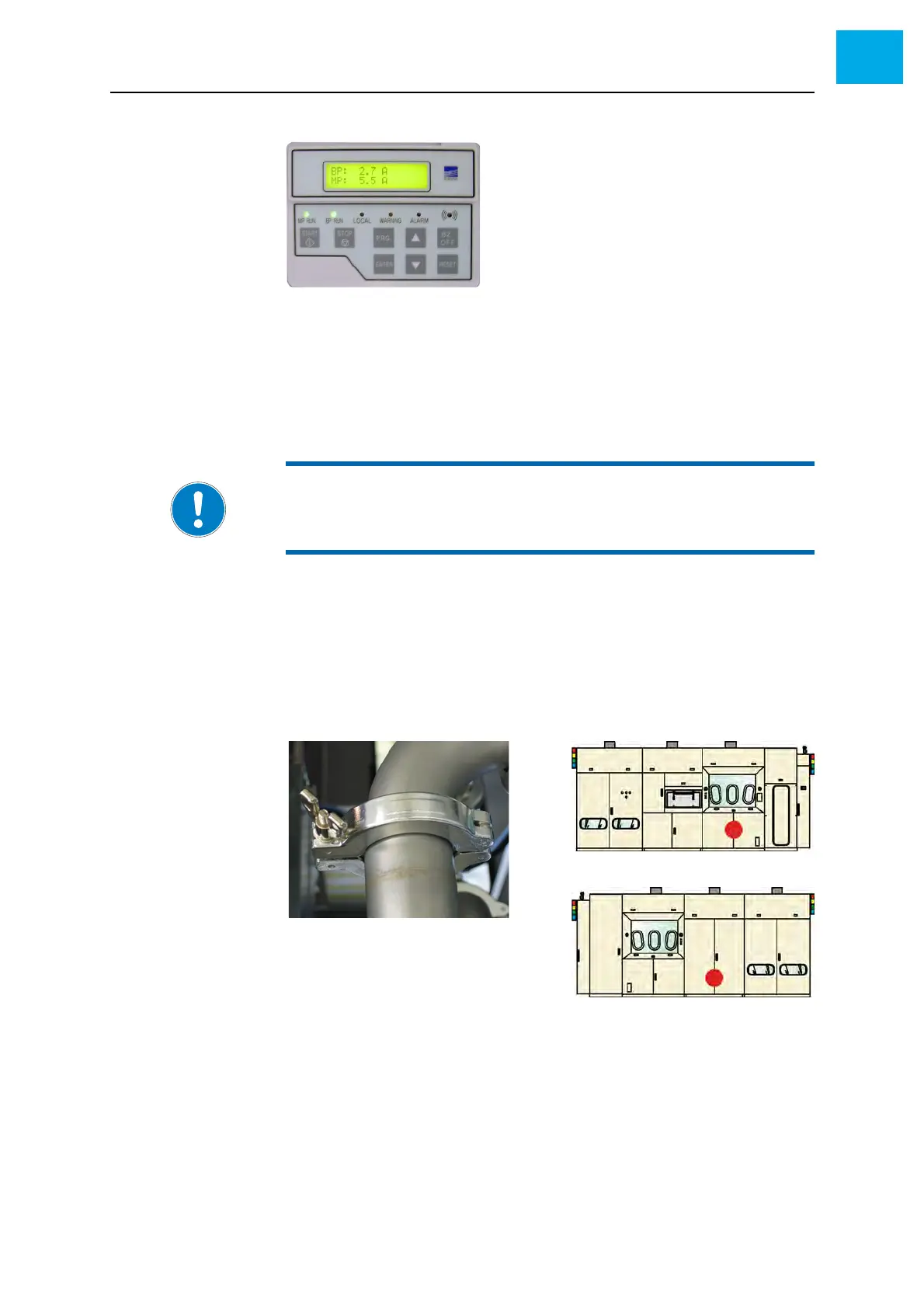
Fig. 6-24 Control panel (example)
2 Check the following values:
• Water flow
• Nitrogen flow
• Operating temperature
3 Adjust the values if necessary
6.11.3 Checking the KF clamps
1 Open the corresponding doors to access the vacuum system
2 Check all KF clamps for correct mounting
3 If necessary, tighten the KF clamps
Fig. 6-25 KF clamps
NOTE:
Wait at least 4 hours after switching the process pump on. Then the
pump has reached the operating temperature and is ready for operation.



 To Next Page