AIXTRON - Dokumentation CONFIDENTIAL 111
5
crius_II_en_00, Edition 06/2010
System Manual Operation
CRIUS II General operating elements
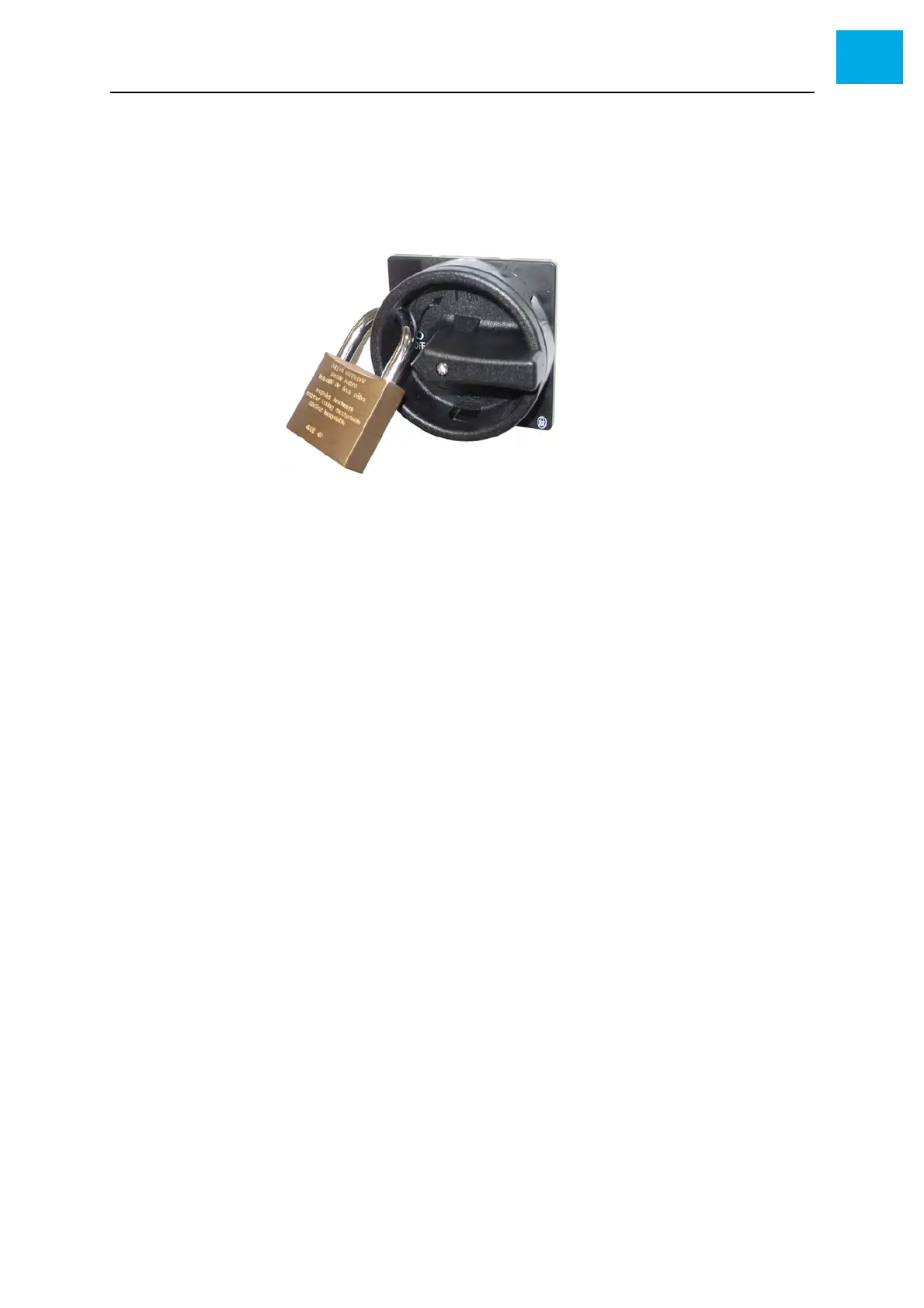
Lockout/Tagout For maintenance and service work, you can lock the main switch in the «O»
position. Proceed as follows to lock out the main switch:
1 Make sure that the main switch is set to the «O» position
2 Lock the main switch using a padlock
Fig. 5-2 Locking the main switch (example)
3 Check to make sure that the switch cannot be moved anymore
For information on the lockout/tagout procedure, refer to Chapter 2.7 Lock-
out/tagout procedure, 38.



 To Next Page