Commissioning B 3
ekrPro Com
60
web guide controller EDV No.: MD.191.01.05/1.6.x Chapter: B 3
with analog sensors Date: 23.11.2007 Page: 60/73
Truth Table Pattern
no. assigned function
29 Tear Out ON
Bitmask
85 74
Ln
Ln
deact.
1
Truth Table Pattern
no. assigned function
30 Keyb.Lock OFF
Bitmask
85 74
Ln
Ln
deact.
0
Truth Table Pattern
no. assigned function
30 Tear Out OFF
Bitmask
85 74
Ln
Ln
deact.
0
Truth Table Pattern
no. assigned function
29 Keyb.Lock ON
Bitmask
85 74
Ln
Ln
deact.
1
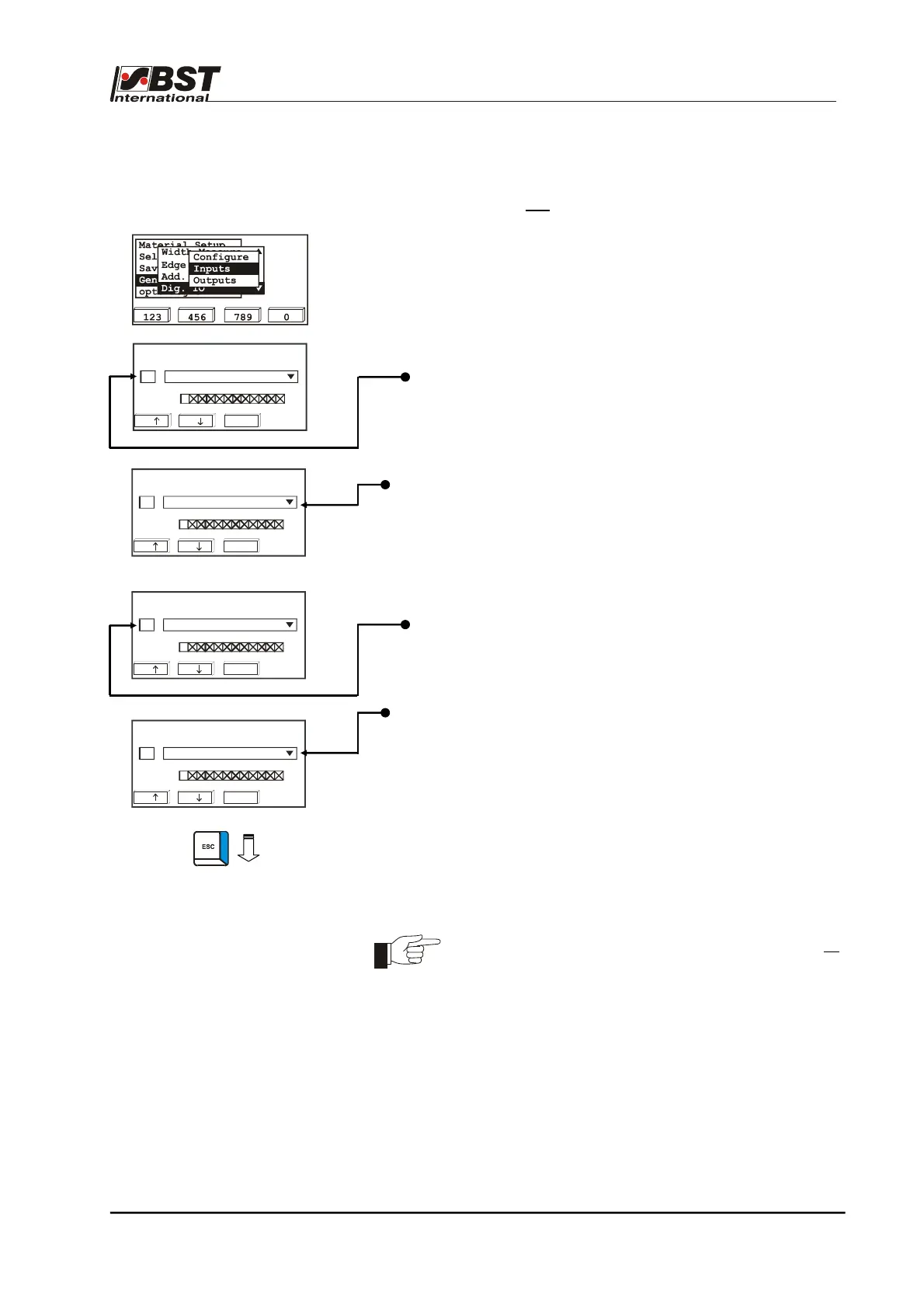
Example 1: The function Tear-off detection is to be assigned to
the digital inputs (lines 29 and 30).
In so doing, the standard bit-pattern for lines 29 and
30 must not
be changed.
1. Select Dig. IO in General Setup and then select the
Inputs sub-directory afterwards.
Confirm the respective selection by pressing ENTER.
2. The digital inputs setting window opens.
3. Use the function keys F1 (next row) or F2 (previous line) to
select the stored truth table.
The option list displays the factory assigned function (Keyb.
Lock ON) for row 29.
4. Select the option list using the horizontal arrow keys and open
by pressing ENTER.
The option list contains all the available functions.
5. Select the function Tear Out ON (tear-off detection ON) using
the vertical arrow keys and press ENTER.
6. Select line 30 using function key F2.
The option list displays the factory assigned function ("Keyb.
Lock OFF) for line 30.
7. Select the option list using the horizontal arrow keys and open
by pressing ENTER.
8. Select the function Tear Out OFF (tear-off detection OFF)
using the vertical arrow keys and press ENTER.
Assignment of the function Tear-off detection to the digital
inputs is now completed.
9. Press the ESC button to exit the window.
By pressing function key F3 (deact.) within the menu, all
bits of the selected bit pattern are set to “1”.



 To Next Page