Troubleshooting Flow Charts
6-2 72A-1589 Rev. C 02/01
D
DD
D
R
RR
R
A
AA
A
F
FF
F
T
TT
T
3
33
3
/
//
/
5
55
5
/
//
/0
00
0
1
11
1
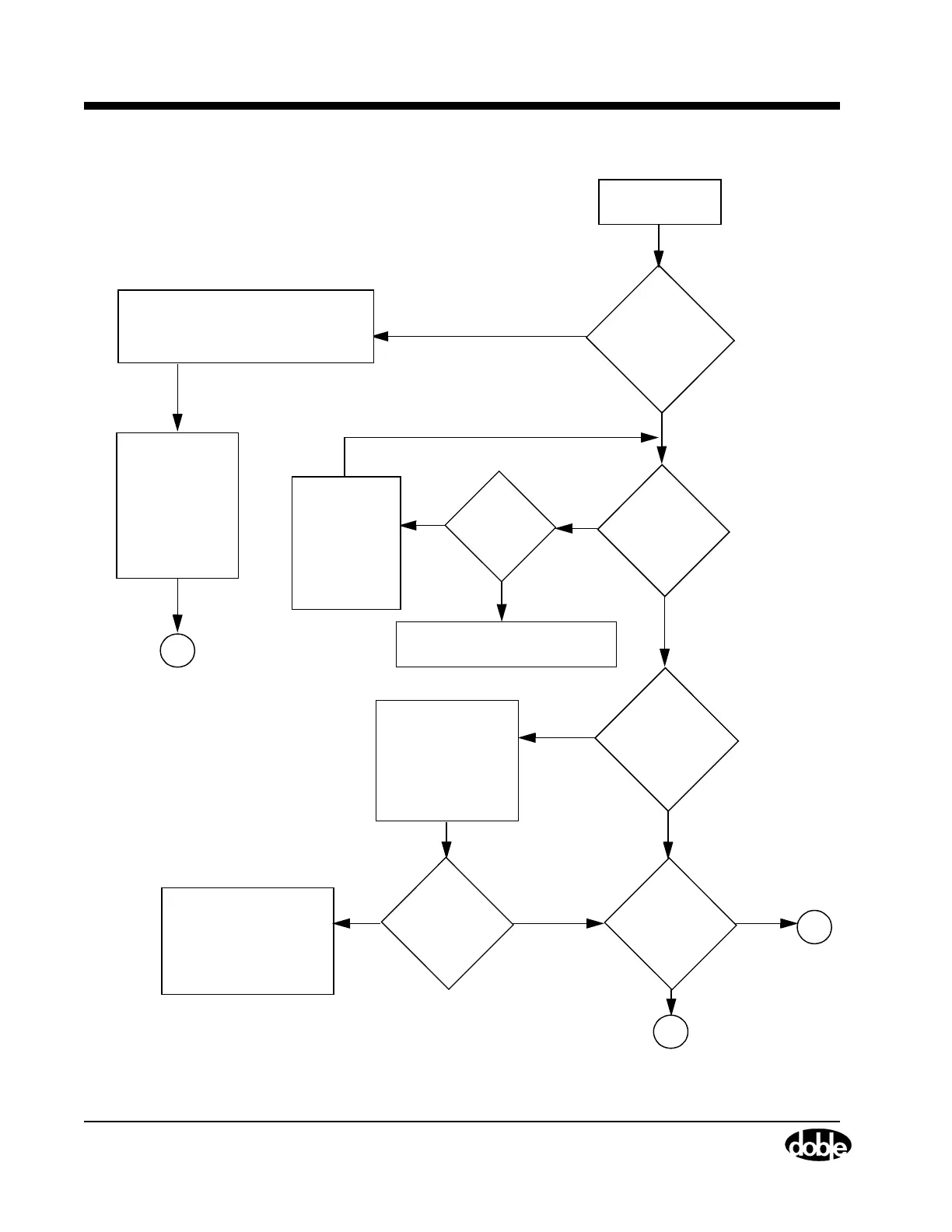
Figure 6.1 Troubleshooting Flow Chart — Part 1
Is PC
Communicating
with F6150?
Are fans
ON at
power up?
Does
one I or V/I
amplifier not
work?
Are
all 4 Fans
off?
C
B
NO
NO
NO
NO
NO
YES
YES
YES
YES
YES
Replace Fan Assembly (see
”Cooling Fans” on page 7-22)
Replace P/S
Assembly
(see ”Circuit
Board
Replacement”
on page 7-17)
Check that the
350V LED is lit.
(see ”Voltage or
Current Amplifier
Board Checks”
on page 6-10)
Replace isolated bad
amplifier
(see ”Circuit Board
Replacement”
on page 7-17)
FIXED
Power Up PC
and F6150
VFD = Vacuum Fluorescent Display
YES
(LED STATUS
Is any 350V
LED OFF?
NO
OK)
Check RS/232 or Ethernet Cable
(see ”Resolving Communications
Problems” on page 6-11)
B
Check the device
setting in Control
Panel / System
Device Manager.
Resolve any
conflicts in Win
95/98.
Cable
OK?
Is the VFD
status OK?



 To Next Page