F6000 Family of Power System Simulators User Guide
72A-1589 Rev. C 02/01 4-13
D
DD
D
R
RR
R
A
AA
A
F
FF
F
T
TT
T
3
33
3
/
//
/
5
55
5
/
//
/0
00
0
1
11
1
Logic and Timer Settings
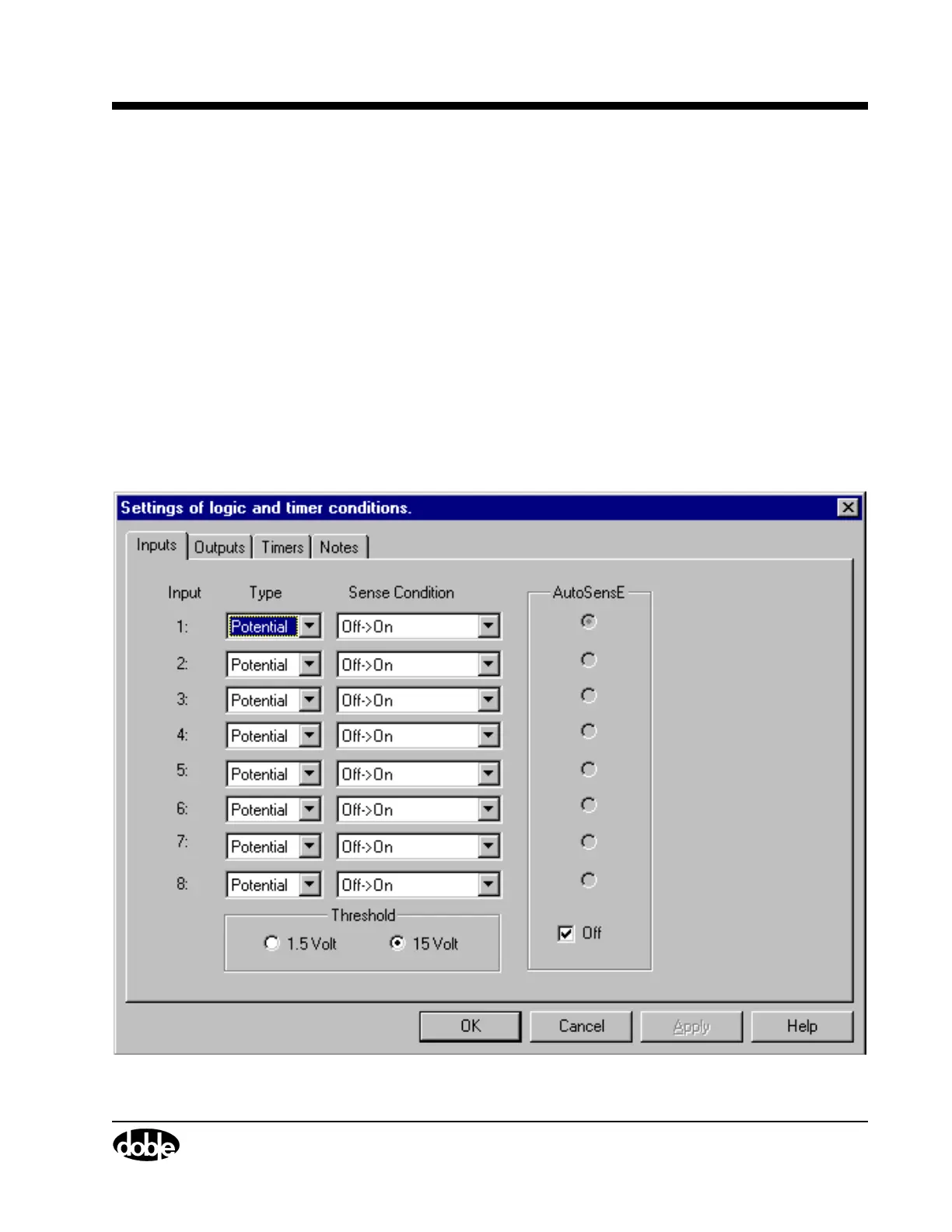
Click Logic/Timer settings... to bring up the Settings display (Figure 4.8).
The Settings display has four tabs:
• Inputs
•Outputs
•Timers
•Notes
Inputs Tab
The Inputs tab (Figure 4.8) contains settings for eight logic inputs, one
for each input terminal on the instrument front panel. The Inputs tab also
contains controls for the AutoSensE and Threshold options.
Figure 4.8 Inputs Tab



 To Next Page