72A-1589 Rev. C 02/01 4-1
D
DD
D
R
RR
R
A
AA
A
F
FF
F
T
TT
T
3
33
3
/
//
/
5
55
5
/
//
/0
00
0
1
11
1
4. Control Panel Operations
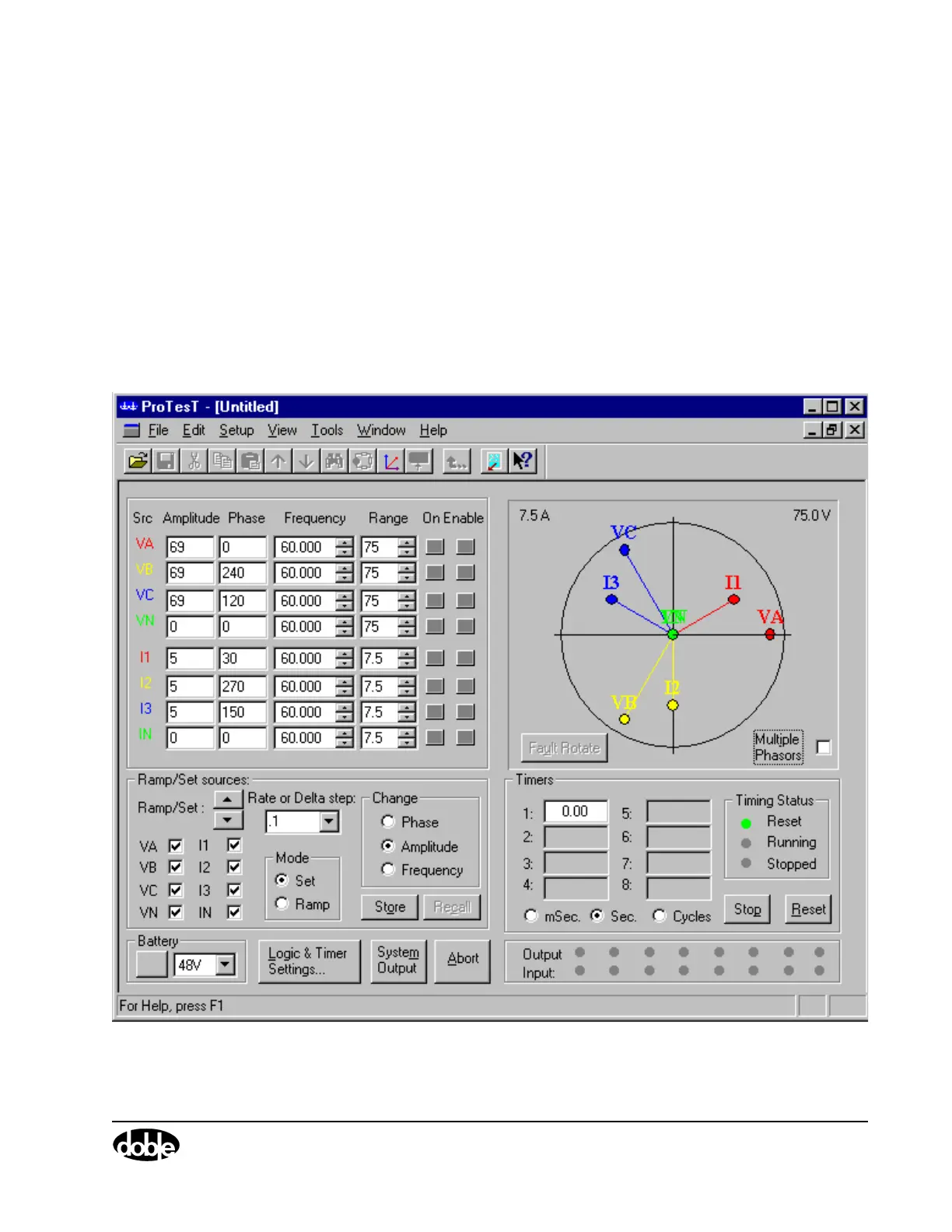
This chapter describes the settings and controls in the F6000 Control
Panel. The F6000 Control Panel is a virtual front panel used for manual
control of F6000 sources. To open the Control Panel, click Tools|F6000
Control Panel in the ProTesT menu bar. The Control Panel opens in
ProTesT (Figure 4.1).
Figure 4.1 F6000 Control Panel



 To Next Page