F6000 Family of Power System Simulators User Guide
72A-1589 Rev. C 02/01 5-13
D
DD
D
R
RR
R
A
AA
A
F
FF
F
T
TT
T
3
33
3
/
//
/
5
55
5
/
//
/0
00
0
1
11
1
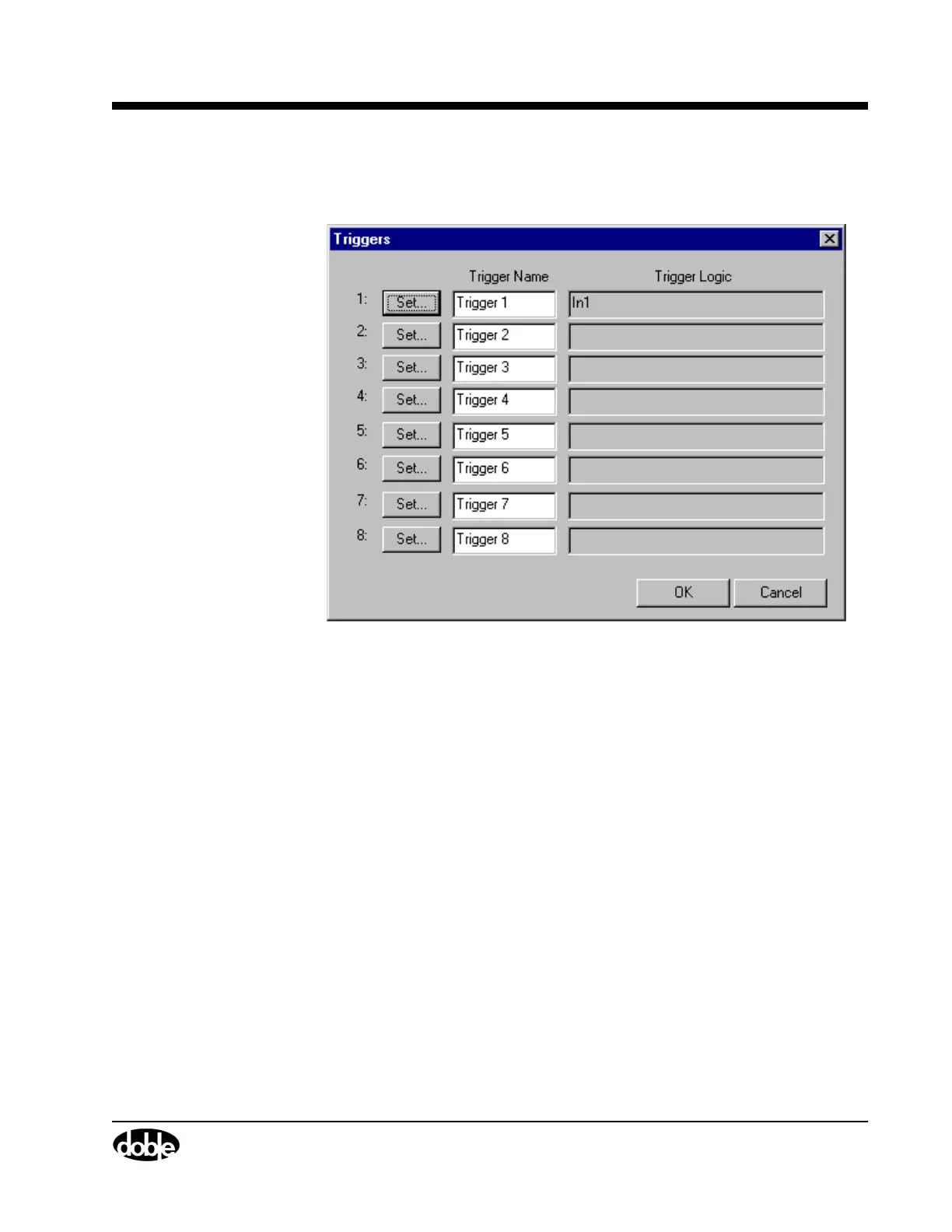
13. Verify that In1 appears in the Trigger Logic column of the Triggers
display (Figure 5.12).
Figure 5.12 Verify Trigger Logic
14. Click OK to close the Triggers display.
The Timers tab of the Settings display is now the active window.
15. In the Set timer conditions section of the Settings display, select I1
from the Start on Source pick list.
Leave the Start condition as Off to On.
16. Select Trigger 1 from the Stop on Source pick list.



 To Next Page