F6000 Family of Power System Simulators User Guide
72A-1589 Rev. C 02/01 2-7
D
DD
D
R
RR
R
A
AA
A
F
FF
F
T
TT
T
2
22
2
/
//
/
1
11
1
5
55
5
/
//
/
0
00
0
1
11
1
Communications
The computer is connected to the instrument via an RS-232 serial port or
an Ethernet communications link.
WARNING Use the Ethernet communications link only with a discrete PC on a
private network. Connecting the F6000 to a local-area or a wide-area
network permits unauthorized control of the test instrument.
To configure ProTesT to communicate using either the serial port or an
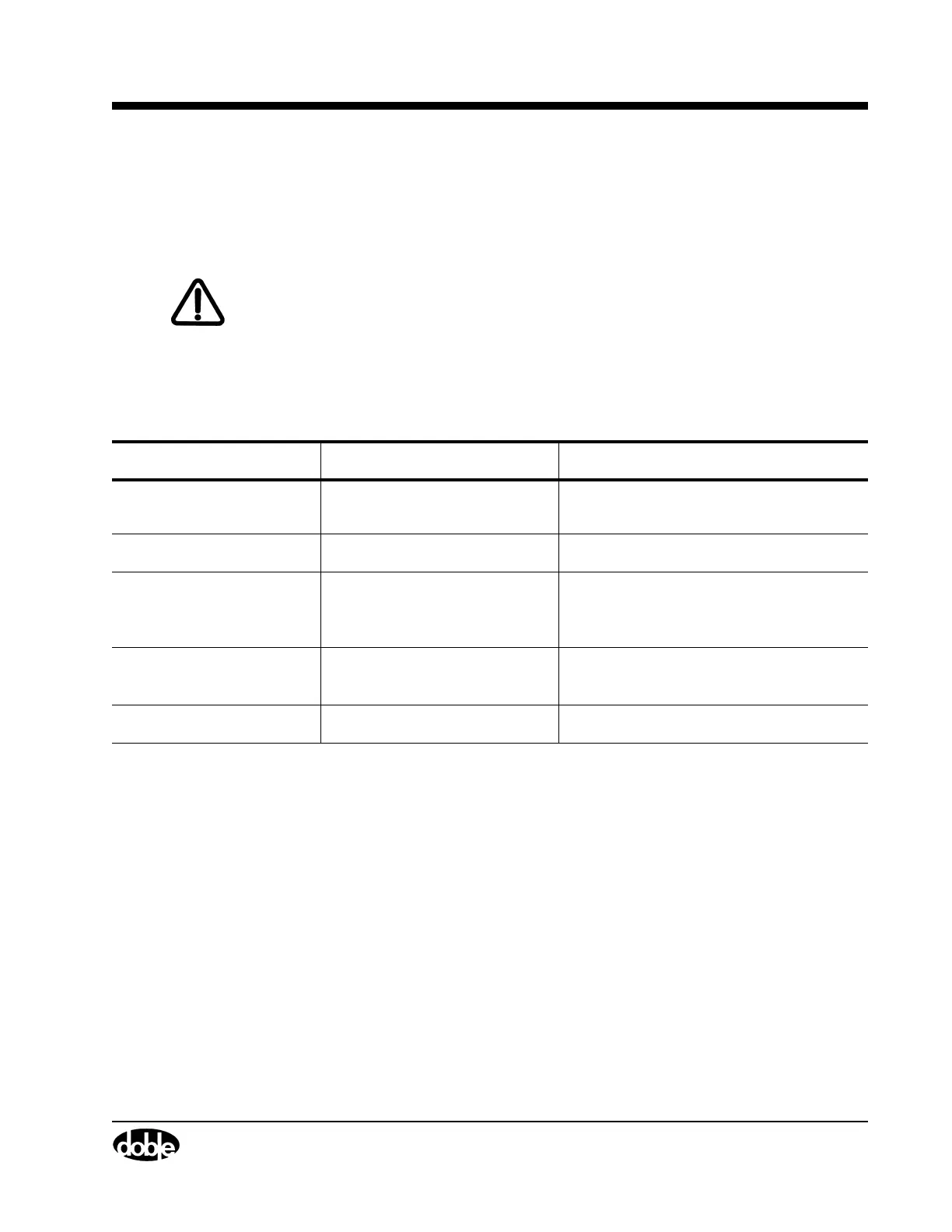
Ethernet connection, see ”Setup Display” on page 3-5. Table 2.2
summarizes the requirements for both serial and Ethernet connections.
The Input/Output & Communication section of the F6150 front panel
also contains a GPS port for use with a Global Positioning System
(see ”Options” on page 1-6). The other ports in this section (SYNC, Low
Level Sources, and Auxiliary Logic I/O) are for future applications.
Logic Outputs
Logic outputs send logic signals from the F6150 Instrument to external
devices. They act as logical relays located in the test equipment. The
F6150 front panel includes eight discrete logic outputs. Each output can
be configured as normally open or normally closed. Use the F6000
Control Panel software to configure and control the logic outputs.
Table 2.2 Requirements for Serial and Ethernet Connections
Serial Connection Ethernet Connection
F6000 Instrument
9 pin female connector
(labeled PC RS-232)
BNC connector (labeled NETWORK)
Computer
Serial port Network card with BNC adapter
Cable
RS-232 cable Coaxial Ethernet cable with
BNC connectors and 50 Ohm end
terminators
Communication Setup
(in ProTesT)
COMX (COM1 by default) IP address (10.1.3.1 by default)
Baud Rate (in ProTesT)
57600 bps N/A



 To Next Page