F6000 Family of Power System Simulators User Guide
72A-1589 Rev. C 02/01 3-11
D
DD
D
R
RR
R
A
AA
A
F
FF
F
T
TT
T
3
33
3
/
//
/
5
55
5
/
//
/0
00
0
1
11
1
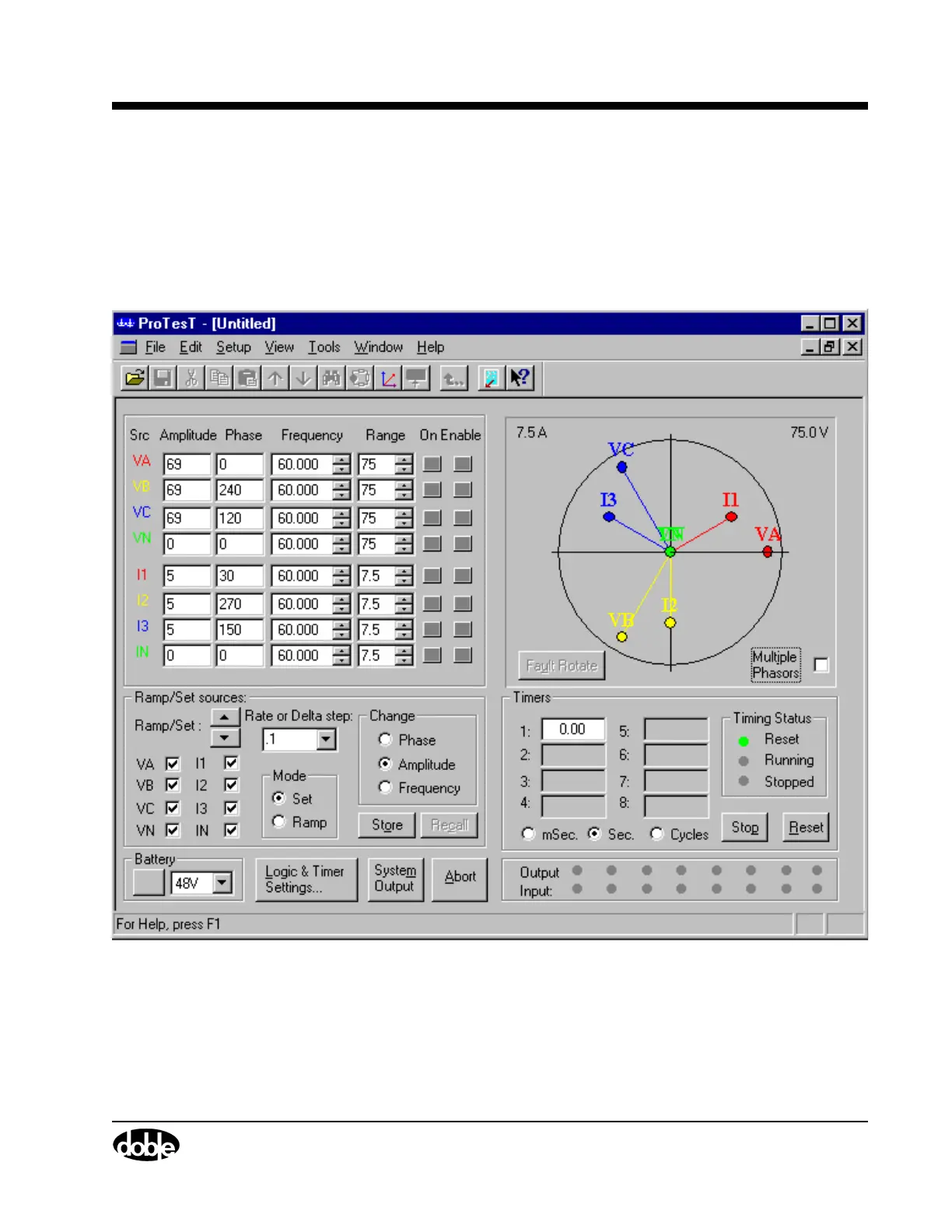
F6000 Control Panel
The F6000 Control Panel (Figure 3.6) contains all of the functions and
controls needed to conduct tests with the F6000 Instrument. To open the
F6000 Control Panel, click Tools|F6000 Control Panel in the ProTesT
menu bar. Chapter 4 describes the F6000 Control Panel settings in detail.
Figure 3.6 F6000 Control Panel



 To Next Page