Fault Rotate
4-10 72A-1589 Rev. C 02/01
D
DD
D
R
RR
R
A
AA
A
F
FF
F
T
TT
T
3
33
3
/
//
/
5
55
5
/
//
/0
00
0
1
11
1
Fault Rotate
Click Fault Rotate to rotate a fault from phase to phase without rewiring
the instrument front panel or relay under test. See Chapter 5 ”Basic Test
Procedures”, for an example of how Fault Rotate works.
Fault Rotate works only if the following conditions are met:
• The source configuration must be 3 Voltages and 3 Currents,
or 3 Voltages and 1 Current. (See ”Pre-set Configurations”
on page 3-10 or see Appendix C ”Source Configurations”.)
• All voltage sources must be on the same range.
• All current sources must be on the same range.
The Fault Rotate button in the phasor diagram is grayed out if one or
more of these conditions is not met.
Use a simple A-to-ground fault to try the Fault Rotate procedure. To
simulate the fault, the voltage VA drops and the current I1 goes up. For
this example, VA = 40 V and I1 = 10 A (Table 4.2).
When the fault is rotated, the fault in A goes to B, the settings in phase B
go to C, and the settings in C go to A:
A
→
B
B
→
C
C
→
A
When the fault is rotated, VB = 40 V and I2 = 10 A. Rotated again,
VC = 40 V and I3 = 10 A (Table 4.2). Both the source table and the
phasor diagram reflect these changes.
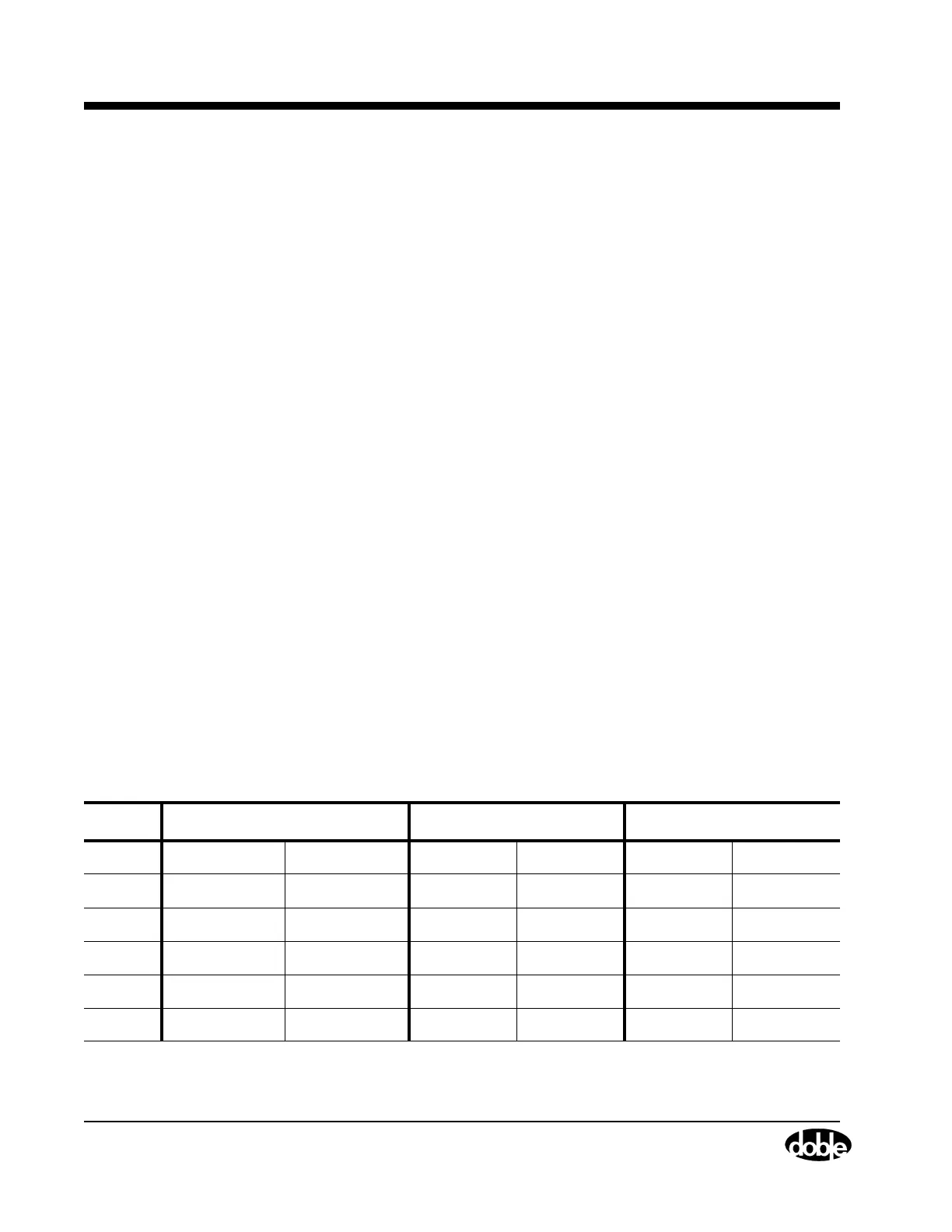
Table 4.2 Rotation of a Phase-to-Ground Fault
Source Initial Setup: Fault in Phase A Fault Rotated to Phase B Fault Rotated to Phase C
VA 40 V 0° 69 V 120° 69 V 240°
VB 69 V 240° 40 V 0° 69 V 120°
VC 69 V 120° 69 V 240° 40 V 0°
I1 10 A 330° 0 A 90° 0 A 210°
I2 0 A 210° 10 A 330° 0 A 90°
I3 0 A 90° 0 A 210° 10 A 330°



 To Next Page