F6000 Family of Power System Simulators User Guide
72A-1589 Rev. C 02/01 4-15
D
DD
D
R
RR
R
A
AA
A
F
FF
F
T
TT
T
3
33
3
/
//
/
5
55
5
/
//
/0
00
0
1
11
1
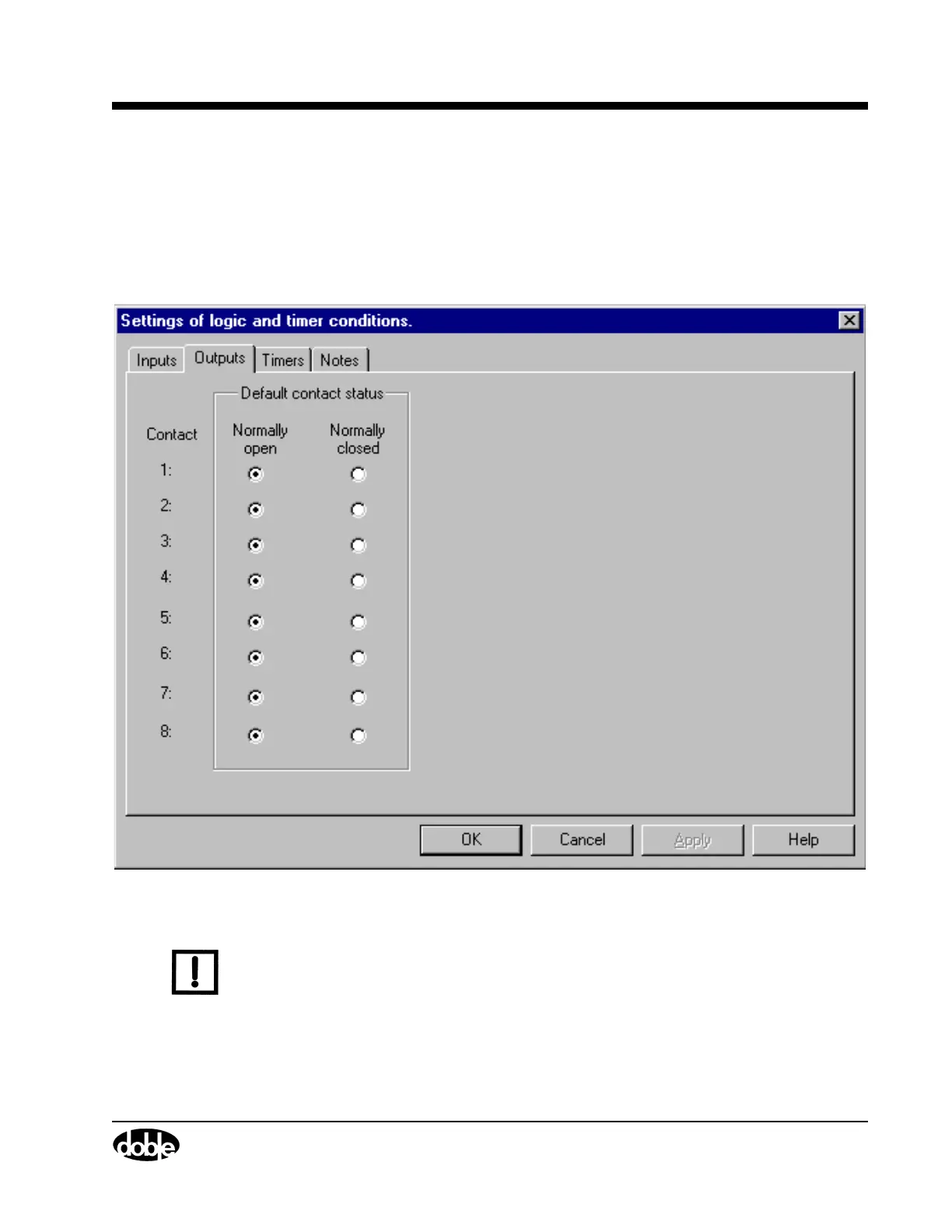
Outputs Tab
The Outputs tab (Figure 4.9) sets the default contact status for each of the
eight logic outputs on the instrument front panel. Normally open is the
default contact status for all eight logic outputs in the Outputs tab. Click
the desired radio button for each output.
Figure 4.9 Outputs Tab
N
OTE
The logic outputs change state with the status of their mapped output
sources. See ”Input and Output Indicators” on page 4-26.



 To Next Page