F6000 Family of Power System Simulators User Guide
72A-1589 Rev. C 02/01 4-23
D
DD
D
R
RR
R
A
AA
A
F
FF
F
T
TT
T
3
33
3
/
//
/
5
55
5
/
//
/0
00
0
1
11
1
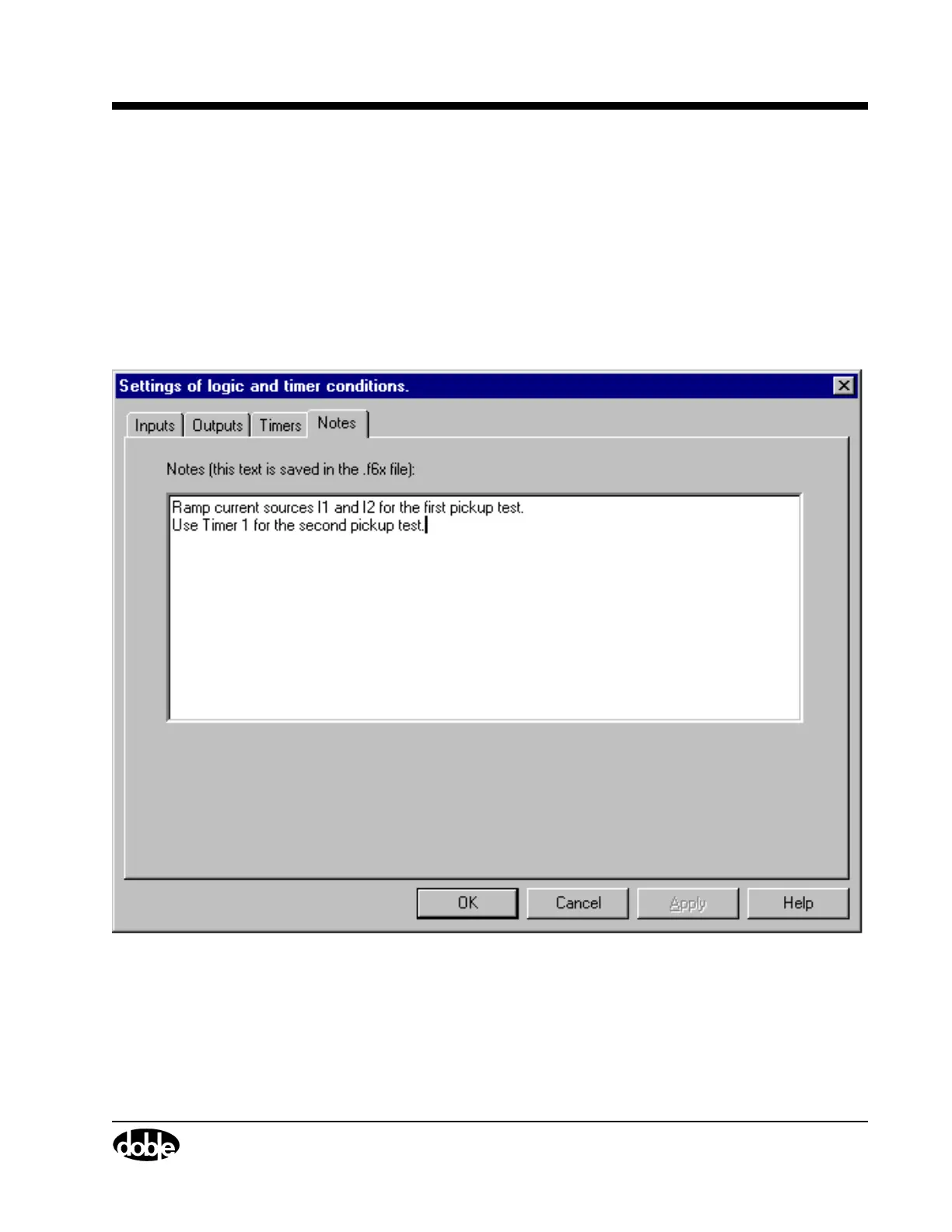
Notes Tab
Use the Notes tab (Figure 4.15) to document any part of a test setup
or test procedure by typing in text. For example, the Notes tab can be
used to record timer conditions in the Timers tab, triggers defined in the
Triggers display, or the reasons for key settings. When in simulator mode,
the settings for a test can be entered, saved, and sent to a technician in
the field. The field technician can then use the information in the Notes
tab to set up and conduct the test.
Figure 4.15 Notes Tab



 To Next Page