F6000 Family of Power System Simulators User Guide
72A-1589 Rev. C 02/01 C-5
D
DD
D
R
RR
R
A
AA
A
F
FF
F
T
TT
T
3
33
3
/
//
/
5
55
5
/
//
/0
00
0
1
11
1
Pre-set Configurations
To configure the sources on the instrument front panel independently of
the preset options, select User defined from the Pre-set Configurations
pick list in the F6000 Configuration display (Figure 3.4 on page 3-7). The
list of preset configurations contains thirteen options:
• User Defined
• 3 Voltages and 3 Currents
• 3 Voltages and 3 Transient Currents
• 4 Voltages and 4 Currents
• 6 Currents (right bank)
• 1 Voltage and 2 Low Range Currents
• 1 Voltage 150 VA and 1 Current 450 VA
• 4 Voltages and 4 Transient Currents
• 6 Voltages
• 6 Low Range Currents
• 6 Low Range Transients
• 6 Transient Currents
• 1 Voltage and 2 Low Range Transients
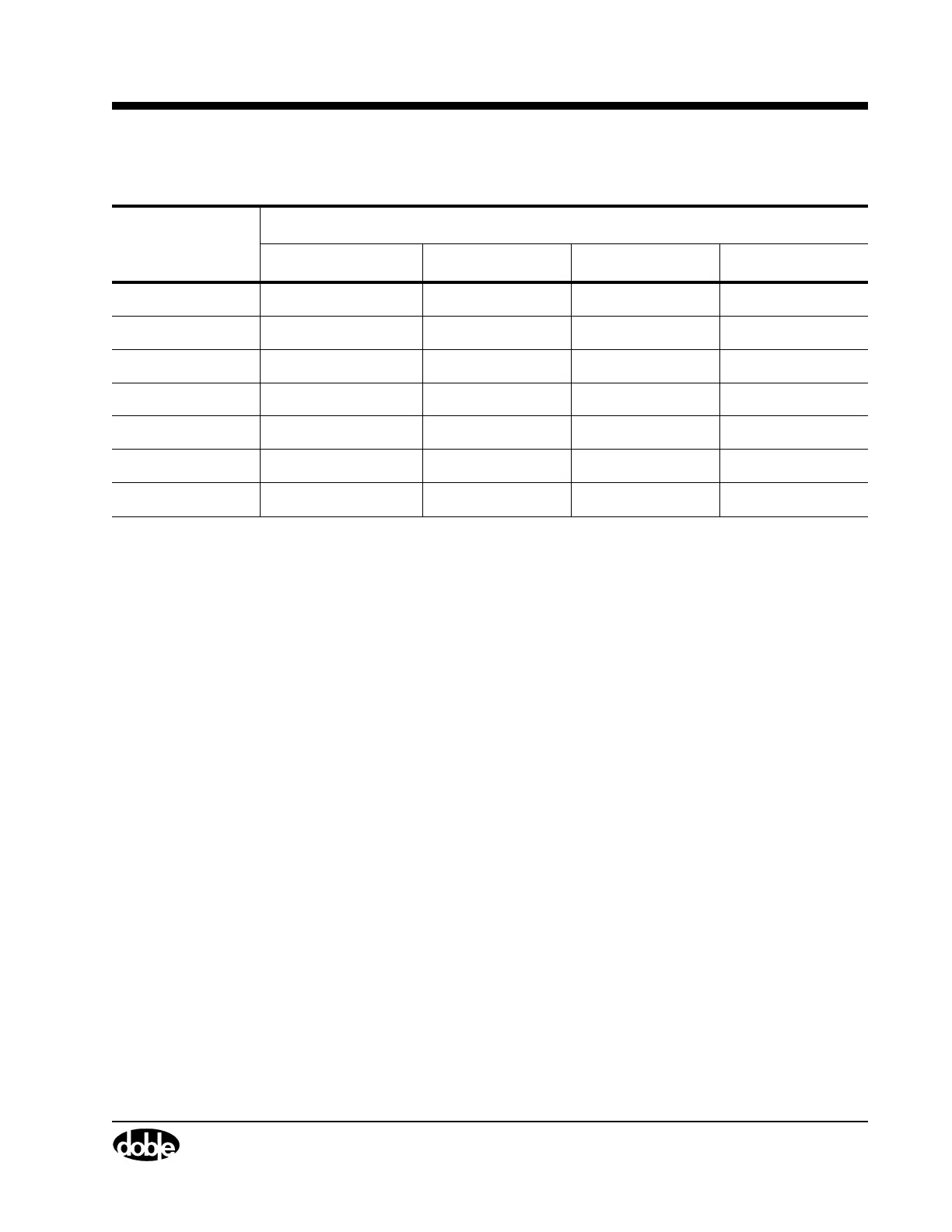
Table C.4 Maximum Compliance Voltage for Transient Current Source Combinations
Maximum Compliance Voltage
Current Range 112.5 VA Source 225 VA Source 450 VA Source 675 VA Source
15 A 7.5 V 15 V 30 V 45 V
30 A 3.75 V 7.5 V 15 V 22.5 V
45 A — — — 15 V
60 A — 3.75 V 7.5 V —
90 A — — — 7.5 V
120 A — — 3.75 V —
180 A — — — 3.75 V



 To Next Page