F6000 Family of Power System Simulators User Guide
72A-1589 Rev. C 02/01 7-19
D
DD
D
R
RR
R
A
AA
A
F
FF
F
T
TT
T
3
33
3
/
//
/
5
55
5
/
//
/0
00
0
1
11
1
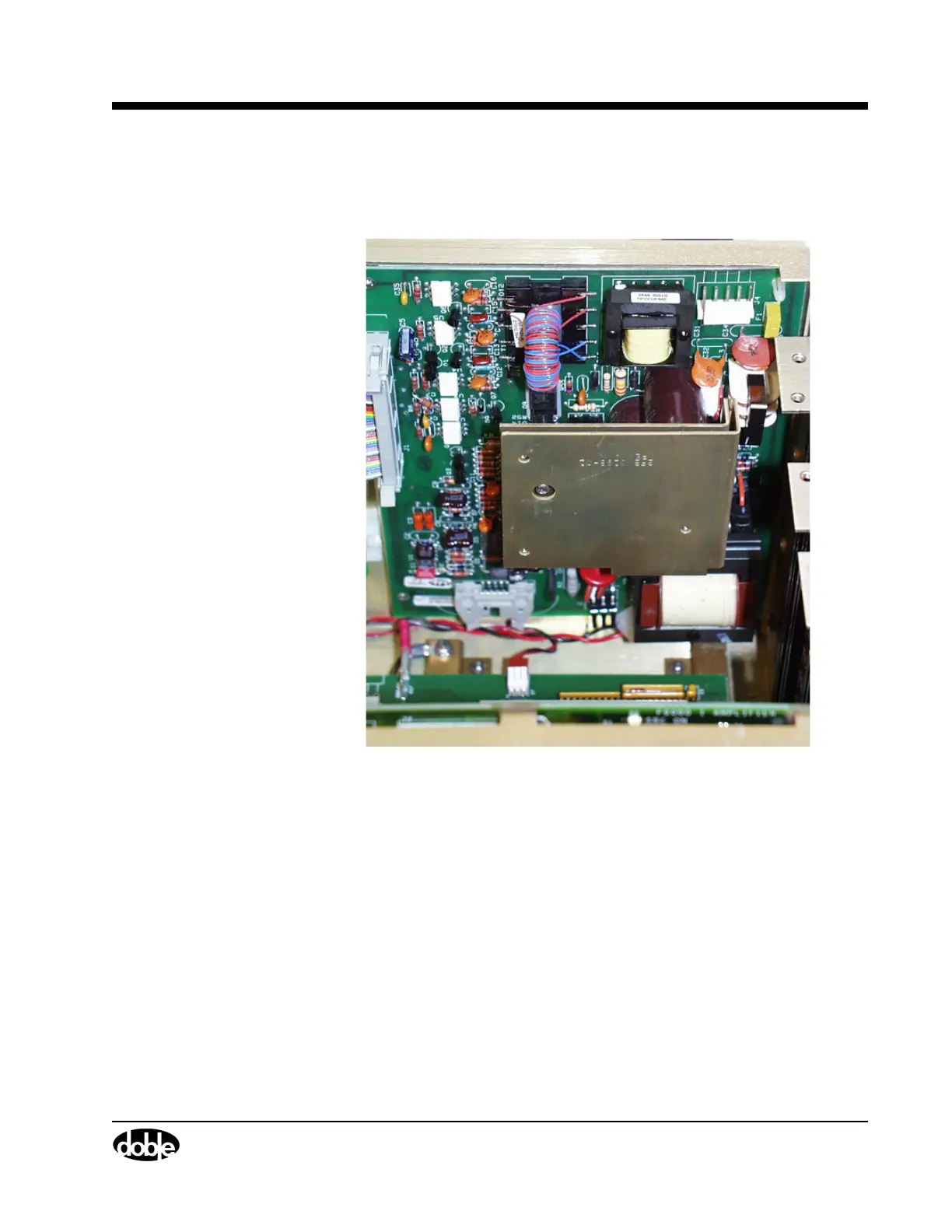
Battery Simulator
The battery simulator is at the back of the F6150 (Figure 7.11).
Figure 7.11 Battery Simulator Mounted at the Back of the Instrument
To remove the battery simulator, perform the following procedure:
1. Turn the instrument off.
2. Remove the power cord.
3. Remove the instrument cover.
4. Remove the capture rail.
5. Remove the power supply circuit board from slot 11.
6. Disconnect wire W16 from the power supply.
Use PIC00002a.tif on page 17.



 To Next Page