F6000 Family of Power System Simulators User Guide
72A-1589 Rev. C 02/01 7-3
D
DD
D
R
RR
R
A
AA
A
F
FF
F
T
TT
T
3
33
3
/
//
/
5
55
5
/
//
/0
00
0
1
11
1
To remove the instrument cover:
1. Turn the instrument off.
2. Remove the power cord.
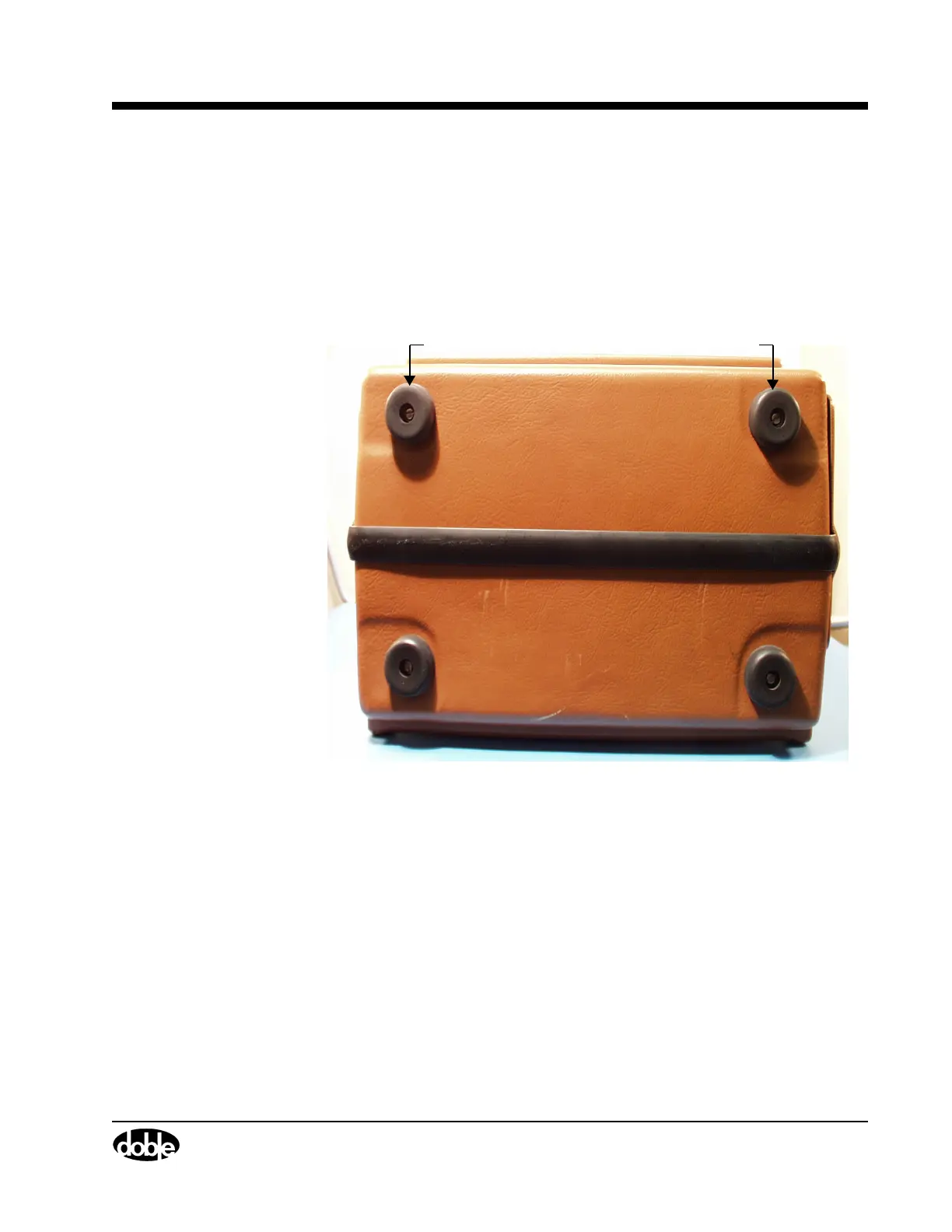
3. Use a flat head screwdriver to remove the top two rubber feet from
the back of the instrument (Figure 7.2).
Figure 7.2 Rubber Feet at the Back of the Instrument
To remove the cover,
remove the top two rubber feet.



 To Next Page