Remove the Instrument Cover
7-4 72A-1589 Rev. C 02/01
D
DD
D
R
RR
R
A
AA
A
F
FF
F
T
TT
T
3
33
3
/
//
/
5
55
5
/
//
/0
00
0
1
11
1
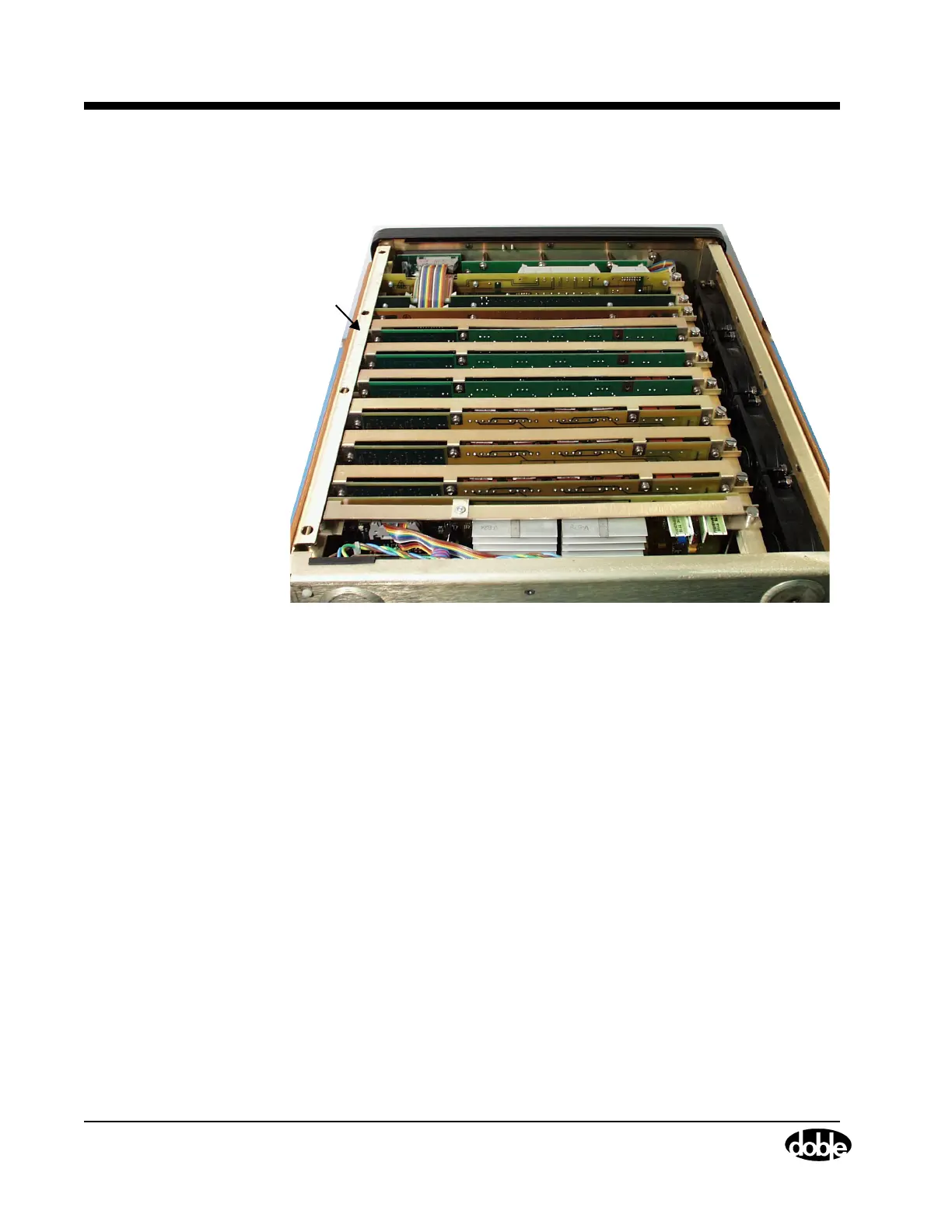
4. Remove the cover to expose the circuit boards and other components
inside the instrument (Figure 7.3).
Figure 7.3 Instrument Rear with Cover Removed
5. Use a Phillips head screwdriver to remove the screws on the side of
the capture rail.
6. Use a flat head screwdriver to remove the four screws on top of the
capture rail.
7. Remove the capture rail.
8. Re-seat the circuit boards and ribbon cables to make sure all the
connections are firm.
Capture
Rail



 To Next Page