Communications Parameters
A-4 72A-1589 Rev. C 02/01
D
DD
D
R
RR
R
A
AA
A
F
FF
F
T
TT
T
2
22
2
/
//
/
2
22
2
0
00
0
/
//
/
0
00
0
1
11
1
To make the settings in the Set Communications Parameters display the
default settings for future firmware updates, save them in the ProTest INI
file. To do so:
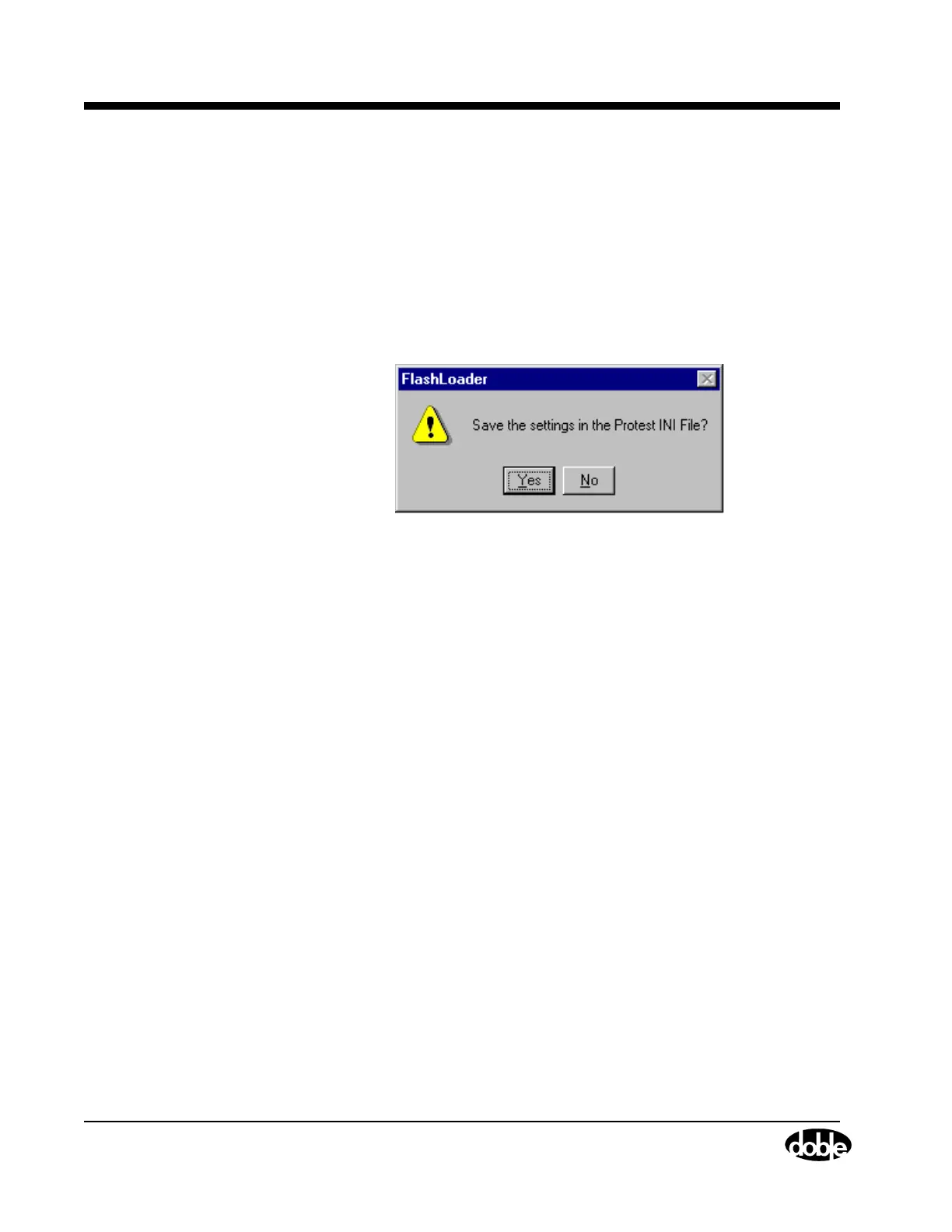
1. Click Save Settings.
The FlashLoader dialog box appears (Figure A.3).
2. Click Yes to save the settings in the INI file.
The FlashLoader dialog box closes.
Figure A.3 Save Communications Settings
The Flash Loader normally updates the FLASH by communicating with
the application that is already in the FLASH. The link is made using either
serial or Ethernet communication. If there is no valid application in the
FLASH, the loader updates the FLASH by communicating with the boot
loader that is already in the FLASH. In this case, the update can only be
done using serial communication.



 To Next Page