F6000 Family of Power System Simulators User Guide
72A-1589 Rev. C 02/01 3-7
D
DD
D
R
RR
R
A
AA
A
F
FF
F
T
TT
T
3
33
3
/
//
/
5
55
5
/
//
/0
00
0
1
11
1
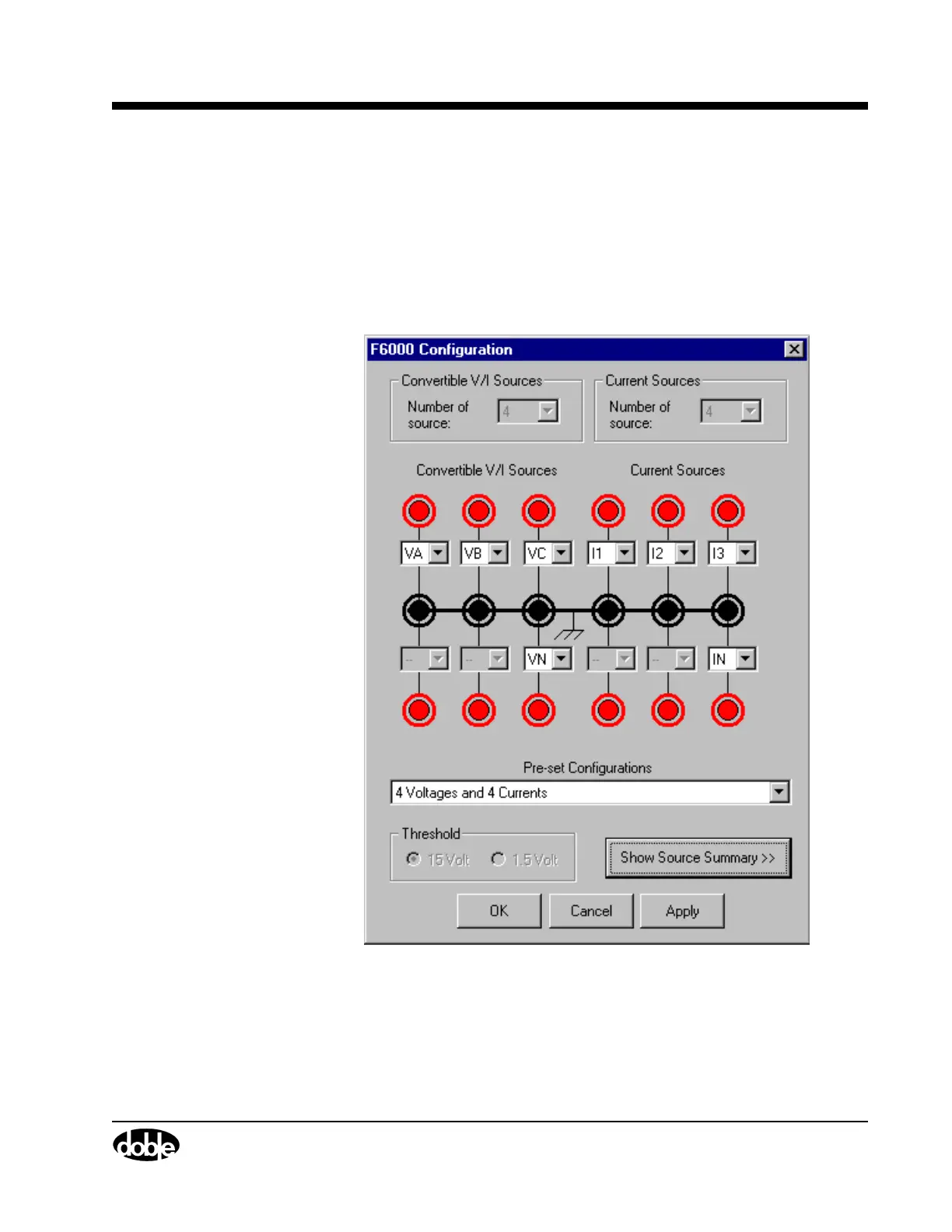
F6000 Configuration
The F6000 sources can be placed in a number of configurations to suit
test requirements. Configure these sources via the F6000 Configuration
display:
1. Click Tools|F6000 Configuration in the ProTesT menu bar to open
the F6000 Configuration display (Figure 3.4).
Figure 3.4 Configuration Display



 To Next Page