Battery Simulator
4-28 72A-1589 Rev. C 02/01
D
DD
D
R
RR
R
A
AA
A
F
FF
F
T
TT
T
3
33
3
/
//
/
5
55
5
/
//
/0
00
0
1
11
1
Battery Simulator
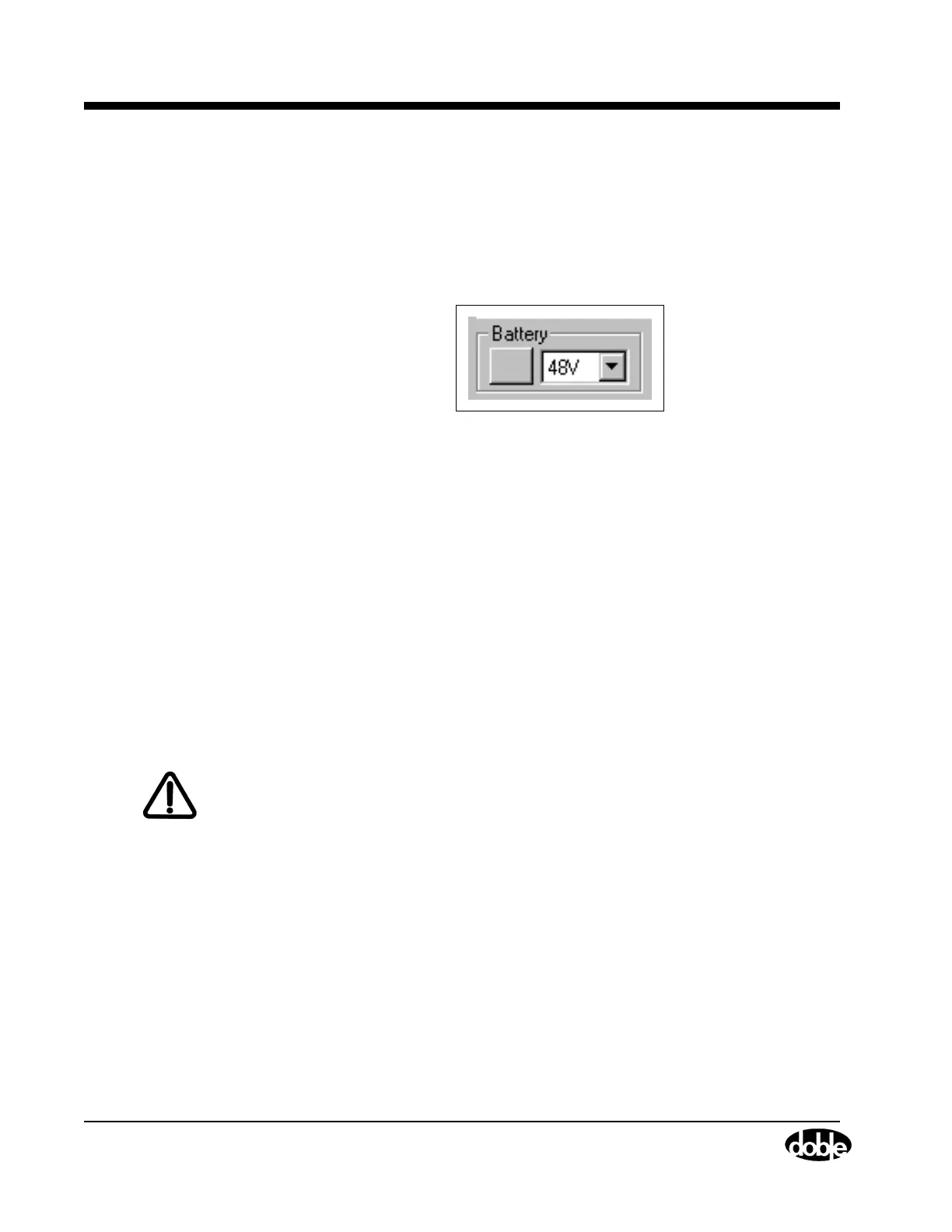
Locate the Battery section (Figure 4.21) in the lower left-hand corner of
the Control Panel. If the test protocol requires a DC voltage supply, use
the pick list under Battery to set the voltage of the source. The options on
the list are: 48 V, 125 V, and 250 V DC.
Figure 4.21 Battery Section
Click the button to the left of the pick list to toggle the battery simulator
on and off. The battery simulator has the following operating
characteristics:
• When using the F6000 Control Panel, the battery simulator
provides continuous output while the user conducts tests or
changes logic and timer configurations.
• When using ProTesT test plans, the battery simulator provides
continuous output when either the F6000 Control Panel or the
F6000 Configuration display is selected, or when a third party
application external to ProTesT is run.
• The battery simulator switches off if ProTesT is shut down or if
communication with the F6000 Instrument is lost.
WARNING Care should be taken when using the battery simulator as it is capable
of up to 250 V DC at 60 Watts.



 To Next Page