F6000 Family of Power System Simulators User Guide
72A-1589 Rev. C 02/01 4-5
D
DD
D
R
RR
R
A
AA
A
F
FF
F
T
TT
T
3
33
3
/
//
/
5
55
5
/
//
/0
00
0
1
11
1
The default color for System Output, On, and Enable buttons is gray.
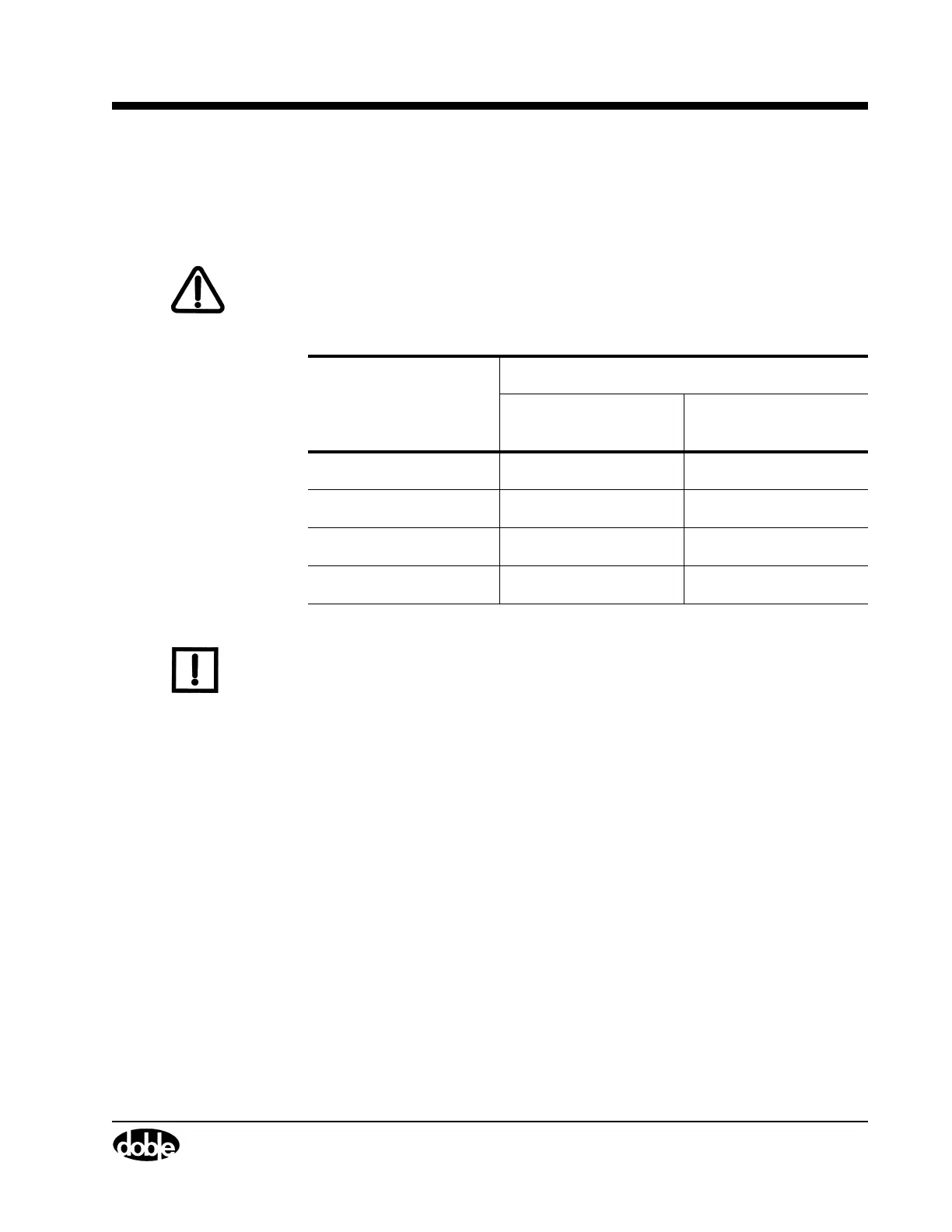
Table 4.1 summarizes the panel indications associated with all three
indicators.
WARNING The high intensity yellow LED flashes when the battery simulator or any
output source is enabled or on to indicate the potential for dangerous or
fatal voltages.
N
OTE
To turn off all active sources during a test, click Abort. Clicking Abort in
the Control Panel does not turn off the battery simulator.
Table 4.1 Indications for Activated Sources
Method of Source Activation
Click On
Click Enable, then
click System Output
On Button Color
Red Gray
Enable Button Color
Gray Green
System Output Color
Blinking Red Steady Red
Abort Button Color
Red Red



 To Next Page