Conduct the Test
5-26 72A-1589 Rev. C 02/01
D
DD
D
R
RR
R
A
AA
A
F
FF
F
T
TT
T
3
33
3
/
//
/
5
55
5
/
//
/0
00
0
1
11
1
Conduct the Test
WARNING The high intensity yellow LED flashes when any output source or the
battery simulator is enabled or on to indicate the potential for
dangerous or fatal voltages.
13. Click the On button for voltage sources VA, VB, and VC.
14. Click the Enable button for current sources I1, I2, and I3.
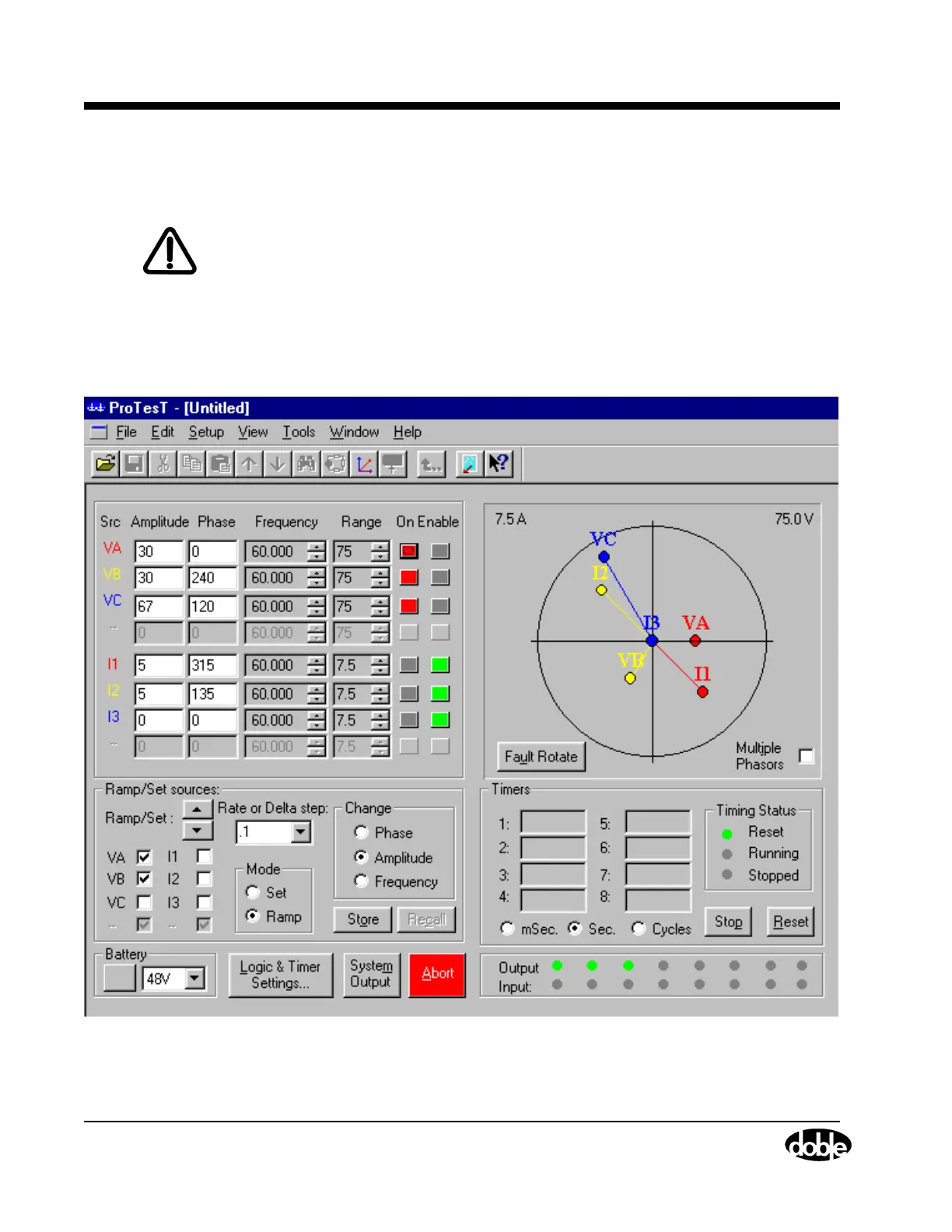
Figure 5.22 shows the Control Panel settings required for the reach
test.
Figure 5.22 Control Panel Settings for the Reach Test



 To Next Page