Configure the Control PC
B-4 72A-1589 Rev. C 02/01
D
DD
D
R
RR
R
A
AA
A
F
FF
F
T
TT
T
3
33
3
/
//
/
5
55
5
/
//
/0
00
0
1
11
1
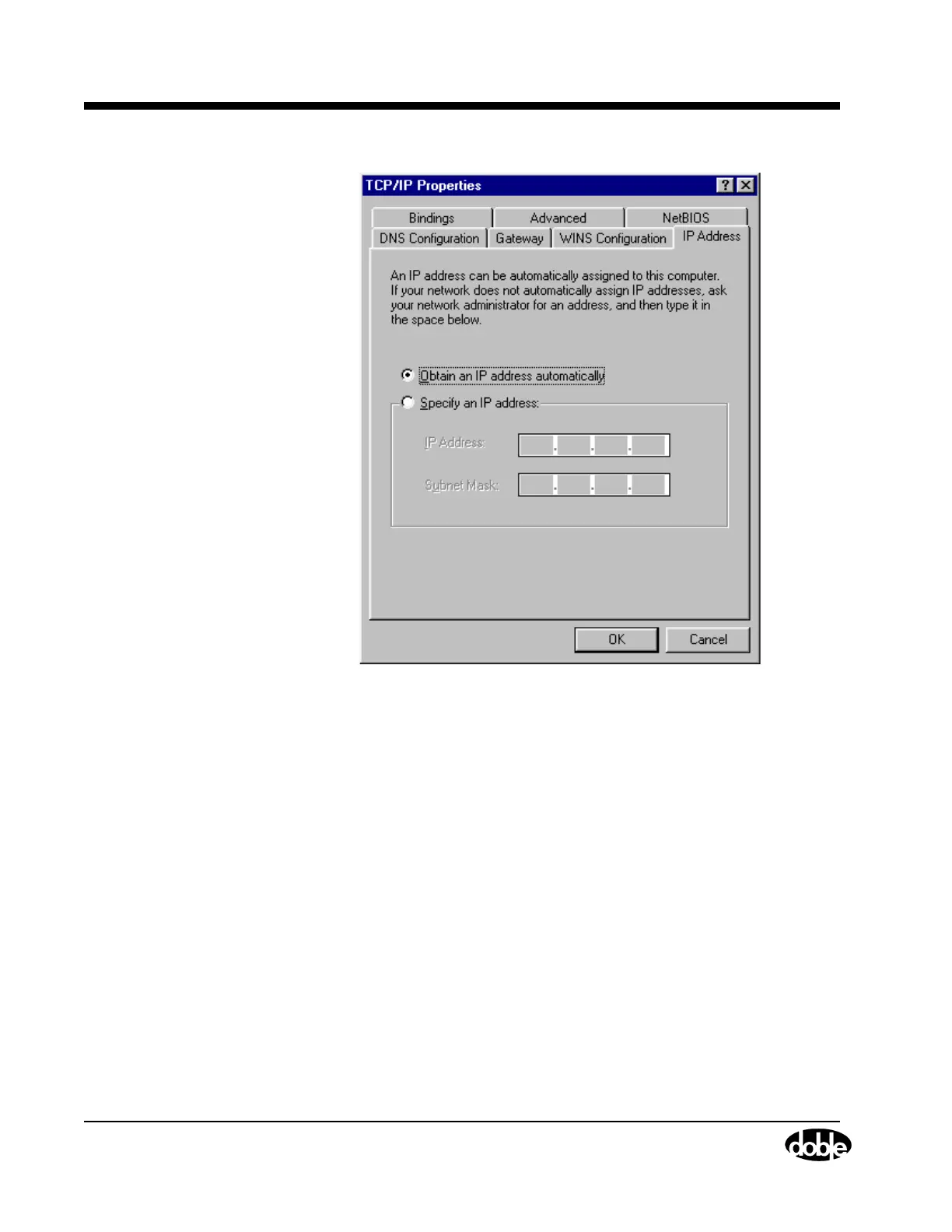
Figure B.3 TCP/IP Properties
4. Click the IP Address tab in the TCP/IP Properties dialog box.
5. Select the radio button for Specify an IP address.
The IP Address and Subnet Mask fields become available.
6. In the IP Address field, enter an IP address close to, but different from
the IP address that is displayed on the F6150 after it is turned on.
7. Enter the subnet mask in the Subnet Mask field (Figure B.4).



 To Next Page