F6000 Family of Power System Simulators User Guide
72A-1589 Rev. C 02/01 5-19
D
DD
D
R
RR
R
A
AA
A
F
FF
F
T
TT
T
3
33
3
/
//
/
5
55
5
/
//
/0
00
0
1
11
1
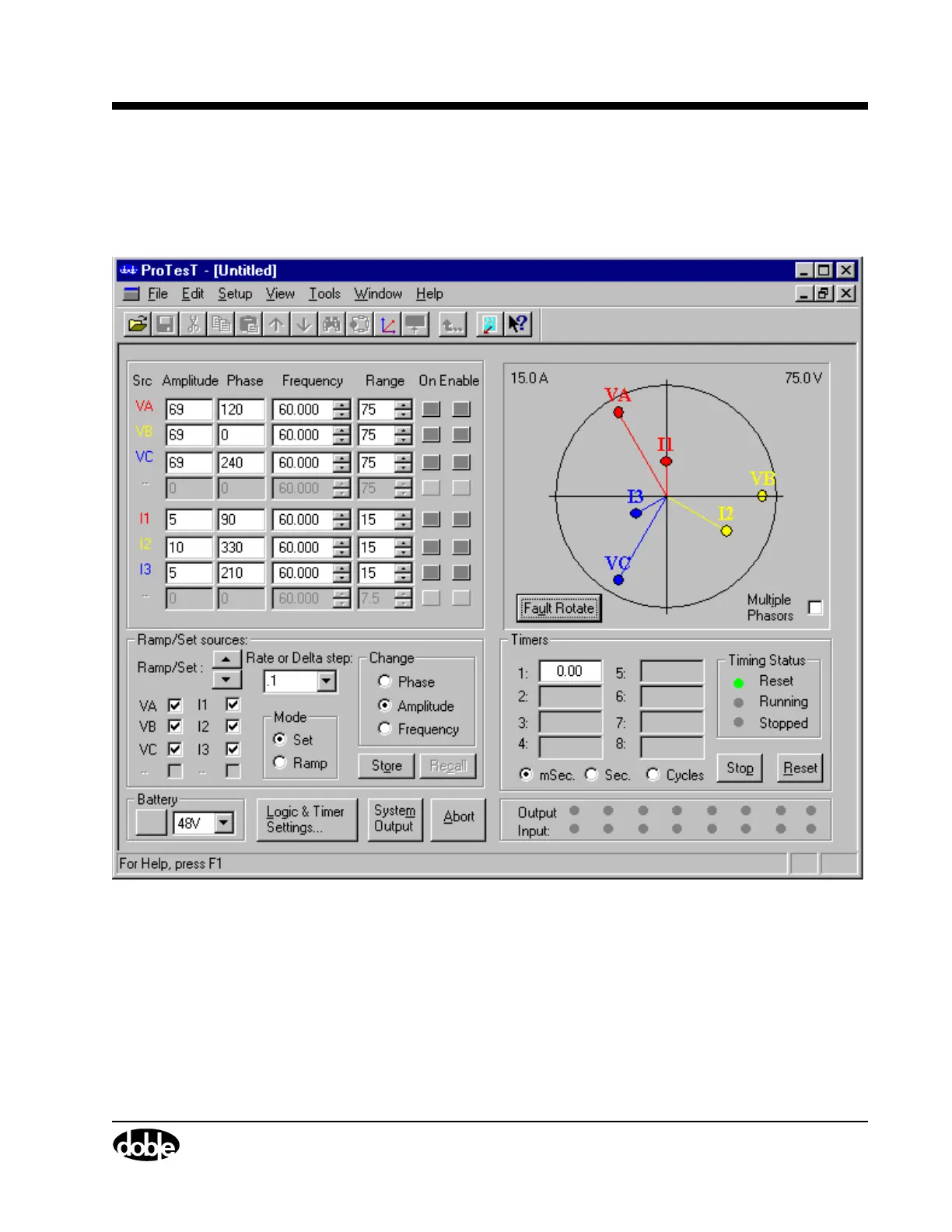
9. Click Fault Rotate to go to the second fault configuration.
The overcurrent fault rotates to current source I2 in the source table
(Figure 5.16).
Figure 5.16 Fault Rotated to I2
10. Click System Output to turn the current sources on.
When the relay responds, the indicator light for Input 1 turns red.
11. Click System Output to turn the current sources off.



 To Next Page