Cooling Fans
7-22 72A-1589 Rev. C 02/01
D
DD
D
R
RR
R
A
AA
A
F
FF
F
T
TT
T
3
33
3
/
//
/
5
55
5
/
//
/0
00
0
1
11
1
Cooling Fans
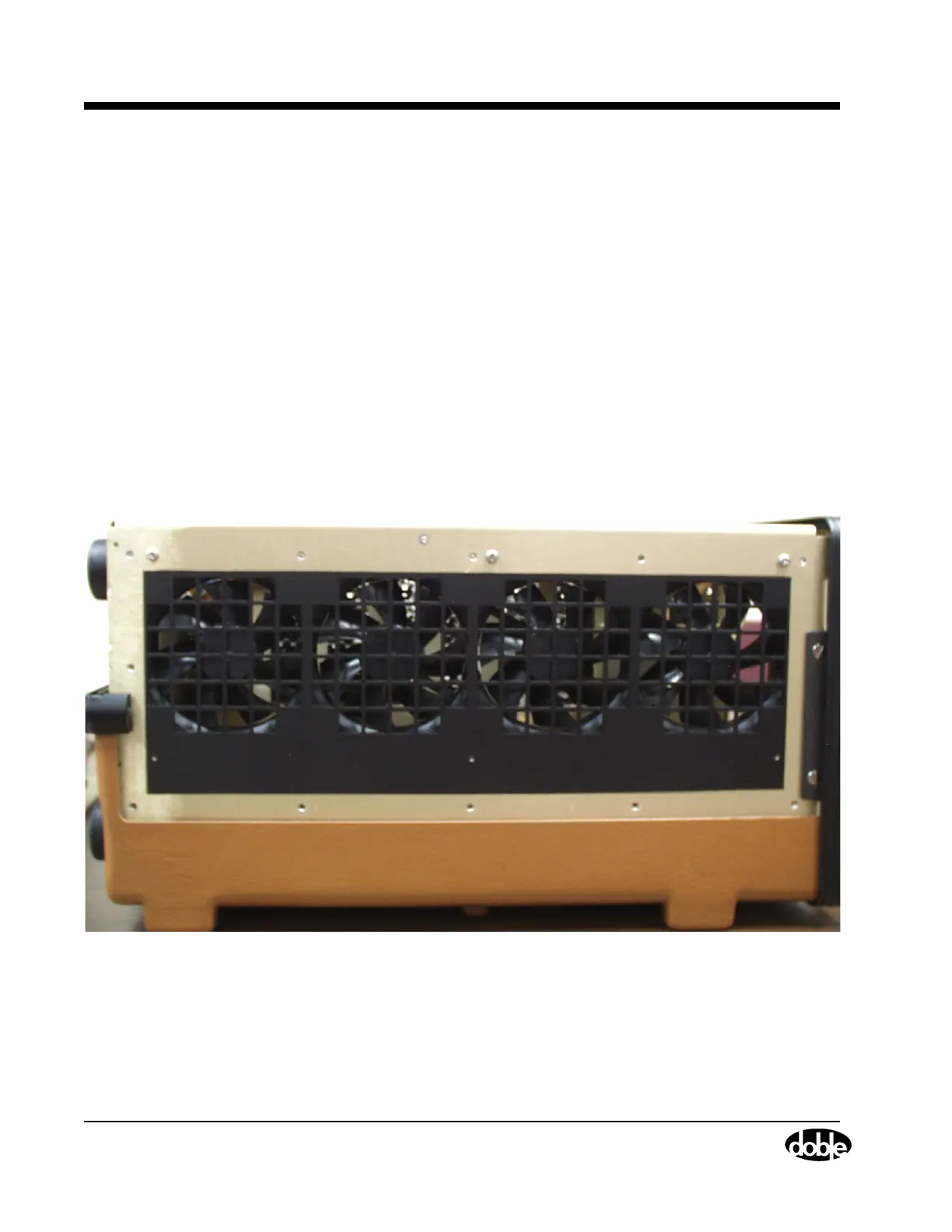
The cooling fans are located on the left side of the instrument.
Perform the following procedure to replace a cooling fan:
1. Turn the instrument off.
2. Remove the power cord.
3. Remove the instrument cover.
4. Remove the eleven hex-head screws from the left side of the
instrument.
5. Remove the side frame and protective screen from the side of the
instrument.
6. Remove the three Phillips head screws above the fans from the
instrument chassis (Figure 7.14).
Figure 7.14 Side View of the Instrument Before Removal of Cooling Fans
7. Remove the two Phillips head screws that hold the top retaining
bracket in place.



 To Next Page